BANTER LOGISTIK RED BLOOD
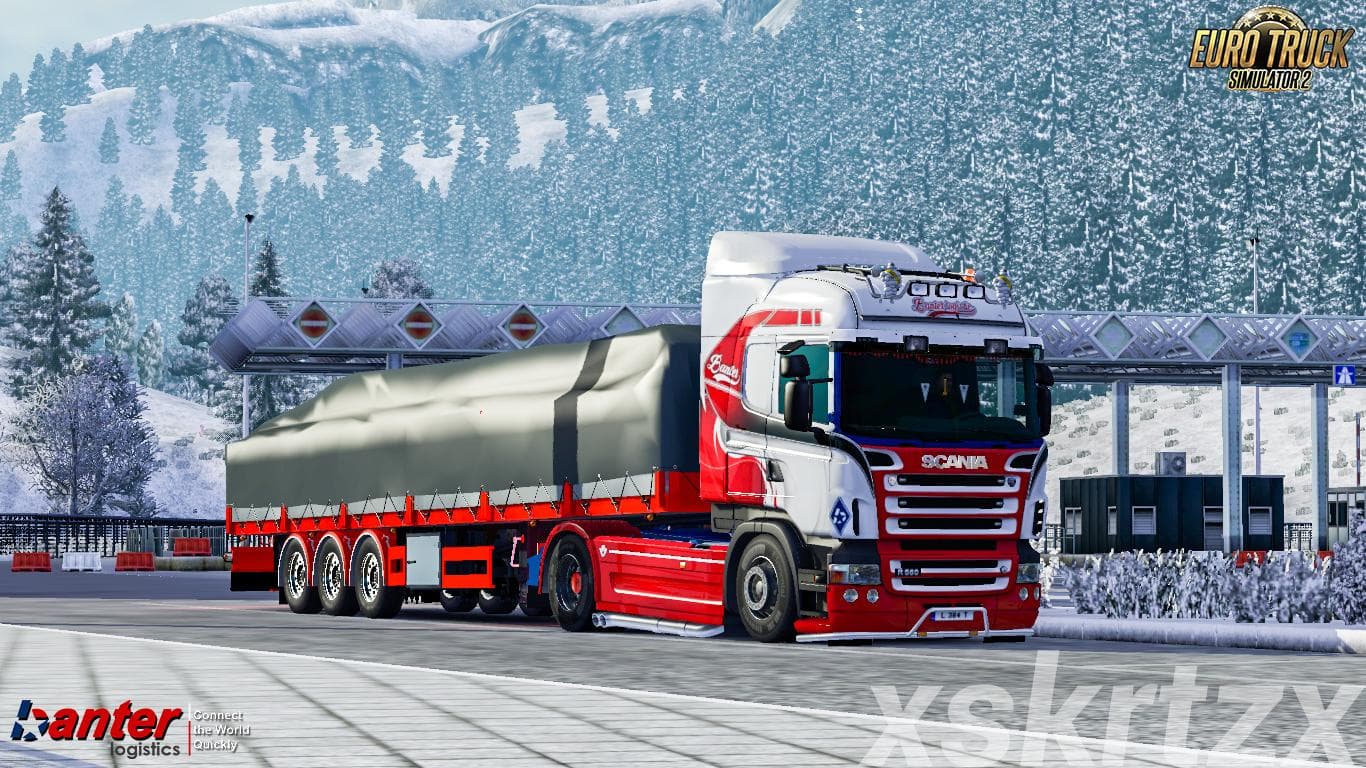
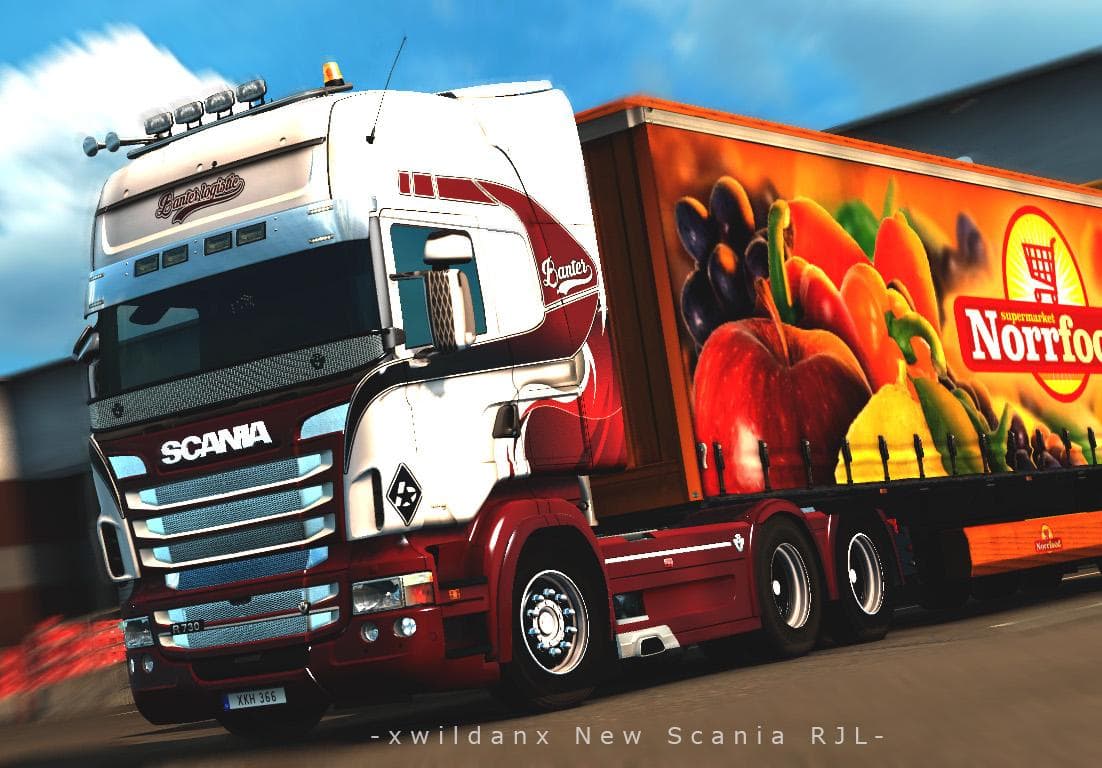
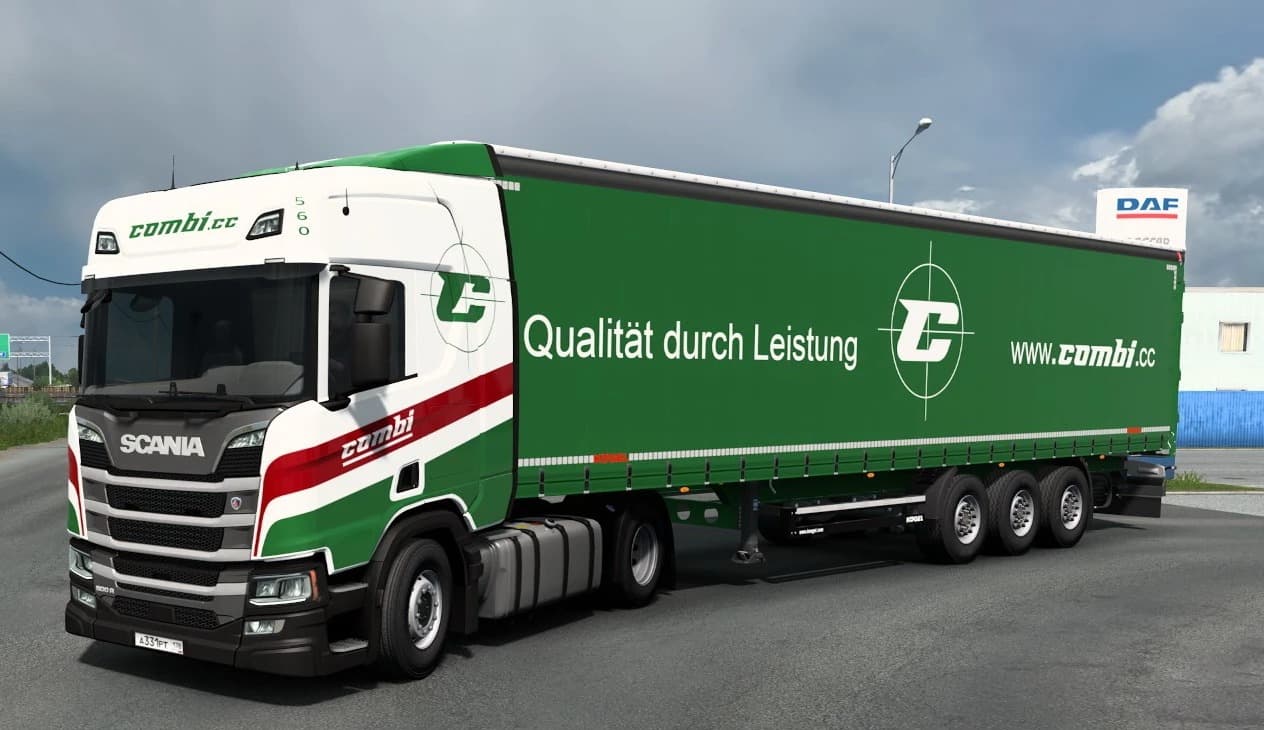
The "BANTER LOGISTIK RED BLOOD" mod is a skin for Scania RJL trucks in Euro Truck Simulator 2. Created by Euro truck simulator 2, this skin is a must-have for f
BANTER LOGISTIK RED BLOOD is a skin mod designed for the Scania RJL series 5 and 6 trucks in Euro Truck Simulator 2. Instead of altering the truck's model or performance, this mod provides a fresh paint job that changes the vehicle's appearance while retaining its original shape and features. Skin mods like this one are typically applied through the game's paint shop, requiring the base truck model—in this case, the SCANIA RJL mod—to be installed and active.
Skin mods serve as a straightforward way to personalize your trucking experience without affecting gameplay mechanics. They repaint an existing truck or trailer, giving it a new look that can match your style or fleet theme. Since BANTER LOGISTIK RED BLOOD targets a specific truck series, it fits neatly into setups where users have already incorporated the SCANIA RJL mod, making it ideal for players who enjoy detailed customization.
When it comes to compatibility, skin mods generally don’t conflict with other types of mods because they only alter visual textures. However, they depend entirely on having the correct base model installed first; otherwise, the skin won’t appear in-game. Load order usually places skins after model mods so that textures apply correctly over the base vehicle design.
This particular skin would appeal to players who prefer their Scania trucks to sport unique liveries that reflect specific transport companies or personal preferences. It’s also useful for those building themed convoys or fleets that want consistent branding across all their vehicles without modifying game performance.
Overall, if you’re running a modded ETS2 setup with SCANIA RJL trucks and want to expand your collection of custom paints, BANTER LOGISTIK RED BLOOD offers another option to diversify how your rig looks on European roads.
How to install
1. Download the .scs file. 2. Drop it into `Documents/Euro Truck Simulator 2/mod/`. 3. Enable in Mod Manager. 4. Apply the skin in the truck/trailer paint shop.
After the mod loads, save your game inside a safe area (parking lot or service) before deciding whether to keep it. If the game refuses to load with the mod enabled, check that all required DLCs are installed and that the supported ETS2 version chips on this page include your installed game patch.
Reviews
No ratings yetNo reviews yet — be the first to rate this mod.