AUDI RS4 UPDATED
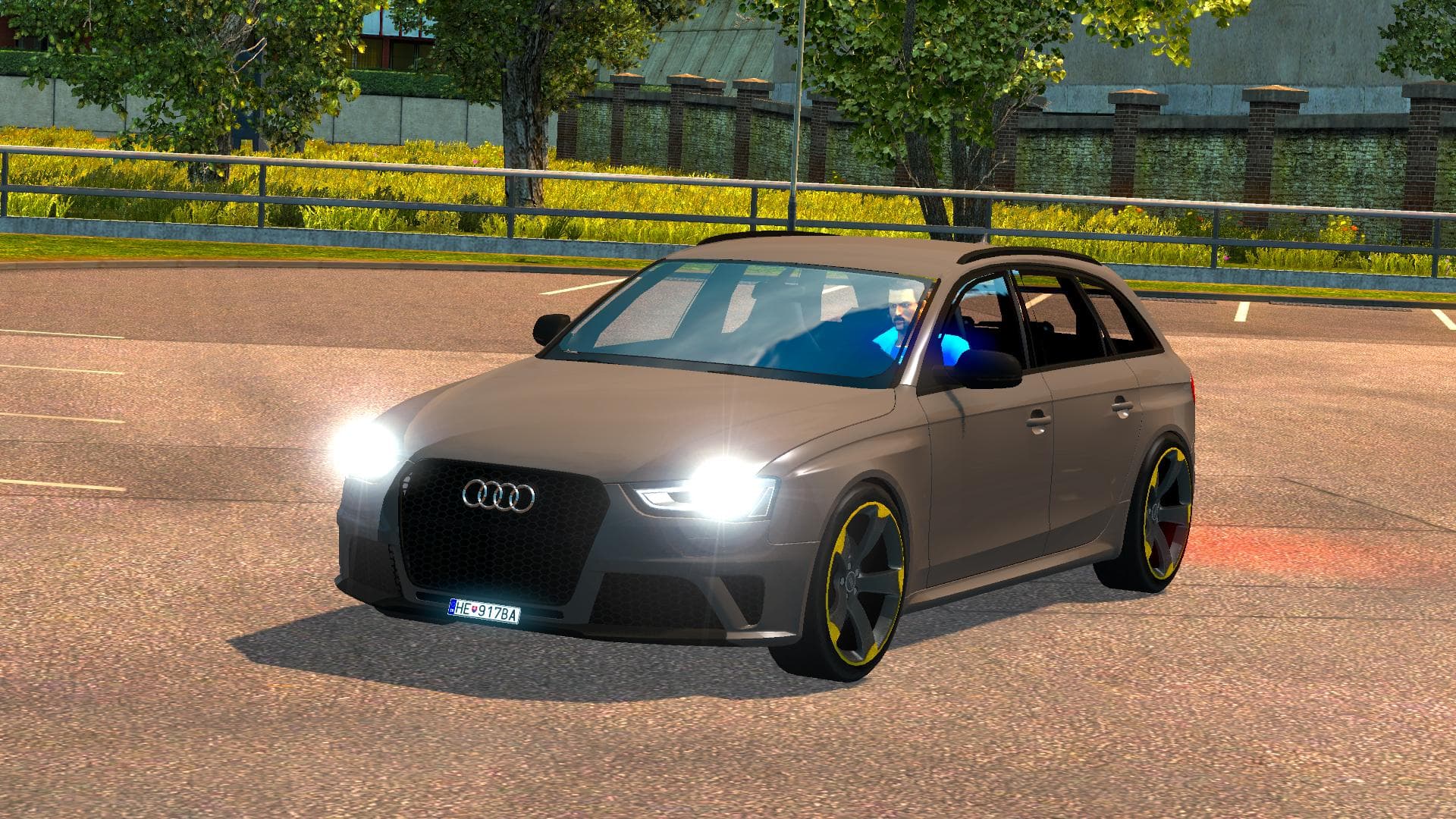
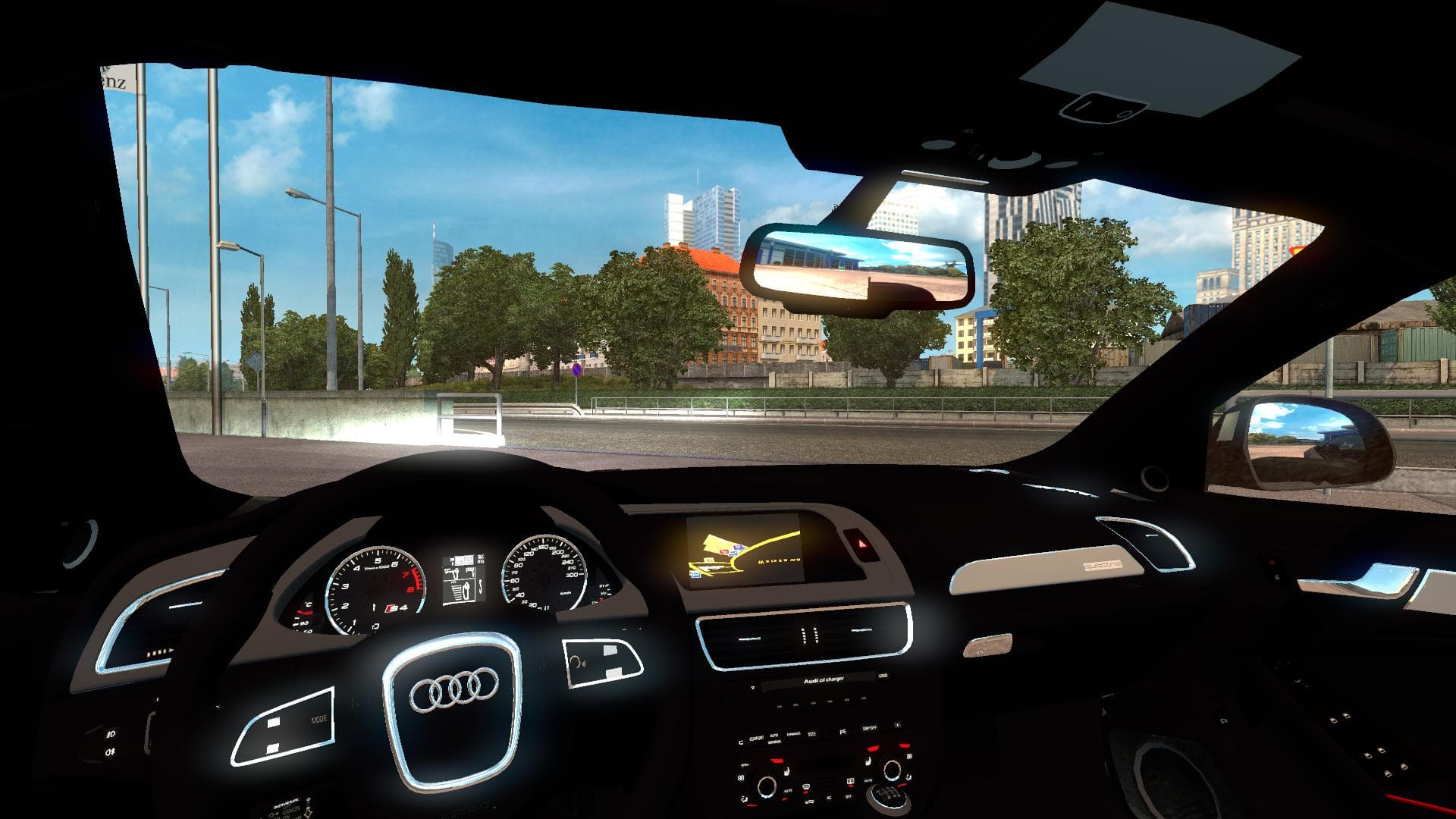
The "AUDI RS4 UPDATED" mod for ETS2 offers fixed game.log and interior issues, tested on versions 1.19 to 1.22. Created by Euro truck simulator 2, credits to Le
The AUDI RS4 UPDATED mod brings a set of parts inspired by the Audi RS4 to Euro Truck Simulator 2. This kind of mod typically adds custom accessories or components that players can install on their trucks through the in-game customization menu. Parts mods often focus on particular truck models or brands, allowing for a more personalized look and feel.
In ETS2, parts modifications like this one enhance your vehicle's appearance and sometimes its functionality by adding new exterior or interior elements. They usually include items such as lights, exhausts, mirrors, or interior details that fit specific truck models. This mod has been tested on ETS2 versions 1.19 to 1.22, which covers a decent range of recent updates.
When integrating this mod into a setup with other mods, it's good practice to check load order since parts mods modify truck visuals and might conflict with others targeting the same model. Keeping these files lower in the load order generally helps maintain compatibility with larger map or gameplay mods.
Players who enjoy customizing their trucks with detailed brand-specific parts will likely appreciate this addition. It suits those who want to add some variety beyond standard ETS2 offerings and tailor their rigs closer to real-world vehicles like the Audi RS4.
Since this mod fixes issues related to the game's log files and interior elements, it suggests attention was paid to making sure it runs smoothly without causing errors during play. While specifics about file size and creator remain unknown, it’s straightforward enough for anyone familiar with installing parts mods to handle.
Overall, if you’re into personalizing your ETS2 experience with brand-focused accessories and are running game versions between 1.19 and 1.22, this AUDI RS4 UPDATED parts mod could be a solid choice to experiment with.
How to install
1. Download the file(s) from the original source linked above. 2. Drop them into `Documents/Euro Truck Simulator 2/mod/`. 3. Enable in Mod Manager and restart the game.
After the mod loads, save your game inside a safe area (parking lot or service) before deciding whether to keep it. If the game refuses to load with the mod enabled, check that all required DLCs are installed and that the supported ETS2 version chips on this page include your installed game patch.
Reviews
No ratings yetNo reviews yet — be the first to rate this mod.





