All Unlocker
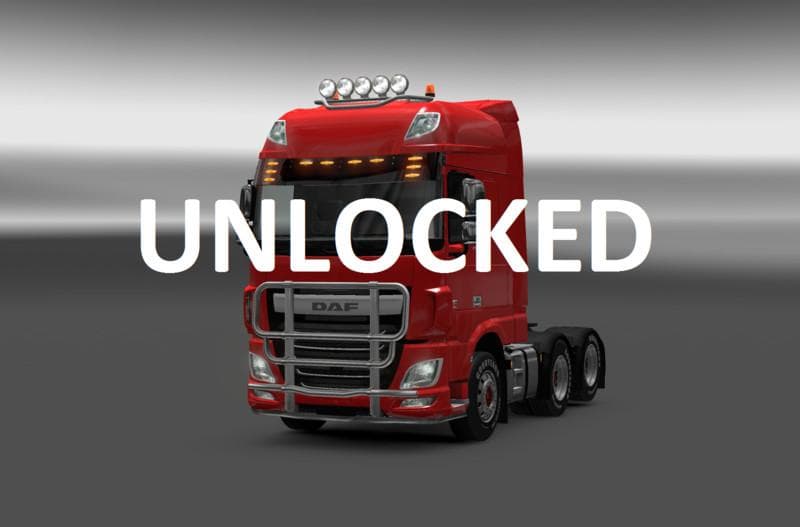
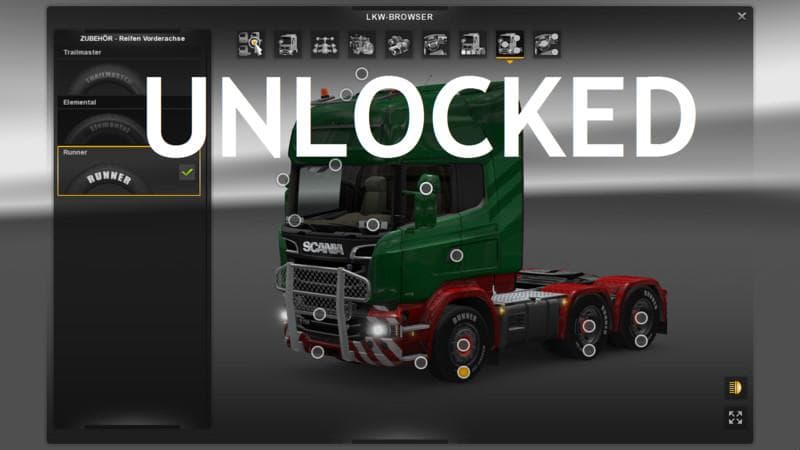
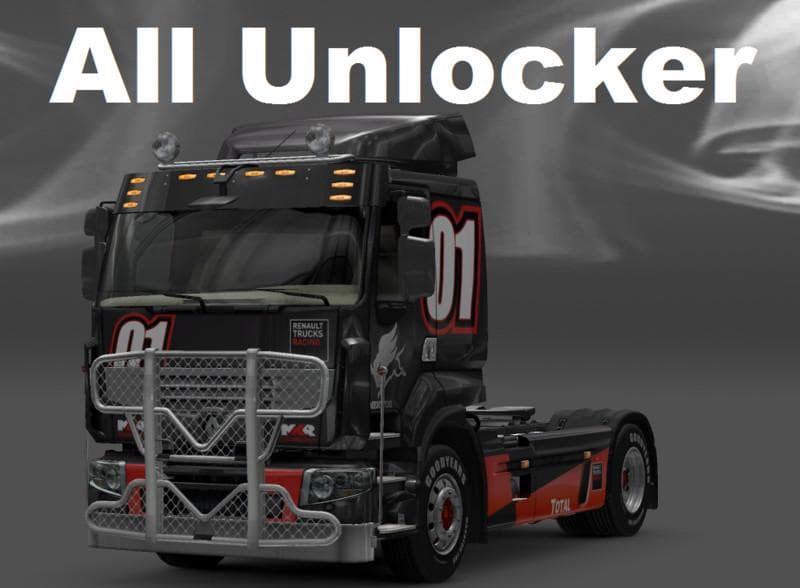
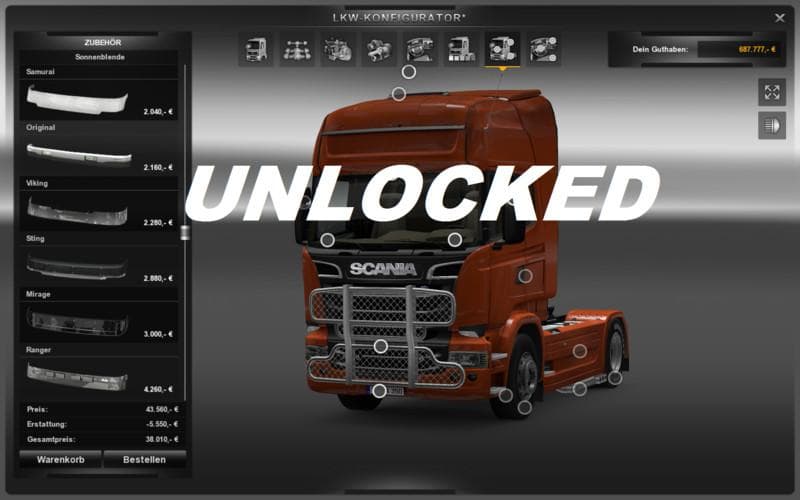
The All Unlocker mod version 2.2 for Euro Truck Simulator 2 falls under the parts category. It was last updated on May 6, 2015, with unknown file size and suppo
All Unlocker is a parts mod for Euro Truck Simulator 2 that expands the range of accessories available during truck customization. Mods like this one add various components such as bull bars, lights, mirrors, and interior items to your trucks. These additions usually target specific truck models or brands but can enhance the visual and functional aspects of many vehicles in your fleet.
Parts mods are typically used to enrich the personalization options in ETS2, letting you tailor your trucks beyond the base game's offerings. All Unlocker fits into this category by providing extra parts that might otherwise be locked or unavailable in standard gameplay. Installing parts mods usually involves placing them in the mod folder and managing their load order through the game's mod manager to avoid conflicts with other tuning packs.
When using a mod like All Unlocker within a heavily modded setup, it's wise to consider compatibility with other parts and tuning mods. Overlapping accessories or conflicting part IDs can cause display issues or glitches. Prioritizing this mod appropriately in your load order helps ensure it works alongside others without problems.
This kind of mod appeals mainly to players who enjoy detailed truck customization and want more freedom in assembling their rigs. If you’re someone who spends time tweaking your vehicle’s appearance or functionality, adding new parts can make each truck feel more unique and suited to your style.
While specifics about supported ETS2 versions aren’t listed, parts mods generally require updates when major game patches roll out. Keeping an eye on community feedback can help determine if a mod like All Unlocker remains compatible after updates or if adjustments are needed.
Overall, All Unlocker serves as a useful addition for anyone looking to expand their selection of truck accessories. It blends well with other tuning mods and adds depth to the customization experience without altering core gameplay elements.
How to install
1. Download the file(s) from the original source linked above. 2. Drop them into `Documents/Euro Truck Simulator 2/mod/`. 3. Enable in Mod Manager and restart the game.
After the mod loads, save your game inside a safe area (parking lot or service) before deciding whether to keep it. If the game refuses to load with the mod enabled, check that all required DLCs are installed and that the supported ETS2 version chips on this page include your installed game patch.
Reviews
No ratings yetNo reviews yet — be the first to rate this mod.





