AIR SUSPENSION V2
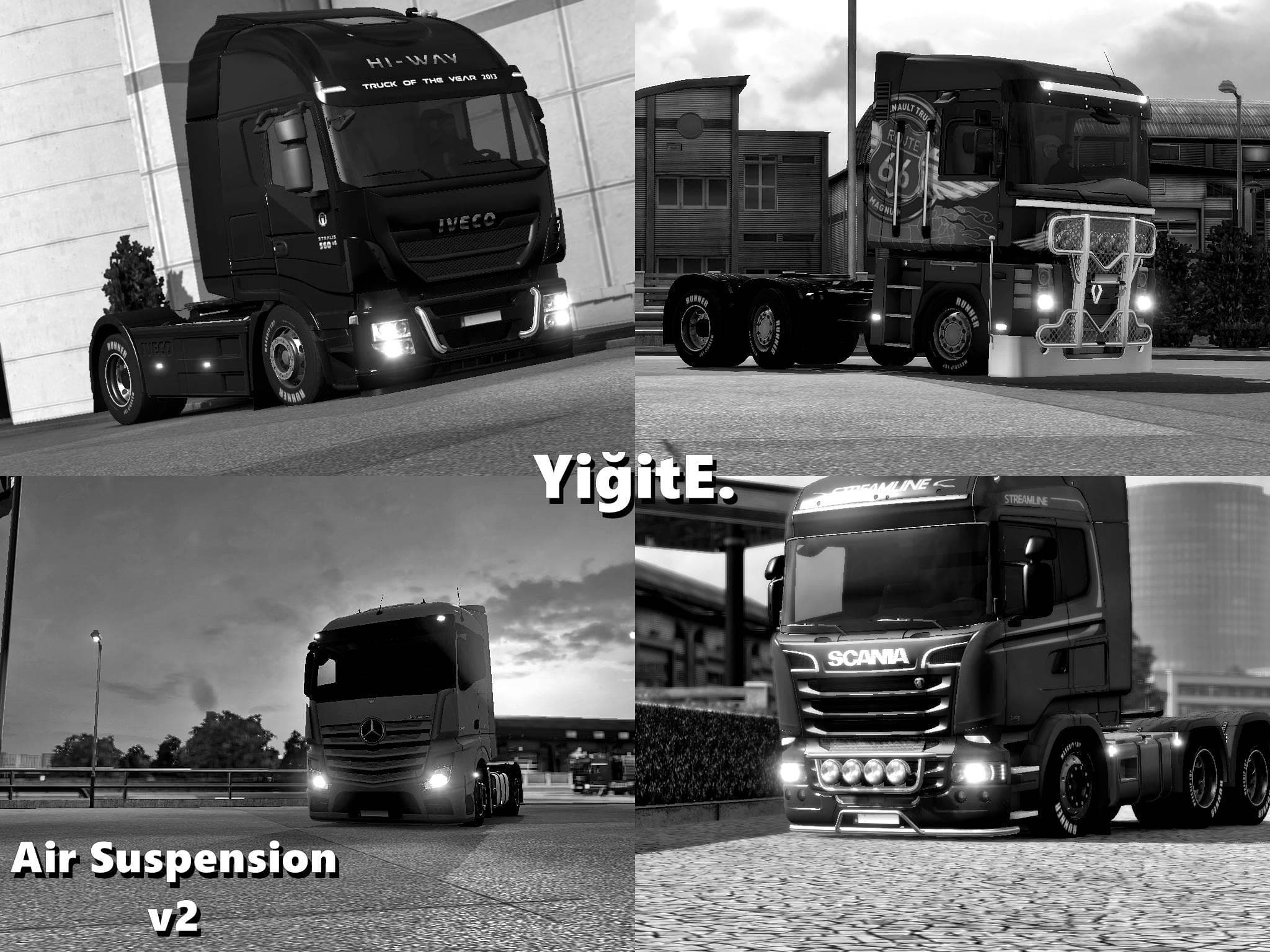
The AIR SUSPENSION V2 mod by Euro Truck Simulator 2 adds functionality to raise and lower the suspension on all chassis except for the center and rear axles. Th
The AIR SUSPENSION V2 mod adds adjustable air suspension parts to your truck in Euro Truck Simulator 2. This kind of mod typically lets you tweak the ride height, which can affect both the look and handling of your vehicle. Here, it works on all chassis except those with center or rear axles that are controlled differently. The feature to raise and lower the suspension usually requires a key command, giving you control over your truck's stance while driving or parked.
Parts mods like this one are installed through the truck customization menu, where you fit accessories and upgrades tailored for specific truck brands or models. While details about compatibility with ETS2 versions aren't specified, these mods generally slot into the existing customization system without conflicting with other visual or mechanical upgrades. They often play nicely alongside other tuning parts such as lights, bull bars, or exhausts.
When setting up a modded environment, it's good practice to place parts mods like adjustable suspensions after map and gameplay mods but before any heavy overhaul packs. This helps prevent unexpected behavior related to truck physics or appearance. Since this mod modifies suspension behavior rather than adding new trucks or maps, it usually doesn't require complicated load order adjustments but still benefits from careful testing.
Truck enthusiasts who enjoy personalizing their rigs will find this mod useful if they want more control over their vehicle's suspension settings beyond what the base game offers. It adds a bit of realism by mimicking real-world air suspension systems where drivers can adjust ride height depending on load or terrain.
In sum, AIR SUSPENSION V2 is suited for players aiming to enhance their truck setup with functional suspension tweaks. It complements other parts and tuning mods well and can be an interesting addition for those who appreciate fine-tuning driving dynamics along with cosmetic changes.
How to install
1. Download the file(s) from the original source linked above. 2. Drop them into `Documents/Euro Truck Simulator 2/mod/`. 3. Enable in Mod Manager and restart the game.
After the mod loads, save your game inside a safe area (parking lot or service) before deciding whether to keep it. If the game refuses to load with the mod enabled, check that all required DLCs are installed and that the supported ETS2 version chips on this page include your installed game patch.
Reviews
No ratings yetNo reviews yet — be the first to rate this mod.





