ADDITION FOR KAMAZ-6460 BY KORAL
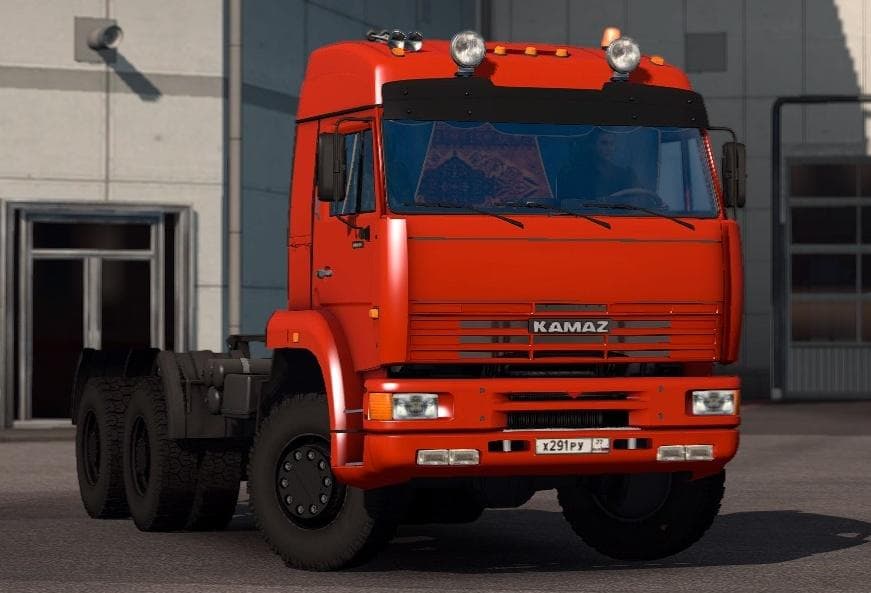
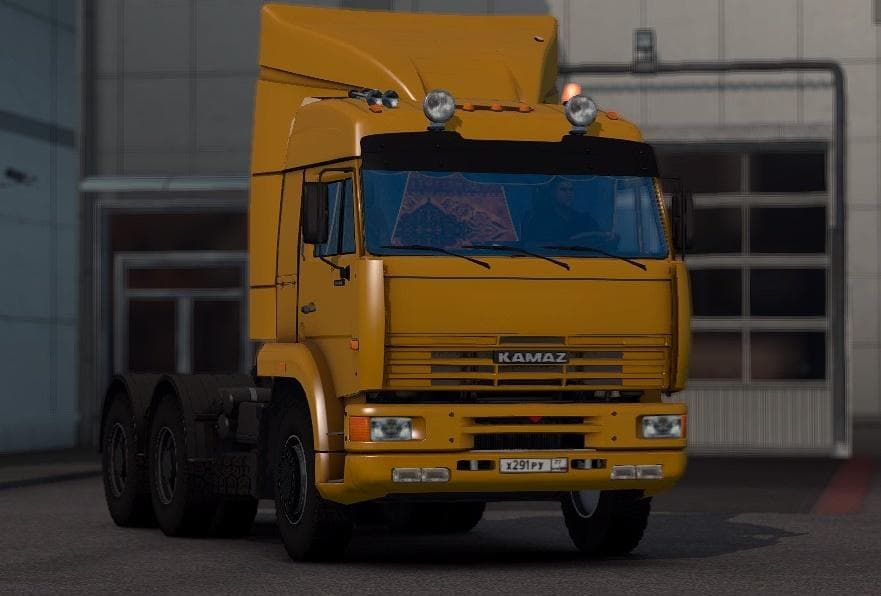
This mod is an addition for the KAMAZ-6460 truck in ETS2, created by Euro Truck Simulator 2. It includes various parts and updates previously released content f
This mod acts as an addition for the KAMAZ-6460 truck in Euro Truck Simulator 2, bringing together various enhancements previously introduced for this model. It’s designed to expand the customization options available in the truck’s parts menu, allowing players to modify their vehicle with extra accessories or improvements.
Parts mods like this one typically add items such as bull bars, extra lights, exhaust options, and interior details. They appear in the truck customization interface and let you tailor your rig’s appearance and functionality more closely to your preferences. Since it targets a specific truck model, it fits neatly into setups focused on that brand or style of vehicle.
When using parts mods, it’s generally wise to pay attention to load order if you have multiple mods affecting the same truck or category. Conflicts can sometimes occur if two mods try to alter identical components. Keeping backups and testing combinations helps avoid issues during gameplay.
This kind of mod appeals mostly to players who enjoy personalizing their trucks beyond factory specs or adding visual flair that matches their driving style or thematic preferences. If you’re driving a KAMAZ-6460 often or want more variety with that particular model, this mod could be a useful addition.
While specific compatibility details aren’t provided here, parts mods usually work alongside map expansions and other visual tweaks without problem. Just be sure any updates you install for ETS2 don’t overwrite mod files unless you back them up first.
Overall, it’s a straightforward way to enrich your experience with the KAMAZ-6460 by including all previously released accessory updates into one package.
How to install
1. Download the file(s) from the original source linked above. 2. Drop them into `Documents/Euro Truck Simulator 2/mod/`. 3. Enable in Mod Manager and restart the game.
After the mod loads, save your game inside a safe area (parking lot or service) before deciding whether to keep it. If the game refuses to load with the mod enabled, check that all required DLCs are installed and that the supported ETS2 version chips on this page include your installed game patch.
Reviews
No ratings yetNo reviews yet — be the first to rate this mod.





