ACTUAL DIESEL PRICES IN EUROPE + BELARUS & RUSSIA
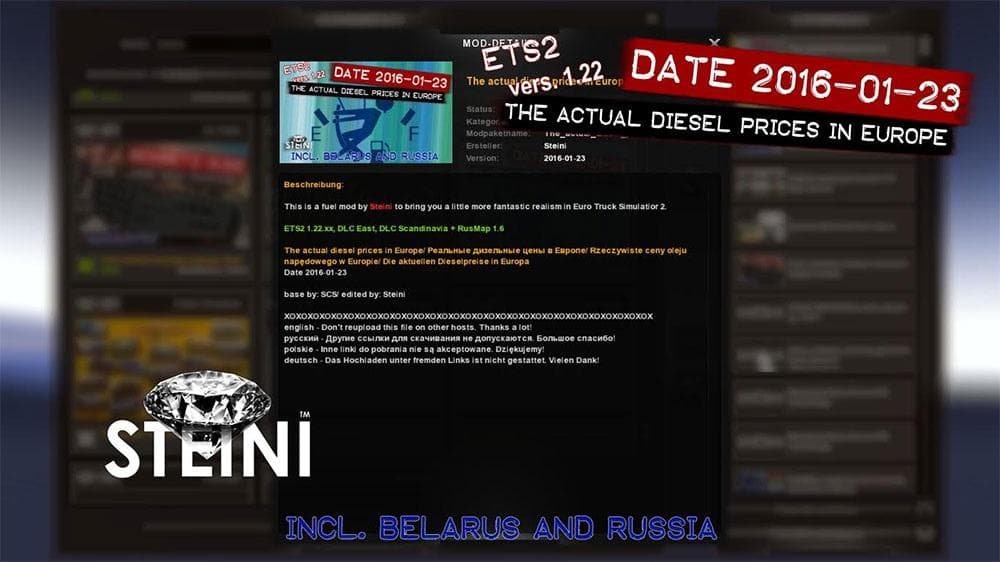
This mod by Euro Truck Simulator 2 creator Steini adds realism to the game by reflecting actual diesel prices in Europe. The mod aims to enhance the player's ex
The ACTUAL DIESEL PRICES IN EUROPE + BELARUS & RUSSIA mod adjusts fuel prices across various countries to reflect more realistic diesel costs. This kind of parts mod typically tweaks elements related to the truck's operation, and in this case, it focuses on the economic side of trucking by modifying fuel expenses. Although this mod's exact details like version or compatibility aren't specified, fuel price mods generally work well alongside other tuning or realism mods without major conflicts.
In Euro Truck Simulator 2, parts and tuning mods usually add visual or functional accessories such as bull bars, lights, or interior items. While this mod doesn't add physical parts to the truck itself, it influences how players experience refueling costs during their journeys through Europe and neighboring regions like Belarus and Russia. It integrates naturally into a setup aiming for enhanced simulation realism.
When using fuel price mods, it's wise to consider load order carefully because some other mods might also change economic variables or regional data. Keeping this mod lower in the load order can help ensure its diesel price settings take effect properly. Since no specific ETS2 versions are mentioned, users should test compatibility with their current game version before relying on it fully.
This mod is suited for players who want a more immersive economic challenge while driving through countries including Austria, France, Germany, Poland, Russia, and others covered under its scope. Drivers who enjoy tweaking their simulation experience with realistic operational costs will find value here without needing extensive setup changes.
Overall, if you want your fuel expenses in ETS2 to better match real-world diesel prices across multiple European countries plus Belarus and Russia, this mod offers a straightforward adjustment that fits well within a realism-focused mod collection.
How to install
1. Download the file(s) from the original source linked above. 2. Drop them into `Documents/Euro Truck Simulator 2/mod/`. 3. Enable in Mod Manager and restart the game.
After the mod loads, save your game inside a safe area (parking lot or service) before deciding whether to keep it. If the game refuses to load with the mod enabled, check that all required DLCs are installed and that the supported ETS2 version chips on this page include your installed game patch.
Reviews
No ratings yetNo reviews yet — be the first to rate this mod.





