50k Alcoa Renault Wheels Pack v1
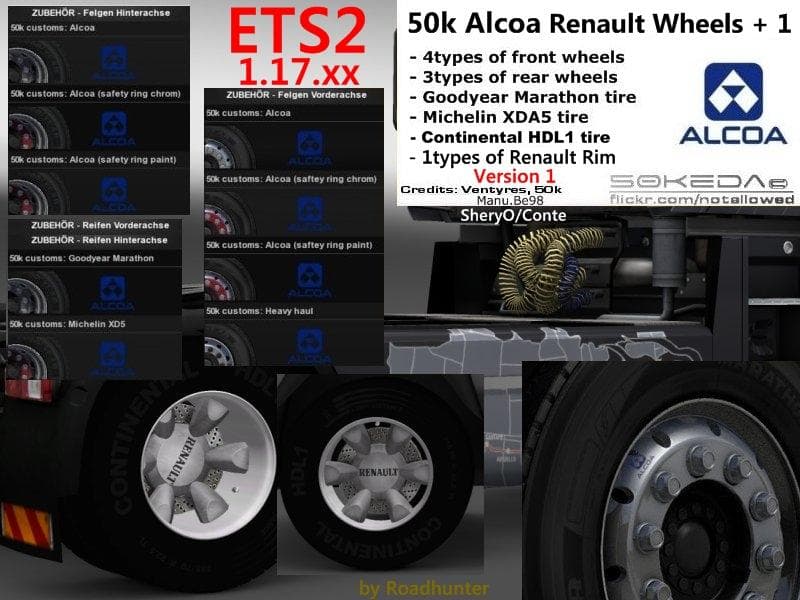
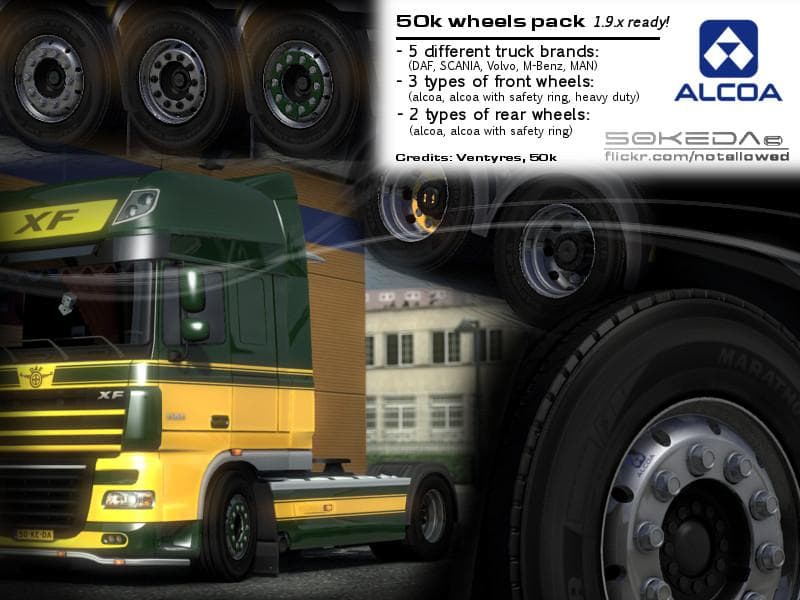
The 50k Alcoa Renault Wheels Pack v1 is a parts mod for Euro Truck Simulator 2. The mod was last updated on April 28, 2015, but specific details such as file si
The 50k Alcoa Renault Wheels Pack v1 is a parts mod designed specifically for Euro Truck Simulator 2, focusing on enhancing the wheel options available for Renault trucks. It adds a set of Alcoa wheels, which are known in real life for their durability and distinct appearance. This mod fits into the truck customization menu, allowing players to swap out their default wheels with these new models.
Parts mods like this one generally provide additional accessories or upgrades that can be applied directly through the in-game truck configurator. They often target specific truck brands or models, and this pack is tailored to fit Renault vehicles exclusively. Players who enjoy detailed tuning and personalizing their rigs will find value in this type of content.
When integrating wheel packs into a modded setup, it’s advisable to check compatibility with other parts mods or skins affecting the same truck model. Load order can matter if multiple mods modify overlapping components, so placing wheel mods towards the end of your load order might help prevent conflicts. This ensures that your selected wheels display correctly without being overridden by other parts.
This mod suits players who prefer driving Renault trucks and want more variety in wheel aesthetics beyond what the base game offers. Adding authentic wheel styles like those from Alcoa contributes to a more immersive experience and allows for subtle customization choices that reflect real-world trucking preferences.
Since specifics about version compatibility or file size aren’t provided, users should test this mod cautiously alongside their existing setup and back up save files before installing. As always with parts mods, pay attention to any updates that may improve performance or fix bugs related to how these wheels integrate with different ETS2 versions.
How to install
1. Download the file(s) from the original source linked above. 2. Drop them into `Documents/Euro Truck Simulator 2/mod/`. 3. Enable in Mod Manager and restart the game.
After the mod loads, save your game inside a safe area (parking lot or service) before deciding whether to keep it. If the game refuses to load with the mod enabled, check that all required DLCs are installed and that the supported ETS2 version chips on this page include your installed game patch.
Reviews
No ratings yetNo reviews yet — be the first to rate this mod.





