WHEEL + TRAILER + AXLES SOUND (UPDATED FOR 1.19)
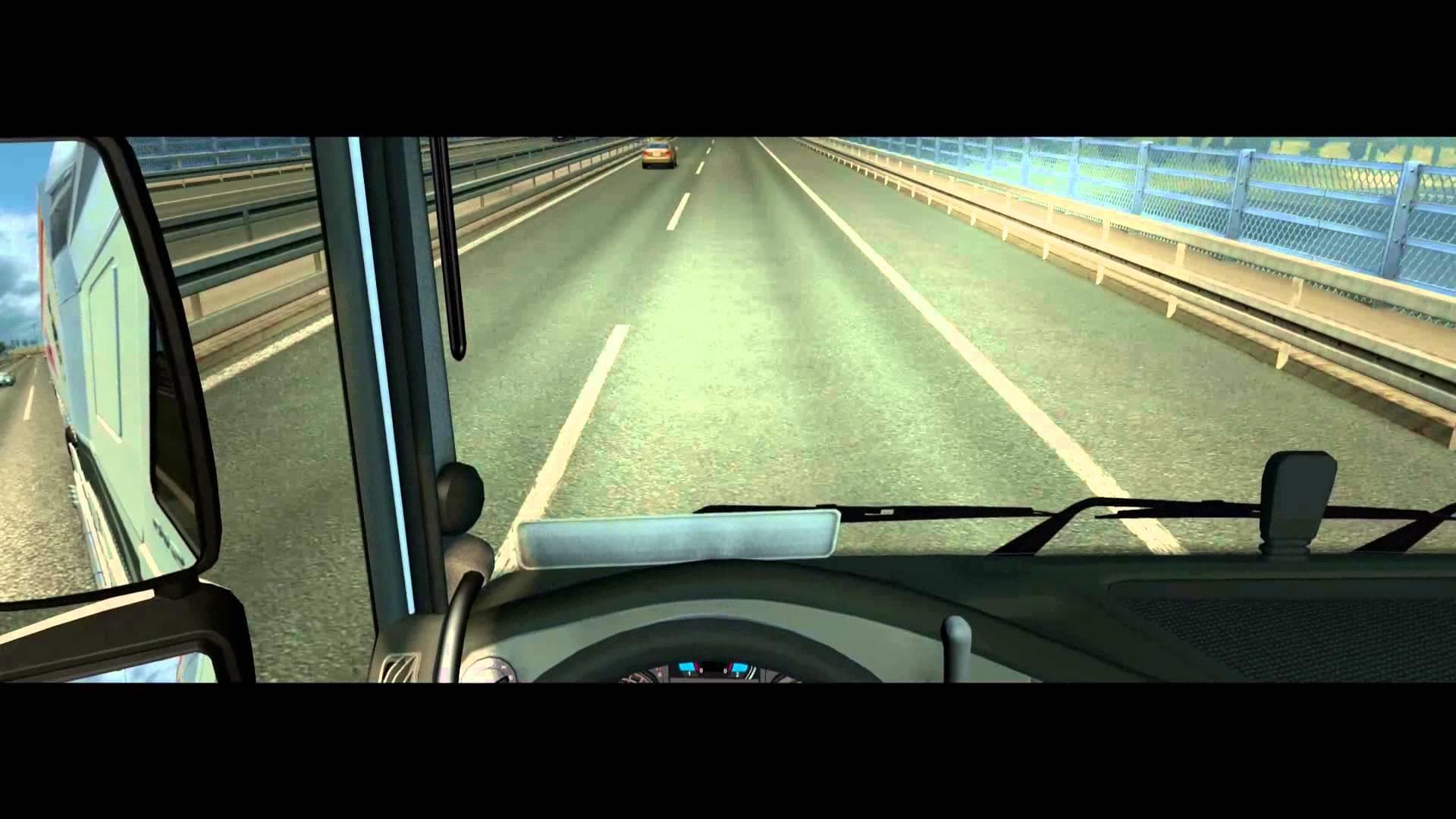
The WHEEL + TRAILER + AXLES SOUND mod updates the audio experience for Euro Truck Simulator 2 version 1.19 by enhancing the sounds related to wheels, trailers, and axles. It provides changes to both exterior and interior soundscapes, aiming to make the driving atmosphere more immersive through refined mechanical noises. Sound mods like this one typically replace or adjust specific in-game audio components such as engine rumble, tire noise, or suspension sounds.
In ETS2, sound mods can significantly alter how you perceive your truck and trailer while on the road. By modifying wheel and axle sounds, this type of mod can add a new layer of realism or simply freshen up the auditory feel during long hauls. Since it targets multiple parts including trailers, it covers a broader range than many simpler sound packs that focus only on engines or horns.
When using sound mods in a modded setup, it's generally advised to place them high in the load order because they often overwrite default sounds or other truck-related modifications. This ensures that their audio changes take priority over any conflicting files from other mods. Compatibility with different trucks and trailers depends on how those assets utilize sound definitions, so testing is recommended if you use several vehicle mods together.
Drivers who want a more detailed or varied sound environment might find this mod appealing. If you appreciate subtle differences in how wheels roll over asphalt or how axles respond under load, this mod could add some depth to your ETS2 sessions without drastically changing gameplay. It's especially suitable for players running multiple trailer mods who want consistent audio quality across their fleet.
How to install
1. Download the .scs file. 2. Drop it into `Documents/Euro Truck Simulator 2/mod/`. 3. Enable in Mod Manager. Sound mods usually need to load **above** truck mods in load order. 4. Restart the game so the audio engine picks up new samples.
After the mod loads, save your game inside a safe area (parking lot or service) before deciding whether to keep it. If the game refuses to load with the mod enabled, check that all required DLCs are installed and that the supported ETS2 version chips on this page include your installed game patch.
Reviews
No ratings yetNo reviews yet — be the first to rate this mod.





