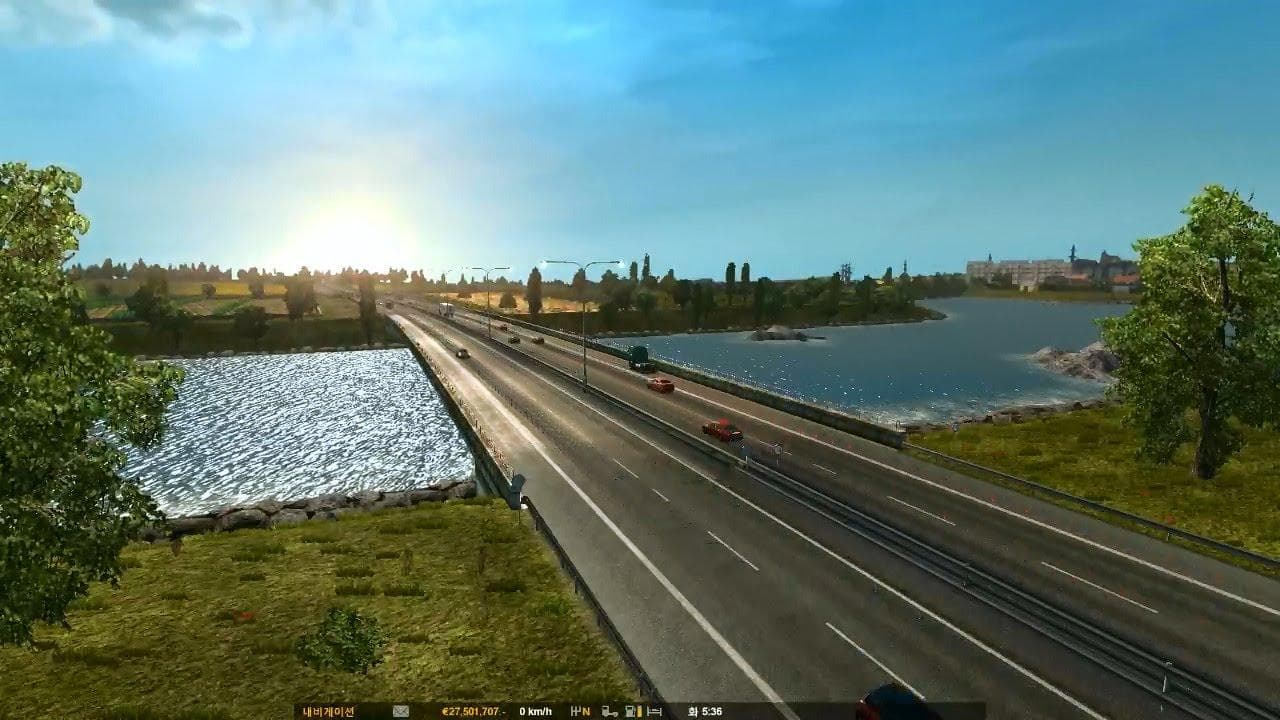
Realistic Lighting – Improved Skyboxes and Weather

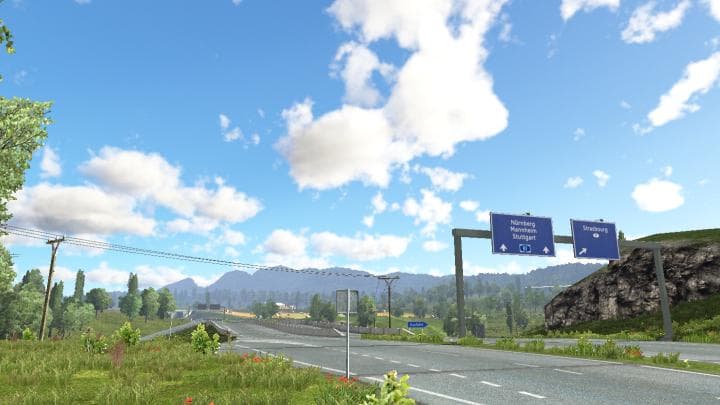
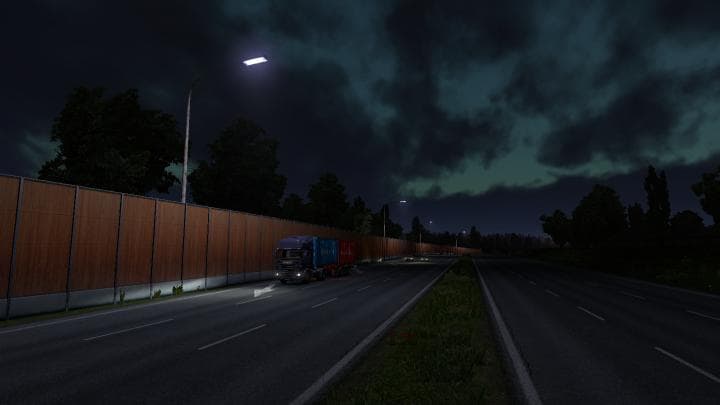
Realistic Lighting – Improved Skyboxes and Weather is a sound mod designed for Euro Truck Simulator 2 version 1.20. While primarily focused on audio, it also affects atmospheric elements like skyboxes and weather visuals to enhance the overall ambiance during different times of day. Users should expect some issues such as sun placement errors in morning and evening scenes, along with minor log errors when running this mod.
Sound mods like this one replace or modify environmental audio within the game, which can include weather effects, ambient sounds, and sometimes engine or horn noises. Because of how ETS2 handles audio, these mods typically need to be loaded higher in the mod list than truck or map mods to ensure their changes take effect properly. This setup avoids conflicts and helps maintain consistent sound behavior across different game areas.
Integrating Realistic Lighting into a modded ETS2 setup means paying attention to load order. Since it modifies environmental sounds and visual cues tied to weather, placing it near the top of your active mods is advisable. It’s also worth noting that while this mod does introduce improvements, some visual inconsistencies may remain due to the current version's limitations.
This mod suits players who want a more immersive driving experience by tweaking both soundscapes and lighting conditions tied to weather patterns. If you're running an extensive collection of mods and want enhanced skybox visuals coupled with adjusted sound environments, this addition can complement your setup well despite its minor quirks.
How to install
1. Download the .scs file. 2. Drop it into `Documents/Euro Truck Simulator 2/mod/`. 3. Enable in Mod Manager. Sound mods usually need to load **above** truck mods in load order. 4. Restart the game so the audio engine picks up new samples.
After the mod loads, save your game inside a safe area (parking lot or service) before deciding whether to keep it. If the game refuses to load with the mod enabled, check that all required DLCs are installed and that the supported ETS2 version chips on this page include your installed game patch.
Reviews
No ratings yetNo reviews yet — be the first to rate this mod.