Weather Improvements
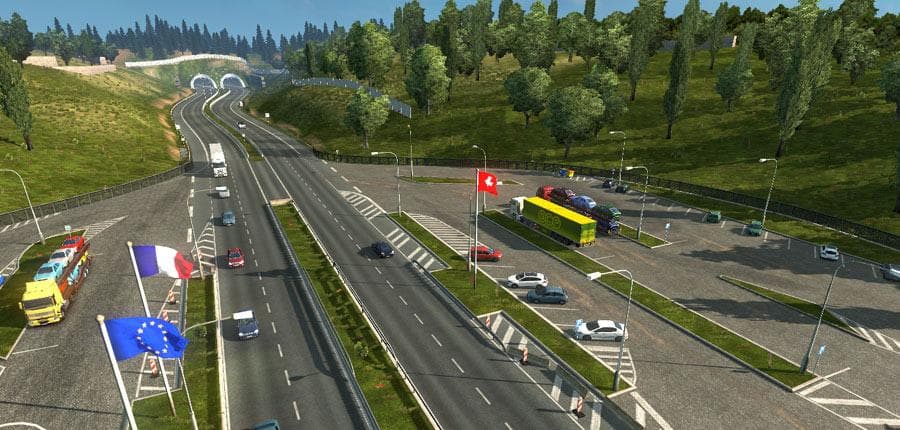
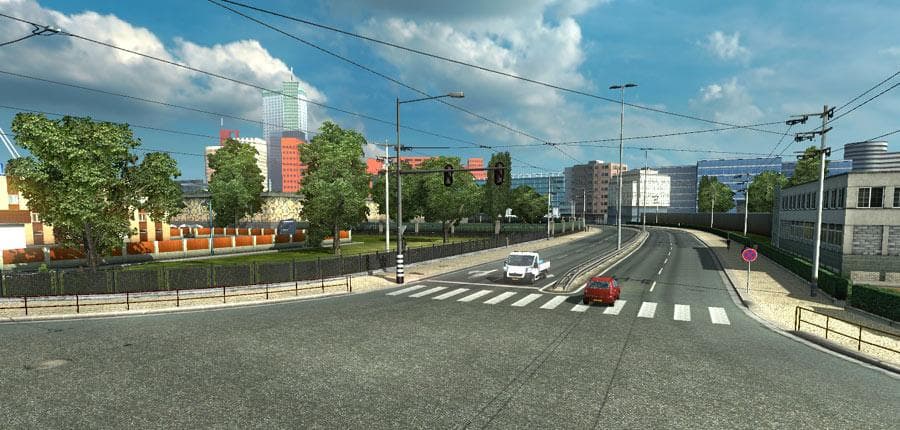
Weather Improvements - ETS2 mods download is a lightweight mod by Euro truck simulator 2 that makes small changes to the weather. Version 2.1 reduces afternoon
Weather Improvements is a sound mod that focuses on tweaking the atmospheric audio related to weather in Euro Truck Simulator 2. While it's described as lightweight, it subtly alters how fog sounds during the afternoon and early evening, making it less dense than before. These small adjustments aim to create a slightly different ambiance without overhauling the entire environment.
Sound mods like this one typically replace or enhance engine noises, horns, or environmental sounds such as weather effects. In ETS2, they are usually placed high in the load order to ensure their changes take precedence over other mods, especially truck-specific ones. This means Weather Improvements should be loaded above any truck sound mods you have installed.
This particular mod fits well into setups where players want to fine-tune the realism of their driving experience by adjusting weather atmospherics rather than introducing heavy visual changes. It's compatible with various map expansions and other mods since it primarily targets sound files associated with weather phenomena.
Because the version information for supported ETS2 releases is unknown, it's wise to back up your current game files before installing and check for any potential conflicts with other sound mods. Users who run multiple sound packs might need to experiment with load order to avoid audio clashes or overlaps.
Those who enjoy a more immersive trucking environment but prefer subtle tweaks over drastic changes will find this mod suitable. It can enhance drives through regions like Germany, France, or even more distant areas like Spain or Sweden by making the foggy moments feel a bit clearer and less intrusive.
How to install
1. Download the .scs file. 2. Drop it into `Documents/Euro Truck Simulator 2/mod/`. 3. Enable in Mod Manager. Sound mods usually need to load **above** truck mods in load order. 4. Restart the game so the audio engine picks up new samples.
After the mod loads, save your game inside a safe area (parking lot or service) before deciding whether to keep it. If the game refuses to load with the mod enabled, check that all required DLCs are installed and that the supported ETS2 version chips on this page include your installed game patch.
Reviews
No ratings yetNo reviews yet — be the first to rate this mod.





