WBPD - Promods RC v1.7 1.60 ETS2 - Euro Truck Simulator 2 Mods | American Truck Simulator Mods
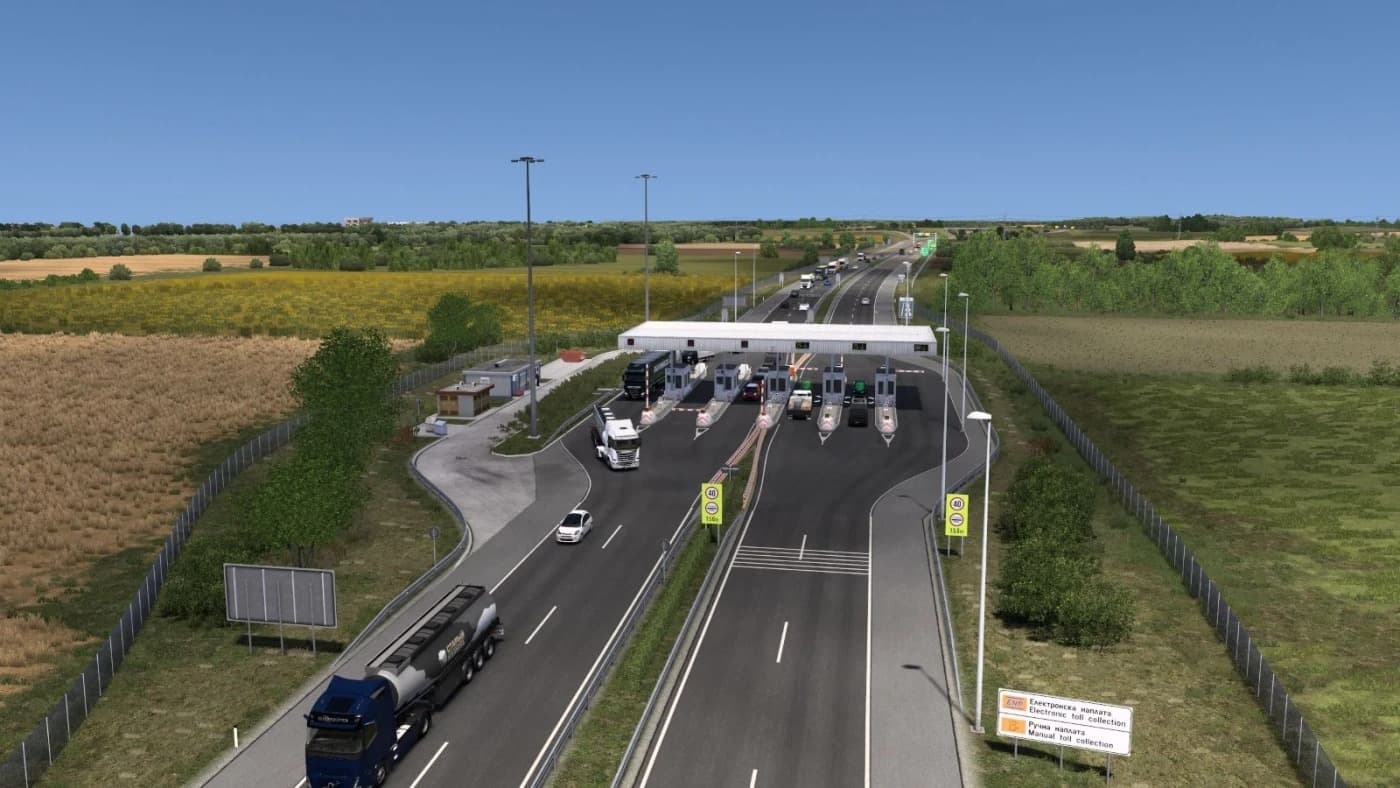
WBPD - Promods RC 1.60 is a map mod for ETS2 version 1.60, offering compatibility with Promods 2.83. Created by ETS2Mods, it fixes issues between Promods and WB
WBPD - Promods RC v1.7 1.60 is a map mod designed for Euro Truck Simulator 2 that aims to improve compatibility between the WBPD (West Balkans Path-Breaker’s Direction) map and the Promods expansion. It updates the existing content to align with ETS2 versions 1.7 and 1.60, ensuring smoother integration after some areas like Subotica were reintroduced. These kinds of map mods typically add or adjust roads, cities, and regions to broaden the drivable world or fix conflicts within popular map expansions.
Map mods such as this one come as .scs files that players place in their mod folder. Because they modify the base game environment, load order matters a lot here—usually these mods need to be loaded after any core maps but before other gameplay-affecting mods to avoid crashes or missing assets. Sometimes, starting a fresh profile is recommended when using major map changes.
This mod fits well in a setup already using Promods, helping to resolve issues between it and WBPD so that both can work together without glitches. Players who enjoy exploring the Balkan region or want more detailed roads and cities around Serbia will find this update relevant since it patches known incompatibilities from earlier versions.
Anyone running ETS2 on version 1.7 or 1.60 who also uses Promods will likely benefit from installing this patch. It’s particularly useful if your gameplay involves routes through the Balkans area where WBPD adds important pathways and cities not covered by default maps or other expansions.
Installing is straightforward: just download and copy the mod files into your Euro Truck Simulator 2 mod directory. After loading the game, check your mod manager to ensure it’s active and placed correctly in the load order relative to Promods and other map-related additions.
How to install
1. Download every .scs file from the source page (map mods often ship multiple files). 2. Copy all files to `Documents/Euro Truck Simulator 2/mod/`. 3. Enable each file in Mod Manager **in the order documented by the modder**. Load order matters for maps. 4. Start a new save or use an existing save that already supports the map's base regions.
After the mod loads, save your game inside a safe area (parking lot or service) before deciding whether to keep it. If the game refuses to load with the mod enabled, check that all required DLCs are installed and that the supported ETS2 version chips on this page include your installed game patch.
Known conflicts
No conflicts reported for this mod yet. Running a big mod list? Check your whole setup for conflicts →
Reviews
No ratings yetNo reviews yet — be the first to rate this mod.