Reforma v2.9.8.2.160 ATS - Euro Truck Simulator 2 Mods | American Truck Simulator Mods
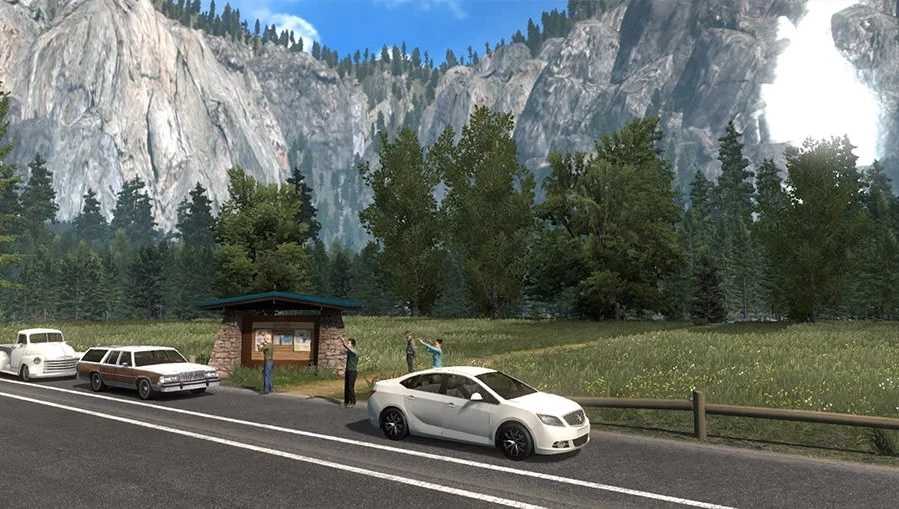
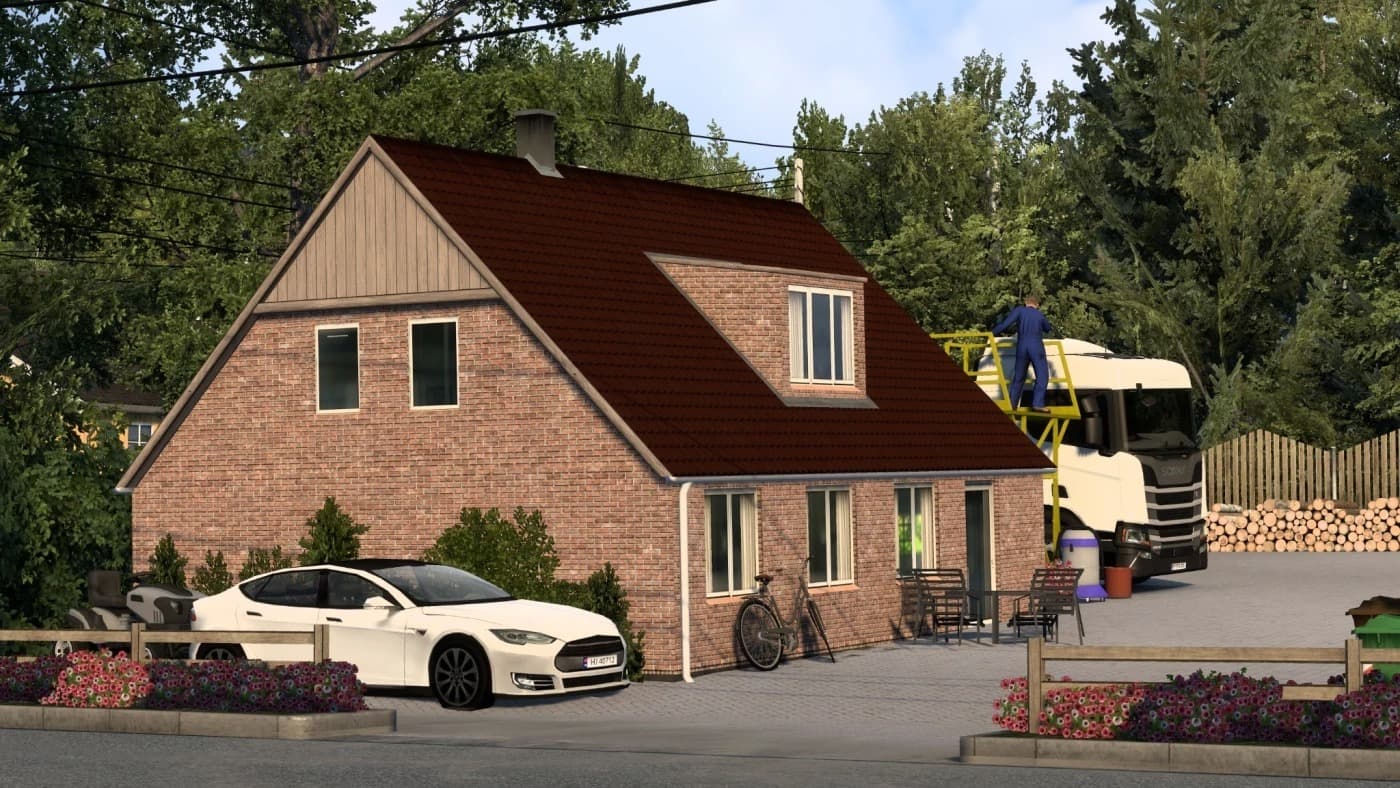
Reforma v2.9.8.2.160 is a map mod for ETS2, combining Viva Mexico and its add-ons. It features new roads, cities, districts, models, textures, and improved scen
Reforma v2.9.8 is a map mod that brings an expanded drivable area to Euro Truck Simulator 2 version 1.60, integrating new roads, cities, and districts primarily focused on parts of the American landscape. It combines the content from Viva Mexico and its add-ons into a single cohesive map experience, making it a sizable update for those looking to explore more varied terrain and environments within the game.
Map mods like Reforma modify or enlarge the base game’s world by adding fresh routes and locations to drive through. They typically come as one or more .scs files that need to be placed into the correct mod folder within your ETS2 directory. Because map mods affect fundamental game data, they tend to be sensitive to load order and sometimes require starting a new profile or having specific DLC installed for full compatibility.
This particular version improves visual details such as updated signs on American roads and enhanced scenery in older regions like the Sierra Nevada. These tweaks help refine immersion by correcting inconsistencies and adding new models and textures that better match the geography of the areas included.
When adding Reforma to a modded setup, it’s wise to consider its position in your load order since map mods generally override base maps and other related modifications. Conflicts can occur if multiple map expansions try to alter overlapping areas, so users should check compatibility with other large-scale map additions or regional packs before activating them together.
Players who enjoy driving across diverse North American regions or those wanting fresh challenges beyond ETS2’s default maps will find Reforma useful. It suits truckers aiming for longer hauls through varied landscapes with updated visuals and expanded routing options across states like California, Arizona, Nevada, and beyond.
How to install
1. Download every .scs file from the source page (map mods often ship multiple files). 2. Copy all files to `Documents/Euro Truck Simulator 2/mod/`. 3. Enable each file in Mod Manager **in the order documented by the modder**. Load order matters for maps. 4. Start a new save or use an existing save that already supports the map's base regions.
After the mod loads, save your game inside a safe area (parking lot or service) before deciding whether to keep it. If the game refuses to load with the mod enabled, check that all required DLCs are installed and that the supported ETS2 version chips on this page include your installed game patch.
Known conflicts
No conflicts reported for this mod yet. Running a big mod list? Check your whole setup for conflicts →
Reviews
No ratings yetNo reviews yet — be the first to rate this mod.