VOLVO VNL 780 + REAL SOUND V1.2
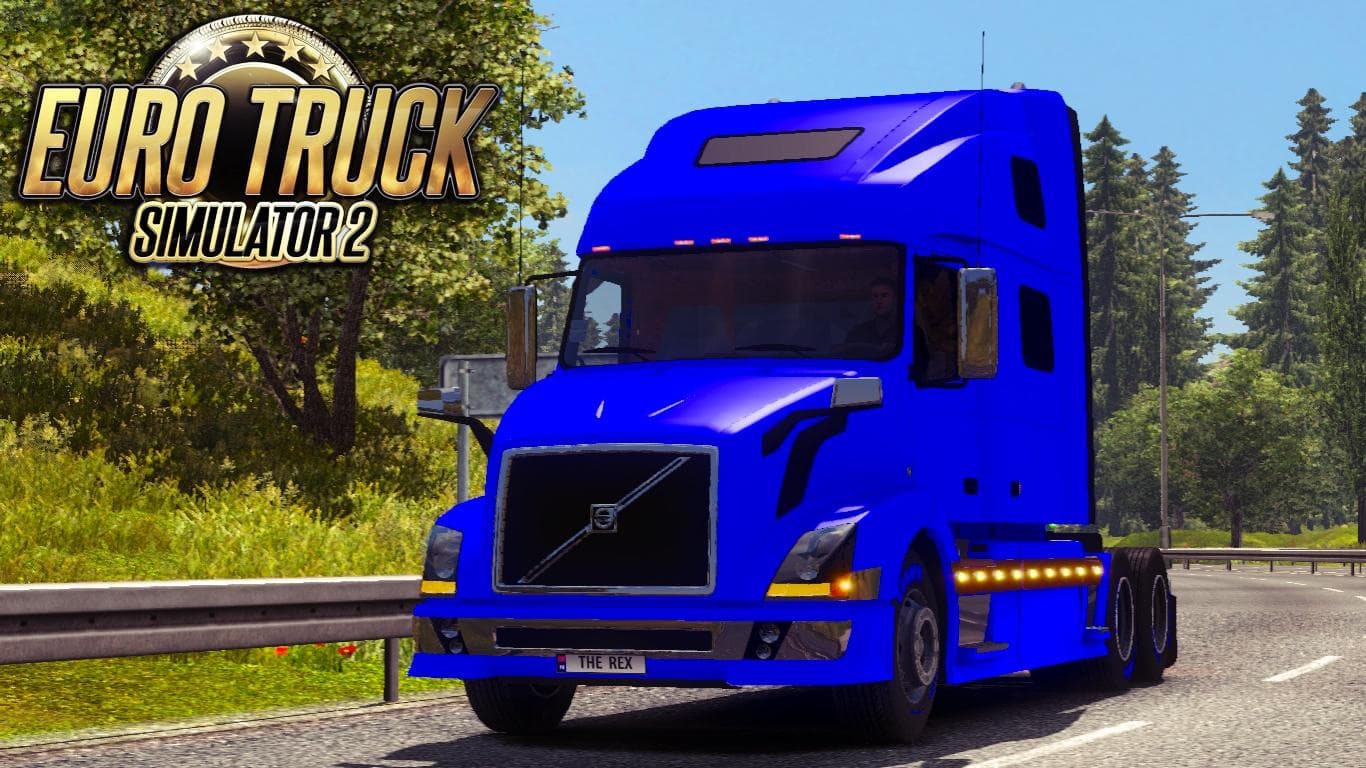
The VOLVO VNL 780 + REAL SOUND mod for ETS2 version 1.2 adds a new truck and real sound to the game. Created by Euro truck simulator 2, with credits to TanturOF
This mod offers a sound package designed specifically for the Volvo VNL 780 truck model in Euro Truck Simulator 2. It combines the truck itself with a tailored real sound component, aiming to enhance the audio experience related to this particular vehicle. Players who enjoy driving Volvo rigs might find this adds a layer of immersion by matching engine and environmental noises more closely to what you'd expect from the VNL 780.
Sound mods like this one replace default engine, horn, or other environment sounds associated with trucks. They typically need to be loaded high in the mod priority list so that their audio files override those from other truck mods properly. This setup ensures that the custom sounds are heard in-game rather than being overridden by conflicting files.
In a heavily modded setup, it’s important to place sound mods above any truck models they alter, especially if those trucks also have their own sound packs. Conflicts can arise when multiple mods attempt to modify the same sounds, so paying attention to load order helps keep audio consistent and prevents glitches or silent engines.
Given that this mod supports ETS2 version 1.2, it’s suitable for players running older versions of the game or those maintaining compatibility with legacy setups. Newer versions might require updated sound mods due to changes in game audio handling, so checking version compatibility is key before installation.
Players who want a more authentic audio feel while hauling with a Volvo VNL 780 could appreciate this mod. It fits well for users who already use custom truck models and want their soundscape to match visually accurate vehicles, enhancing realism on long hauls across various European regions.
How to install
1. Download the .scs file. 2. Drop it into `Documents/Euro Truck Simulator 2/mod/`. 3. Enable in Mod Manager. Sound mods usually need to load **above** truck mods in load order. 4. Restart the game so the audio engine picks up new samples.
After the mod loads, save your game inside a safe area (parking lot or service) before deciding whether to keep it. If the game refuses to load with the mod enabled, check that all required DLCs are installed and that the supported ETS2 version chips on this page include your installed game patch.
Reviews
No ratings yetNo reviews yet — be the first to rate this mod.





