VOLVO HEAVY TRANSPORT PACK V1.0
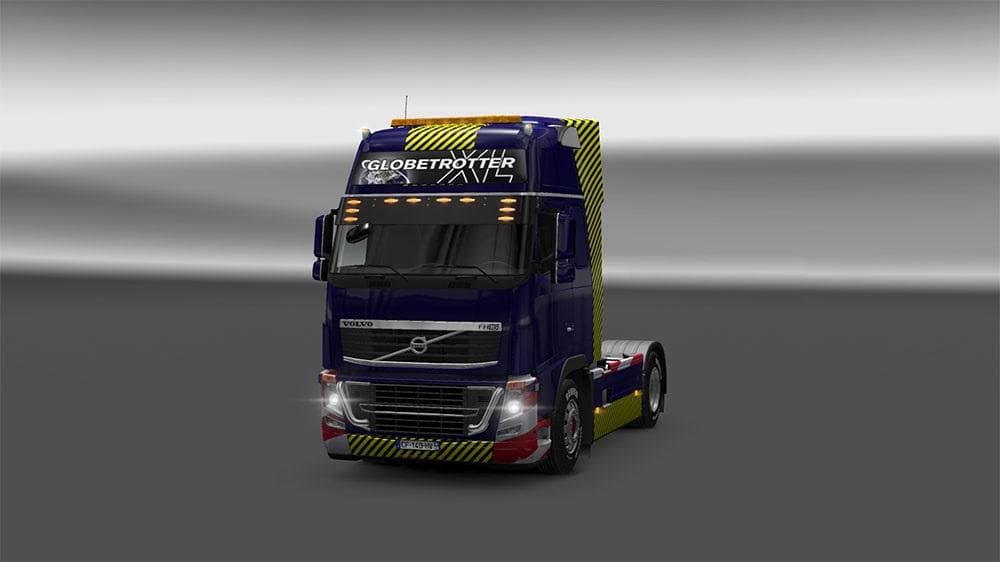
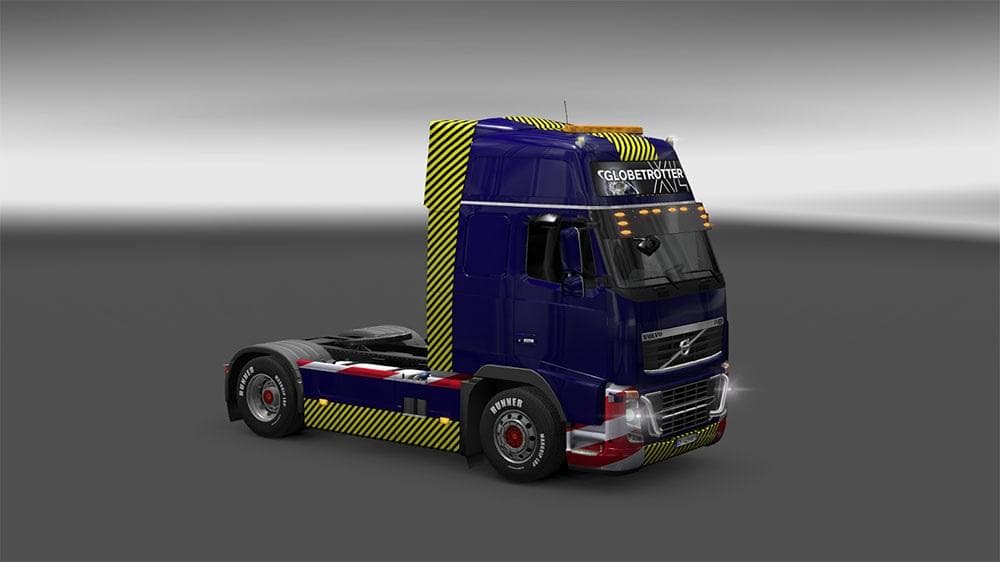
The VOLVO HEAVY TRANSPORT PACK is a skins mod for ETS2 version 1.0 and 1.21, adding 2 skins for Volvo FH16 and Volvo FH16 Classic. Created by Euro truck simulat
The VOLVO HEAVY TRANSPORT PACK V1.0 offers two new skins tailored for the Volvo FH16 and Volvo FH16 Classic models in Euro Truck Simulator 2. This mod doesn't alter the truck's structure but changes its appearance, giving your heavy-duty vehicles a fresh look without affecting gameplay mechanics. Skins like this are applied through the paint shop and rely on the original truck models they're designed for, meaning they won't work on other trucks or trailers.
In ETS2, skin mods serve to personalize your fleet by repainting existing trucks or cabins. They are straightforward to install, usually just requiring activation in the mod manager, and they add variety without conflicting with gameplay features or performance. Since this pack supports versions 1.0 through 1.21 of the game, it fits well with setups running older or moderately updated versions of ETS2.
When integrating skin mods into a modded setup, it’s wise to check load order so that skins load after any tuning packs or model-altering mods to avoid visual glitches. Given that this pack focuses solely on skins for Volvo heavy transport vehicles, it generally plays nicely alongside other mods that don’t change vehicle models.
This pack is ideal for players who enjoy hauling oversized cargo with the Volvo FH16 series and want their rigs to stand out visually. Fans of realistic trucking experiences might appreciate these skins as they maintain authenticity while refreshing the look of their trucks.
Since details about the creator and file size are unknown, it's recommended to back up your profiles before use and test compatibility if you have extensive mod collections. The skins are credited to ShareModz and have been tested up through version 1.21.1.4s, indicating some level of stability within that range.
How to install
1. Download the .scs file. 2. Drop it into `Documents/Euro Truck Simulator 2/mod/`. 3. Enable in Mod Manager. 4. Apply the skin in the truck/trailer paint shop.
After the mod loads, save your game inside a safe area (parking lot or service) before deciding whether to keep it. If the game refuses to load with the mod enabled, check that all required DLCs are installed and that the supported ETS2 version chips on this page include your installed game patch.
Reviews
No ratings yetNo reviews yet — be the first to rate this mod.





