VOLVO FH16 SOUND MOD 1.19.X
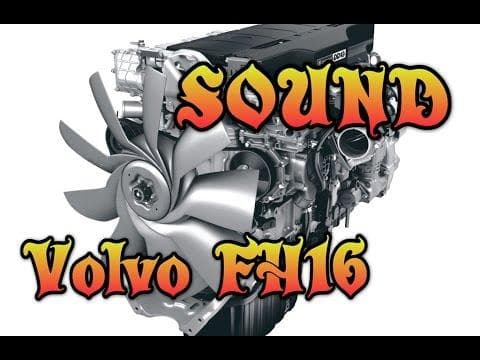
The VOLVO FH16 SOUND MOD 1.19.X brings new engine audio to Euro Truck Simulator 2, specifically tailored for the Volvo FH16 truck model. This mod replaces the stock engine sounds with recordings that aim to mimic the real-life motor noises of the Volvo FH16, adding a layer of realism to your driving experience. It’s designed for ETS2 version 1.19, so compatibility aligns with that game update.
Sound mods in ETS2 generally alter how trucks and sometimes their surroundings sound while driving. They can change engine roars, horn blares, or environmental noises like wind and road sounds. Mods like this one usually need to be placed higher in your mod load order than any truck skins or truck model mods they affect. That way, their audio replacements take precedence without conflicts.
Integrating a sound mod such as this into a heavily modded setup is usually straightforward but requires attention to load order. Since it targets only the Volvo FH16’s engine sounds, it won’t interfere with unrelated truck models or map mods. Users who prefer authentic auditory feedback when behind the wheel will find this kind of mod enhances immersion.
Truck enthusiasts who drive Volvo trucks in ETS2 will likely appreciate this mod because it shifts away from generic sounds toward something more specific and recognizable for the FH16 series. It’s less about flashy changes and more about subtle authenticity in sound design.
While the creator is unknown and file details aren’t specified, the focus here remains on delivering accurate engine audio through recorded samples processed with modeling tools. These tweaks don’t affect gameplay mechanics but rather enrich the sensory aspect of trucking across European roads.
If you enjoy customizing every detail of your ETS2 experience and value realistic audio cues while hauling cargo, this sound mod fits well into setups aiming for deeper simulation without altering visuals or physics.
How to install
1. Download the .scs file. 2. Drop it into `Documents/Euro Truck Simulator 2/mod/`. 3. Enable in Mod Manager. Sound mods usually need to load **above** truck mods in load order. 4. Restart the game so the audio engine picks up new samples.
After the mod loads, save your game inside a safe area (parking lot or service) before deciding whether to keep it. If the game refuses to load with the mod enabled, check that all required DLCs are installed and that the supported ETS2 version chips on this page include your installed game patch.
Reviews
No ratings yetNo reviews yet — be the first to rate this mod.





