Volvo FH16 2013 Ohaha E.M.Rogers Skin
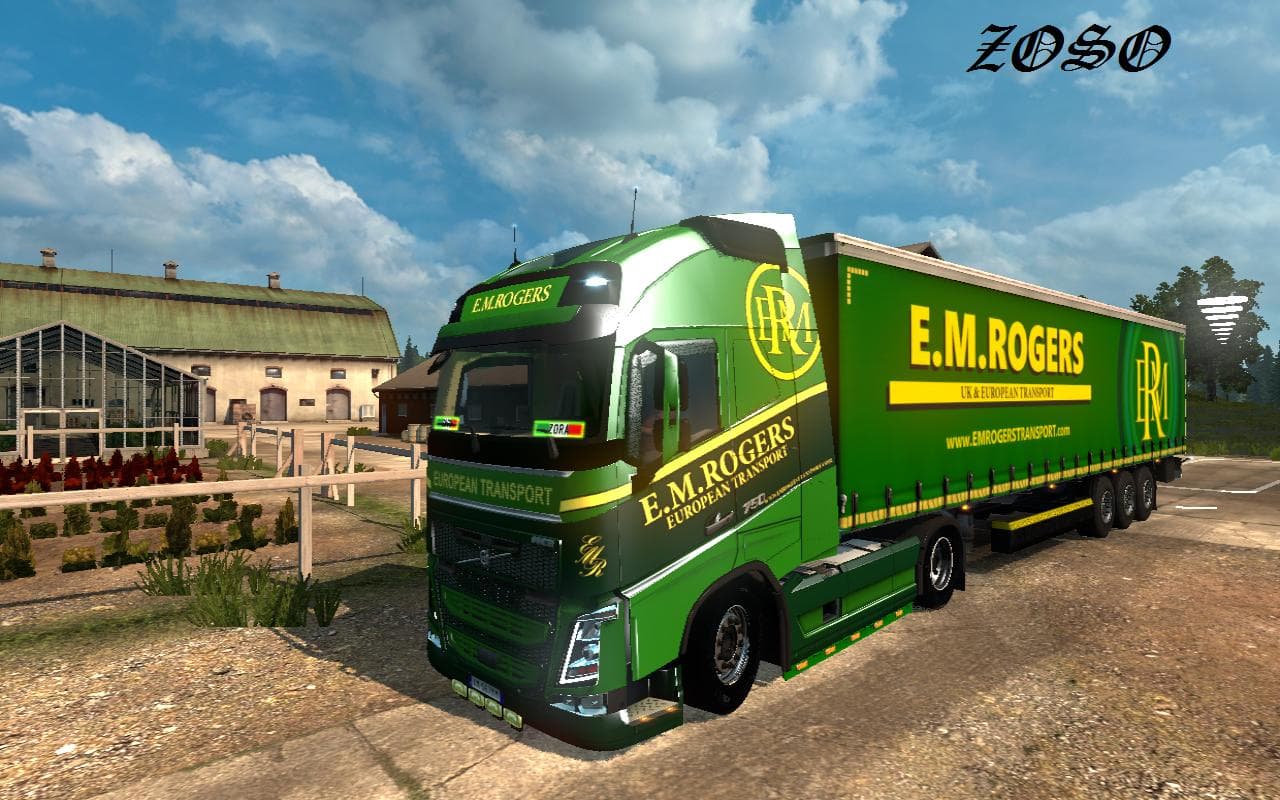
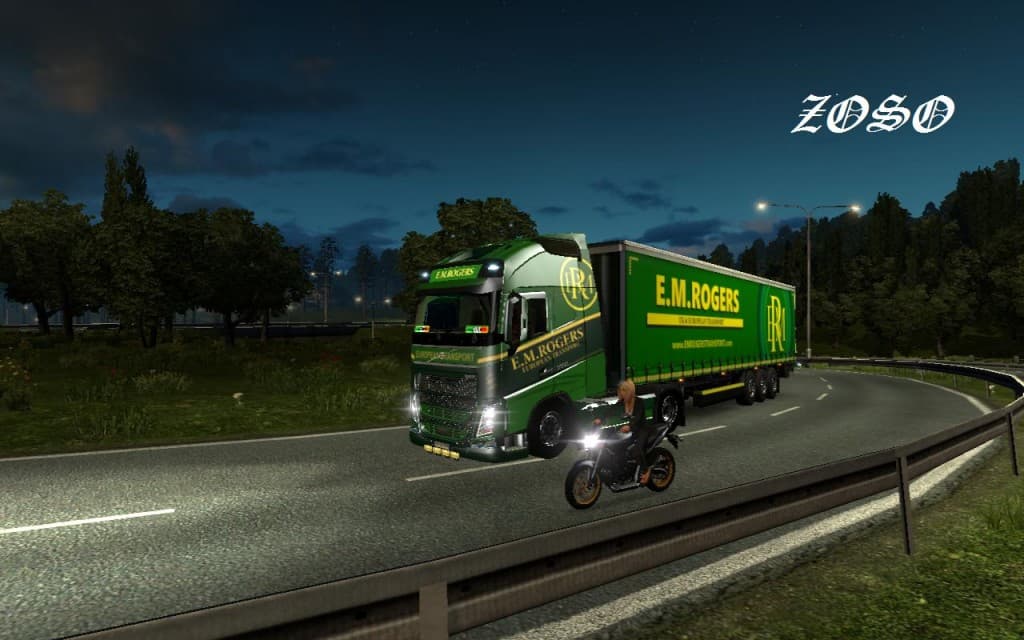
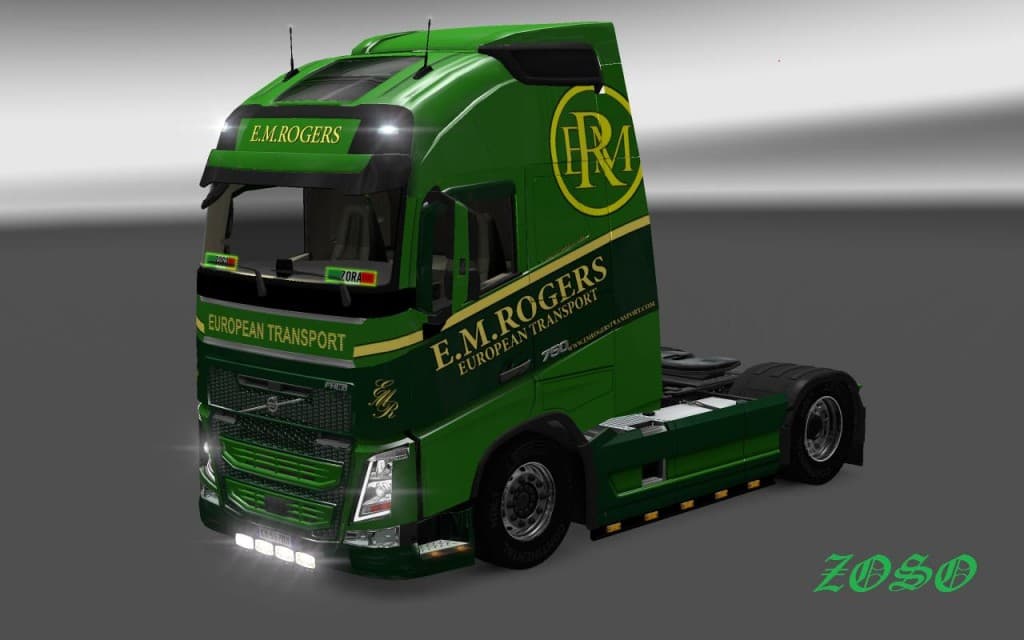
The Volvo FH16 2013 Ohaha E.M.Rogers Skin is a repaint mod designed specifically for the Volvo FH16 2013 truck model in Euro Truck Simulator 2. This type of mod doesn't alter the truck's structure or performance but changes its visual appearance by applying new textures and graphics to the existing model. Skins like this one are added via the in-game paint shop and depend on having the base vehicle available, so they fit neatly into any setup where that truck is already present.
Skin mods serve as a straightforward way to customize your trucks without affecting gameplay mechanics. Since they work by replacing textures, they usually don't conflict with other mods that add new vehicles or gameplay features. However, it's good practice to load skins after any mods that overhaul truck models to ensure the correct textures display properly. The Volvo FH16 2013 Ohaha E.M.Rogers Skin supports ETS2 version 1.18, meaning it aligns with game updates around that release period.
In a modded environment, this skin complements setups focused on enhancing visual variety rather than adding new trucks or trailers. Players who enjoy personalizing their fleet will appreciate having more options for their Volvo FH16 2013, especially if they like maintaining a consistent look across their vehicles without switching to entirely different models or brands.
This mod would appeal mostly to players who favor subtle customization through skins over major gameplay changes. If you’re running a collection of mods tailored toward specific truck models and want additional paint options for your Volvo FH16 2013, this could be a handy addition. It’s also useful for those who prefer keeping their game visually fresh with minimal fuss.
Overall, skins like the Volvo FH16 2013 Ohaha E.M.Rogers provide an easy way to personalize your driving experience in ETS2. They let you stand out on European roads without altering how your truck handles or performs, making them popular among those focused on aesthetics within a stable modded setup.
How to install
1. Download the .scs file. 2. Drop it into `Documents/Euro Truck Simulator 2/mod/`. 3. Enable in Mod Manager. 4. Apply the skin in the truck/trailer paint shop.
After the mod loads, save your game inside a safe area (parking lot or service) before deciding whether to keep it. If the game refuses to load with the mod enabled, check that all required DLCs are installed and that the supported ETS2 version chips on this page include your installed game patch.
Reviews
No ratings yetNo reviews yet — be the first to rate this mod.





