VOLVO FH12 NUR TRANS RED SKIN
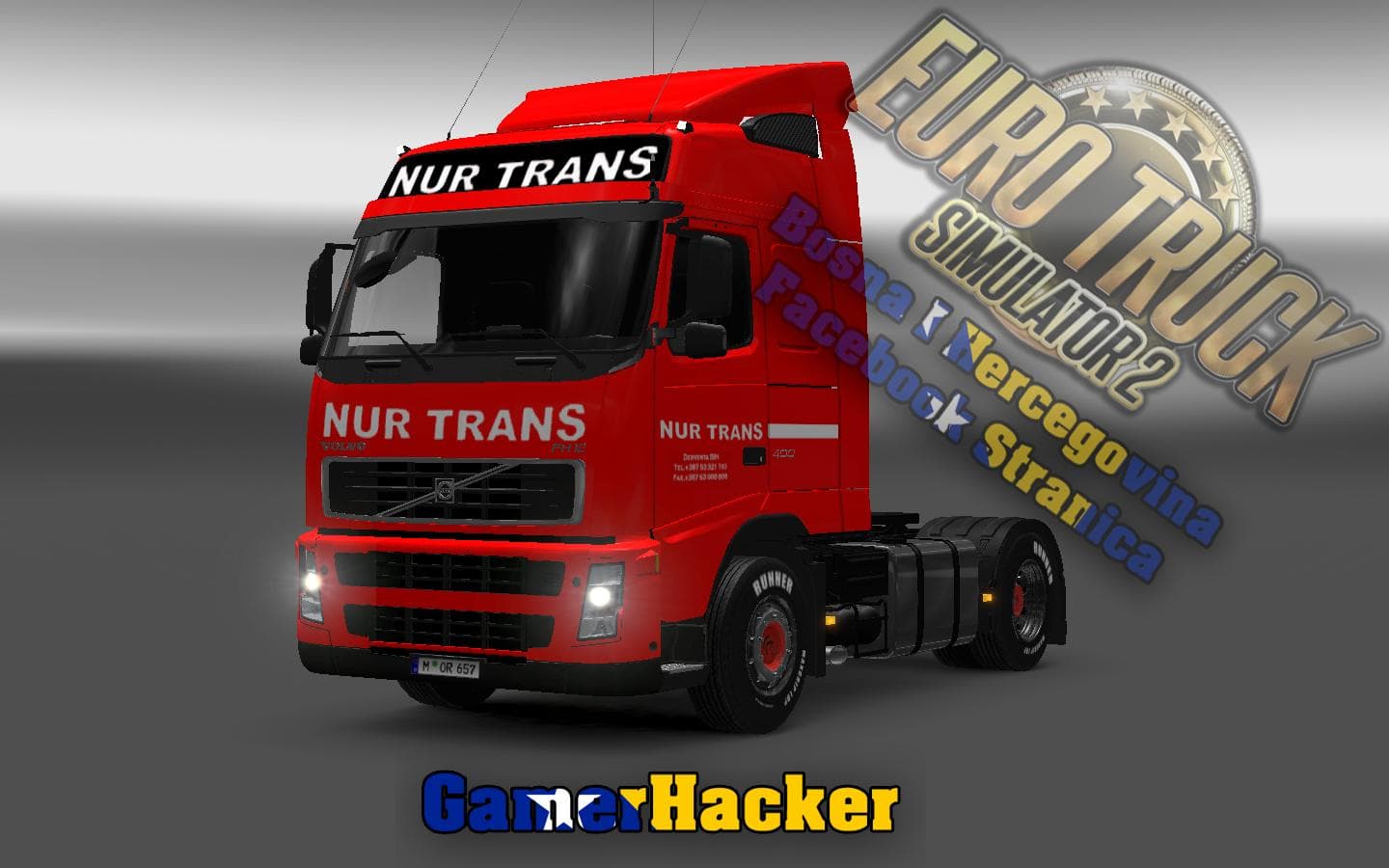
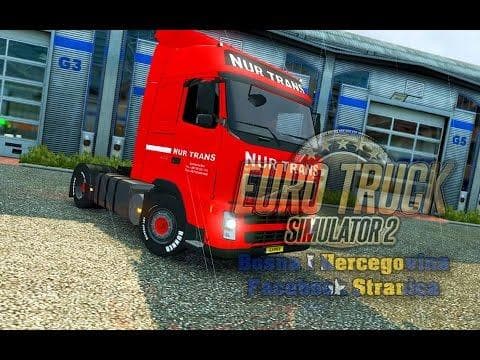
The VOLVO FH12 NUR TRANS RED SKIN is a skin mod for ETS2 version 1.22, created by Euro truck simulator 2. It features a 4K resolution, standalone decals, and a
The VOLVO FH12 NUR TRANS RED SKIN is a paint job mod designed specifically for the Globetrotter XL cabin in Euro Truck Simulator 2. This type of mod doesn't alter the truck's model or performance; instead, it gives your vehicle a fresh look by changing its exterior paint and decals. Skins like this one are applied through the in-game paint shop and rely on having the matching base truck available.
Skin mods work by replacing textures on existing trucks without impacting gameplay mechanics. Since this particular skin offers a metallic option and high-resolution details, it enhances visual quality, especially if you run ETS2 with graphics mods or texture packs. It’s compatible with version 1.22.x of the game, so keeping your game updated to that version is necessary for proper functionality.
When adding skins to a modded setup, it's good practice to load texture and skin mods after map or gameplay mods to avoid conflicts. Also, standalone decals included with this skin allow it to function independently without relying on other skin packs. That makes it easy to integrate into an already customized garage without risking issues.
Drivers who enjoy customizing their fleet will appreciate the red metallic finish offered here. It suits players who want a more personalized look for their Volvo trucks without needing complex mod installations. Since it's tailored for the Globetrotter XL cabin, owners of that specific model will find it fits perfectly.
Overall, this skin provides a straightforward way to update your Volvo FH12 with a distinctive red paint scheme while maintaining compatibility within most mod collections. It’s a solid choice for anyone looking to add variety to their truck visuals on ETS2 version 1.22.
How to install
1. Download the .scs file. 2. Drop it into `Documents/Euro Truck Simulator 2/mod/`. 3. Enable in Mod Manager. 4. Apply the skin in the truck/trailer paint shop.
After the mod loads, save your game inside a safe area (parking lot or service) before deciding whether to keep it. If the game refuses to load with the mod enabled, check that all required DLCs are installed and that the supported ETS2 version chips on this page include your installed game patch.
Reviews
No ratings yetNo reviews yet — be the first to rate this mod.





