VOLVO FH 2013 FANTASY SKIN 1.22
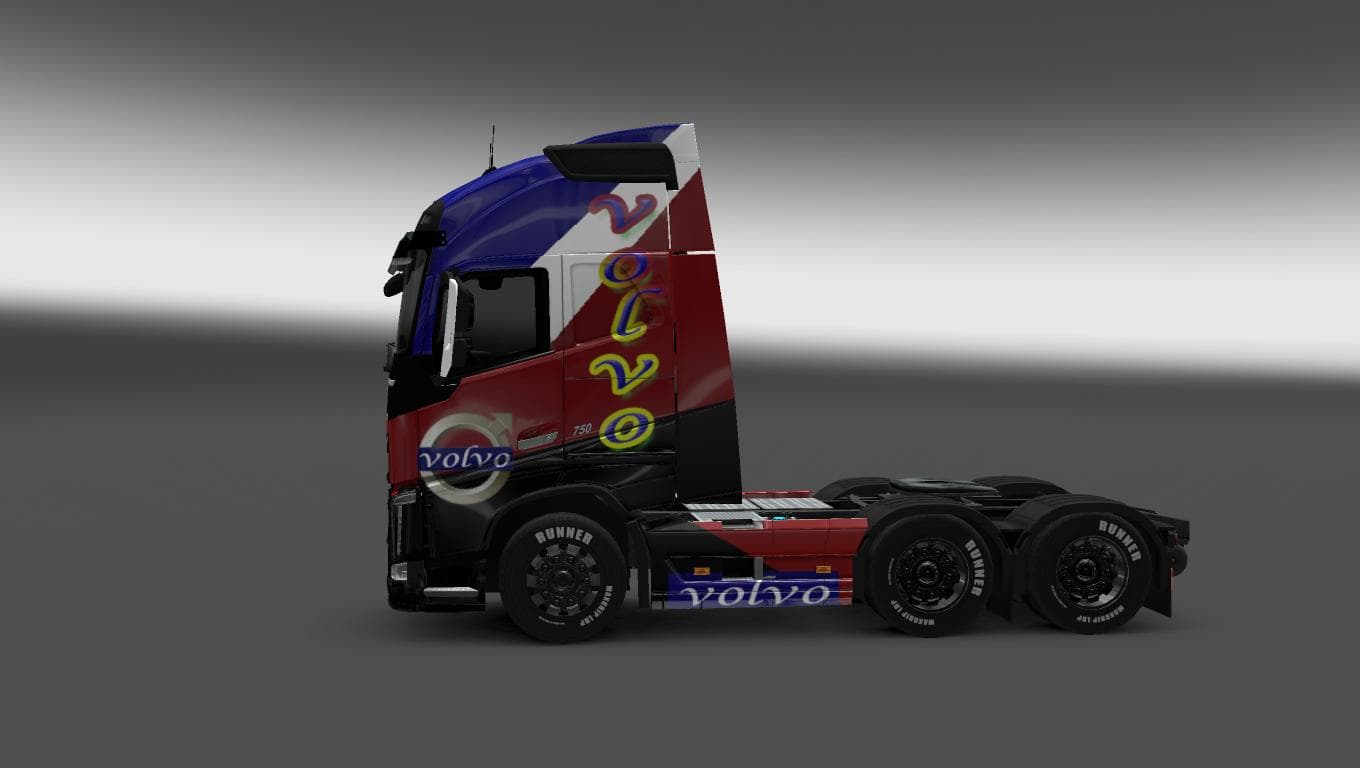
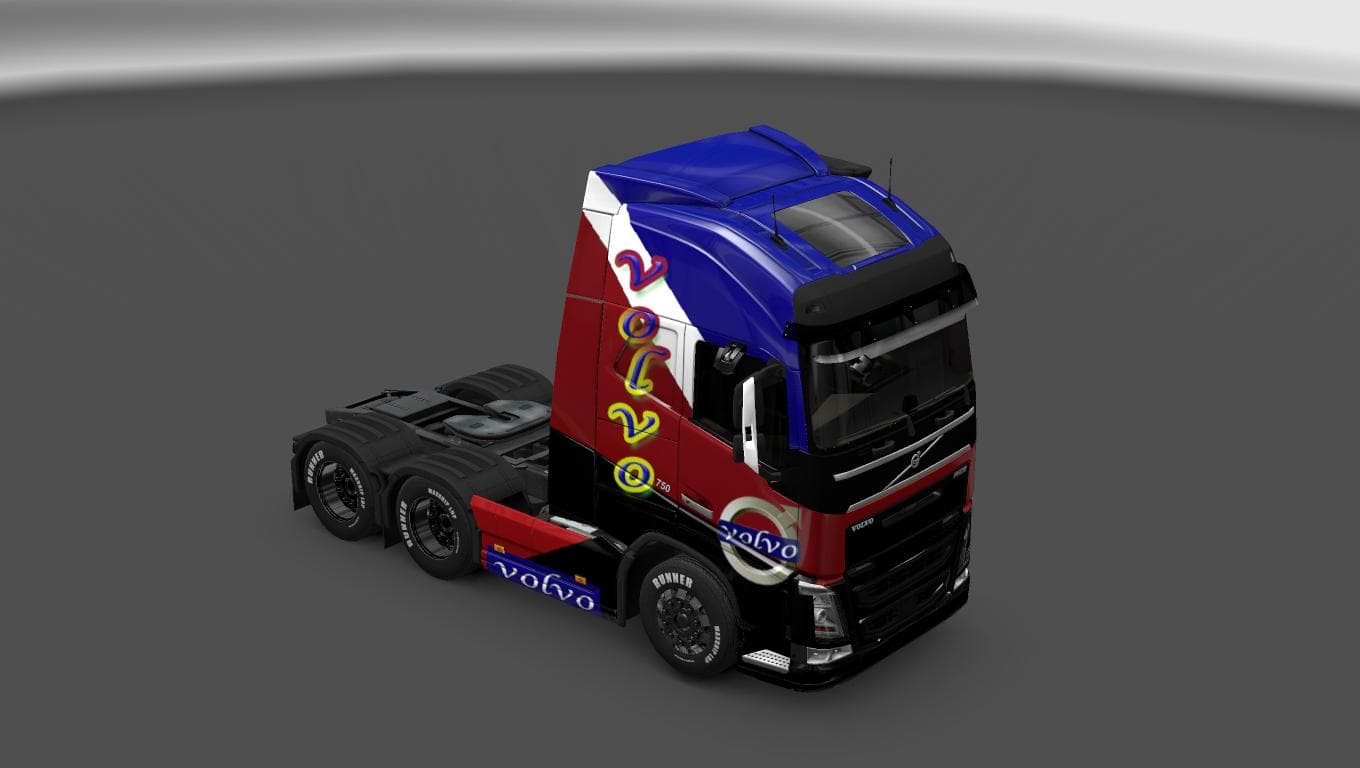
The VOLVO FH 2013 FANTASY SKIN 1.22 mod is a skin for the Volvo FH 2013 truck in Euro Truck Simulator 2. Created by Euro truck simulator 2, it is compatible wit
This mod offers a custom repaint for the Volvo FH 2013 truck model, tailored for ETS2 version 1.22. It doesn't alter the truck's structure or performance but changes its external look, providing a fresh visual twist to the standard Volvo FH 2013 skin. Skins like this one are applied through the paint shop in-game and rely on having the matching base vehicle installed to work correctly.
Skin mods in ETS2 generally serve as cosmetic upgrades that let players personalize their trucks without modifying gameplay mechanics. They're straightforward to use since you just select them in the paint shop once loaded with your profile. Because this mod targets a specific game version and truck model, compatibility depends on having those exact versions active, so always check your ETS2 setup before installing.
In a heavily modded game environment, skins usually load without interfering with other types of mods like map expansions or gameplay tweaks. However, it's wise to keep skin mods near the end of your load order to avoid conflicts with other paint jobs or model replacements for the same truck. This ensures your chosen design appears as intended during play.
Drivers who enjoy adding some personality to their fleet will find this mod handy. It suits anyone driving the Volvo FH 2013 and wanting something different from default colors and designs. Since it’s fairly small and focused solely on aesthetics, it’s easy to add alongside other mods without much hassle.
While details about the creator remain unknown, this skin has been tested specifically on ETS2 version 1.22, which helps confirm its stability within that context. If you're running that version or using legacy setups compatible with it, this skin should slot right in.
Overall, this is a simple but effective way to customize your Volvo FH 2013’s appearance without any impact on driving performance or game mechanics. Just drop it into your mods folder, activate it in-game, and pick it up at the paint shop whenever you want.
How to install
1. Download the .scs file. 2. Drop it into `Documents/Euro Truck Simulator 2/mod/`. 3. Enable in Mod Manager. 4. Apply the skin in the truck/trailer paint shop.
After the mod loads, save your game inside a safe area (parking lot or service) before deciding whether to keep it. If the game refuses to load with the mod enabled, check that all required DLCs are installed and that the supported ETS2 version chips on this page include your installed game patch.
Reviews
No ratings yetNo reviews yet — be the first to rate this mod.





