VOLVO FH 2013 BLUE CARBON SKIN 1.22
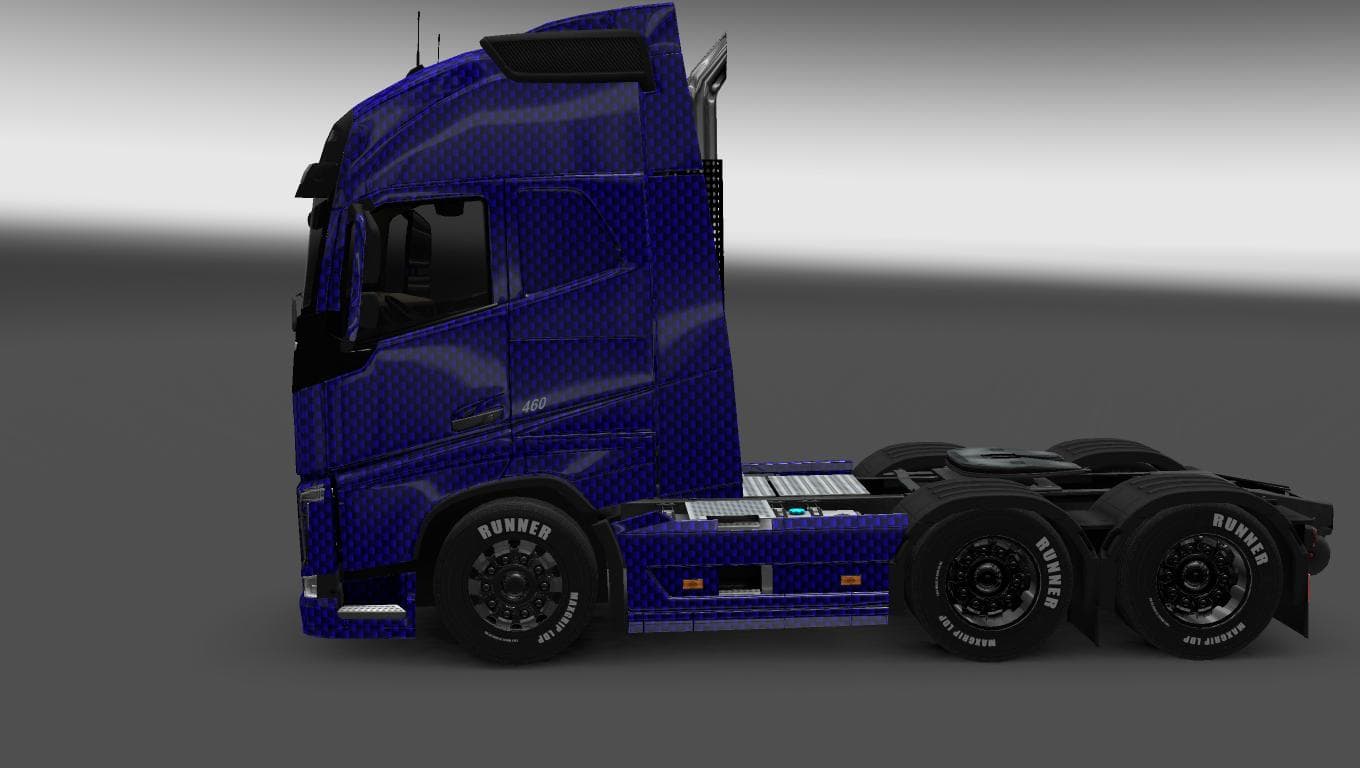
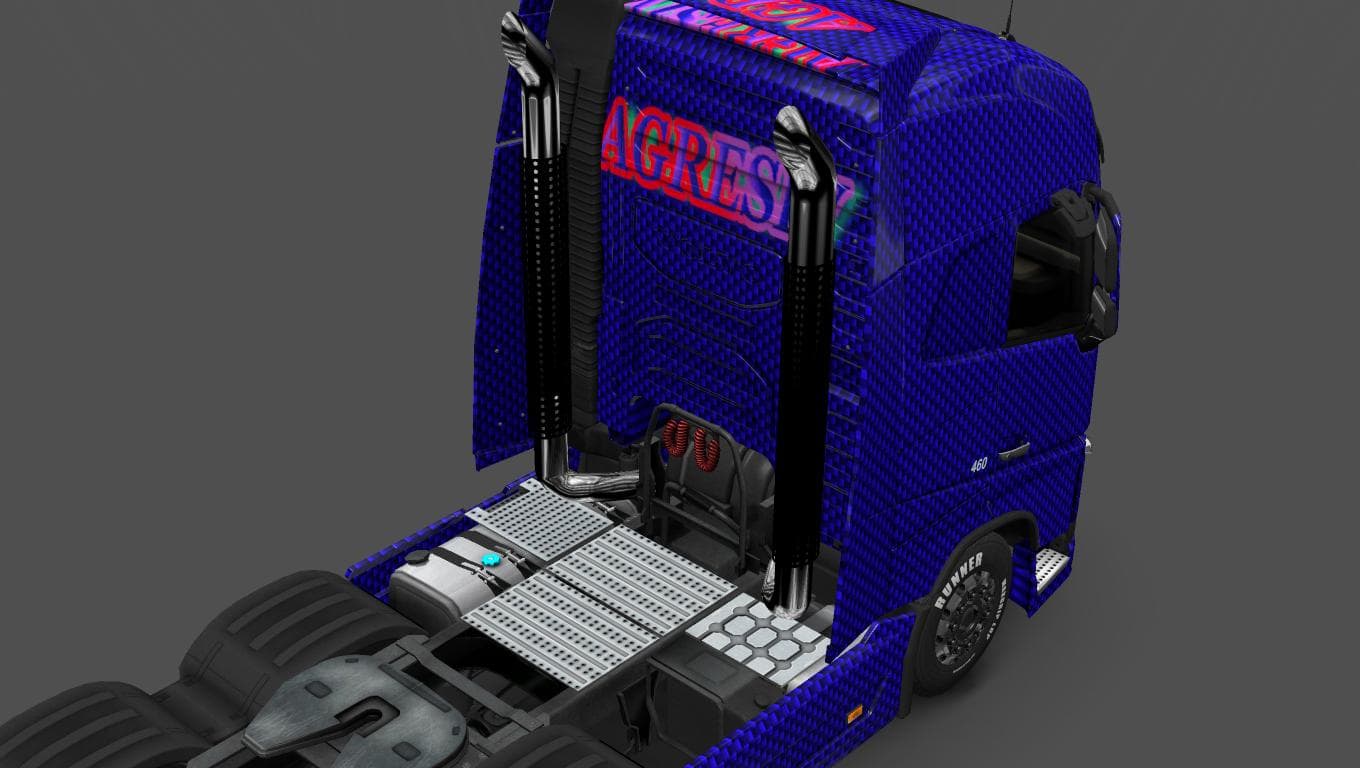
This mod is a skin for the Volvo FH 2013 truck in Euro Truck Simulator 2, version 1.22. The Blue Carbon skin was created by Solix.77 and has a file size of 22 K
The VOLVO FH 2013 BLUE CARBON SKIN 1.22 is a repaint mod designed specifically for the Volvo FH 2013 truck model in Euro Truck Simulator 2. This type of mod focuses on changing the truck's exterior appearance without altering its shape or performance. It’s applied through the in-game paint shop, where players can select this skin to customize their vehicle's look.
Skin mods like this one offer a straightforward way to personalize your trucks, fitting nicely into any modded setup that includes the base Volvo FH 2013 model. Since it doesn’t modify gameplay or add new parts, it generally has good compatibility with other mods that enhance features or add trailers. However, it’s always wise to keep an eye on load order so paint mods overwrite default skins correctly.
This particular skin is compatible with ETS2 version 1.22, aligning well with other mods updated for that game release. Skins usually come as small files and are easy to install by placing them into the mod folder and activating them in the game’s mod manager. They don’t conflict with map or gameplay mods, making them a low-risk addition for those wanting visual variety.
Truck enthusiasts who enjoy customizing their fleet will find this blue carbon design appealing if they prefer subtle but distinct paint jobs over factory colors. It works well for players who want a clean, modern look for their Volvo FH without messing around with more complex mods that might affect performance or handling.
While the creator remains unknown beyond crediting Solix.77 for this particular skin design, it serves as a solid example of how community-made skins can refresh older truck models without needing full model replacements or upgrades.
How to install
1. Download the .scs file. 2. Drop it into `Documents/Euro Truck Simulator 2/mod/`. 3. Enable in Mod Manager. 4. Apply the skin in the truck/trailer paint shop.
After the mod loads, save your game inside a safe area (parking lot or service) before deciding whether to keep it. If the game refuses to load with the mod enabled, check that all required DLCs are installed and that the supported ETS2 version chips on this page include your installed game patch.
Reviews
No ratings yetNo reviews yet — be the first to rate this mod.





