VOLVO FH 2012 HOONIGAN SKIN
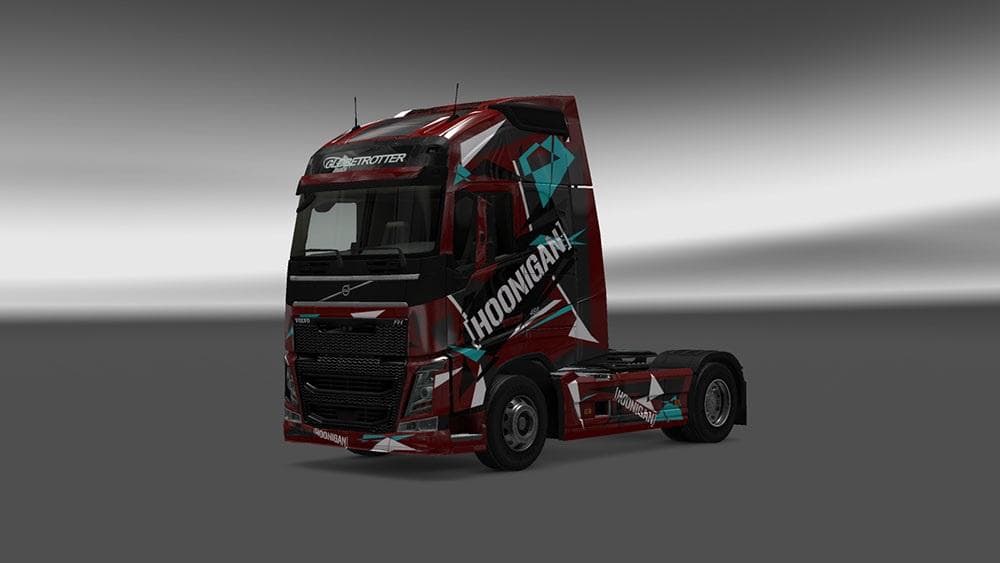
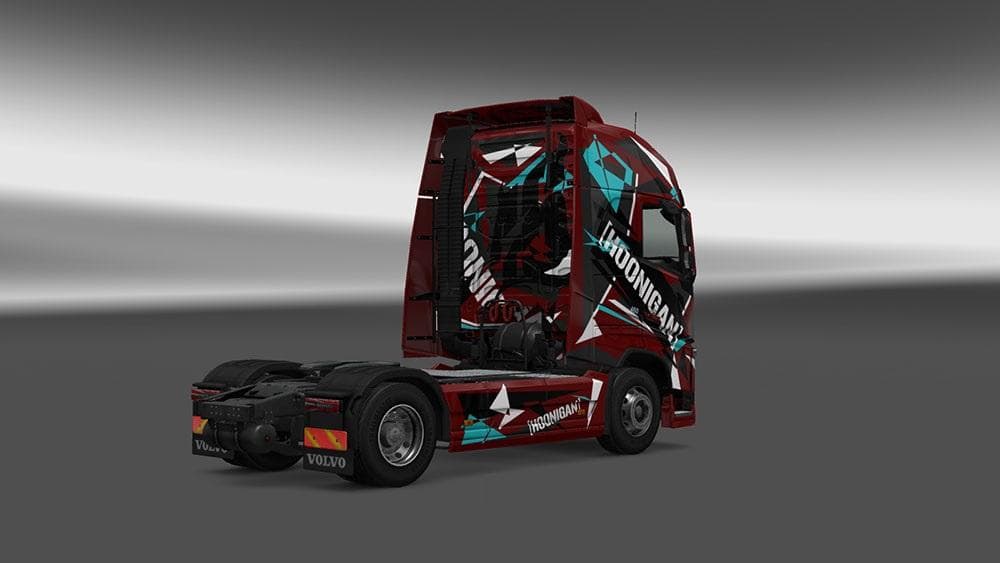
The VOLVO FH 2012 HOONIGAN SKIN is a handmade skin for Volvo trucks in ETS2, designed for fans of tuning. It is compatible with the standard SCS Volvo and is re
The VOLVO FH 2012 HOONIGAN SKIN is a custom paint job designed specifically for the standard SCS Volvo FH 2012 truck in Euro Truck Simulator 2. This skin offers a distinctive look inspired by the tuning culture, giving your Volvo a unique appearance without altering the truck model itself. It’s a straightforward way to personalize your vehicle with a fresh design.
Skin mods like this one apply directly through the paint shop in ETS2, repainting the exterior of trucks while relying on the original model's structure. Since it’s made for the base Volvo FH 2012, it won’t affect gameplay mechanics but will change how your truck looks on the road. These skins are easy to install and usually slot into your mod list alongside other cosmetic or functional mods.
When using skins in a heavily modded setup, it's good practice to load them after any mods that alter truck models or add new trucks to ensure compatibility. Because this skin is built for the standard Volvo, it should work fine as long as no other mods override the same texture files. Pairing it with red wheels and white accents, as suggested, can enhance its visual impact further.
This kind of skin suits players who enjoy customizing their trucks beyond factory finishes and want to stand out during their hauls across Europe’s varied landscapes like Germany or France. It fits well with those who appreciate car culture influences merged with trucking simulation.
Whether you’re cruising through Sweden or delivering goods in Spain, having a personalized skin adds some flair to your ETS2 experience without complicating your game setup. It's a simple way to express style while driving one of the game's iconic trucks.
How to install
1. Download the .scs file. 2. Drop it into `Documents/Euro Truck Simulator 2/mod/`. 3. Enable in Mod Manager. 4. Apply the skin in the truck/trailer paint shop.
After the mod loads, save your game inside a safe area (parking lot or service) before deciding whether to keep it. If the game refuses to load with the mod enabled, check that all required DLCs are installed and that the supported ETS2 version chips on this page include your installed game patch.
Reviews
No ratings yetNo reviews yet — be the first to rate this mod.





