Volvo F16 Open Pipe Sound
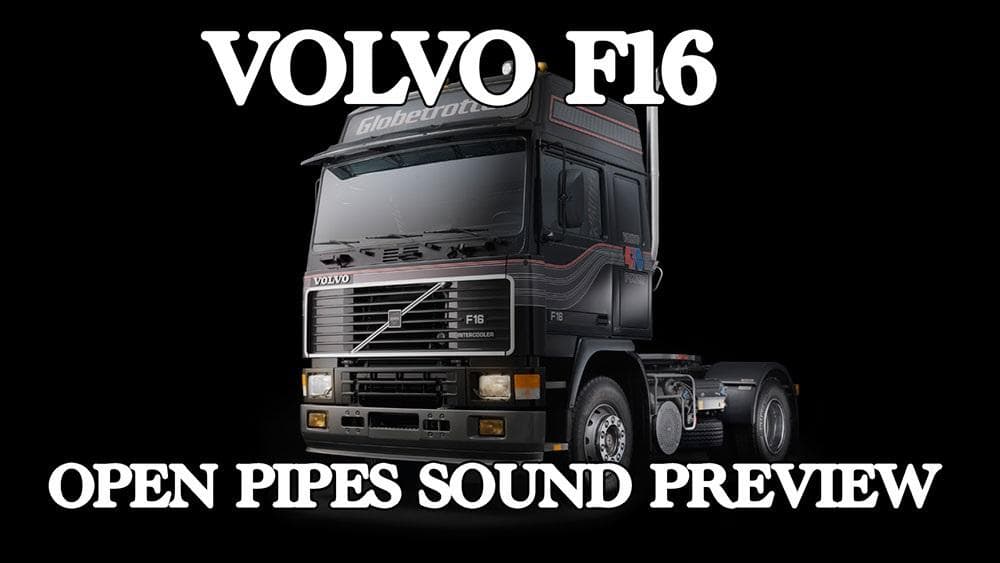
The Volvo F16 Open Pipe Sound mod updates the audio experience for Punishers' Volvo F16 truck in Euro Truck Simulator 2. It replaces several key sound elements, including the engine, retarder, and blinker noises, aiming to offer a more fitting auditory profile for this classic truck model. This kind of sound mod focuses solely on altering the vehicle's audio cues rather than visual or gameplay changes.
Sound mods like this one typically work by swapping out default game sounds with custom recordings or edited clips that better match specific trucks or styles. They often bring a fresh layer of immersion by enhancing familiar sounds or correcting inaccuracies present in stock audio. Since they're limited to sounds, they usually have minimal impact on other aspects of gameplay but can significantly affect how you perceive your rig.
When adding sound mods to your setup, it's common practice to place them high in the load order. This ensures their audio files override those from the original truck mod or other sound packages that might conflict. For the Volvo F16 Open Pipe Sound mod, placing it above Punishers' base Volvo F16 mod is necessary so its new sounds actually take effect.
Compatibility-wise, sound mods rarely cause issues with map mods or gameplay tweaks but might clash if multiple sound packs target the same truck simultaneously. If you're running several truck sound mods, you'll want to prioritize which ones load first depending on which trucks you use most frequently.
This mod is suited for players who enjoy driving the Punishers' Volvo F16 and want a more authentic or distinct engine and retarder noise profile. If you prefer your ETS2 experience with richer and sometimes nostalgic soundscapes tied to specific vehicles, swapping out bland default sounds can make a noticeable difference.
How to install
1. Download the .scs file. 2. Drop it into `Documents/Euro Truck Simulator 2/mod/`. 3. Enable in Mod Manager. Sound mods usually need to load **above** truck mods in load order. 4. Restart the game so the audio engine picks up new samples.
After the mod loads, save your game inside a safe area (parking lot or service) before deciding whether to keep it. If the game refuses to load with the mod enabled, check that all required DLCs are installed and that the supported ETS2 version chips on this page include your installed game patch.
Reviews
No ratings yetNo reviews yet — be the first to rate this mod.





