VINYLS PAINT JOB FOR SCANIA RJL
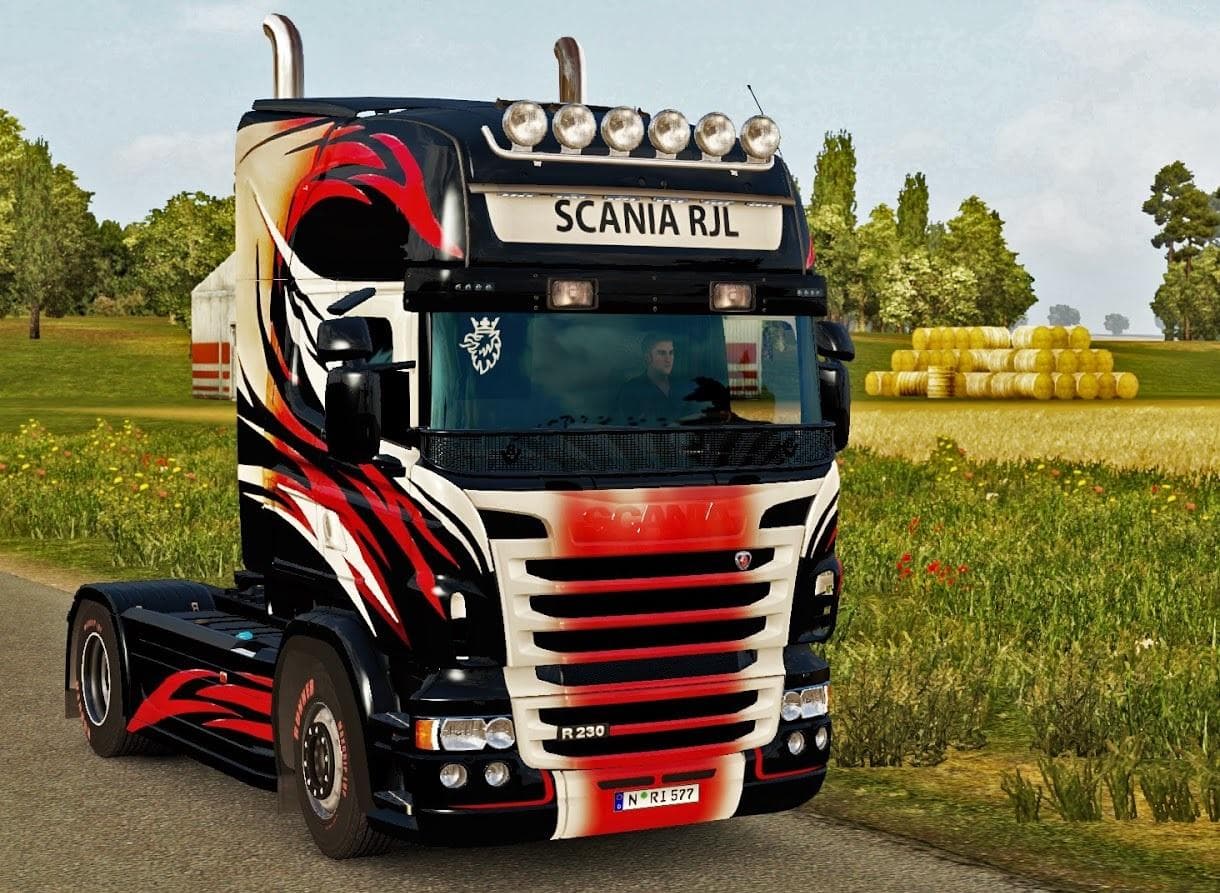
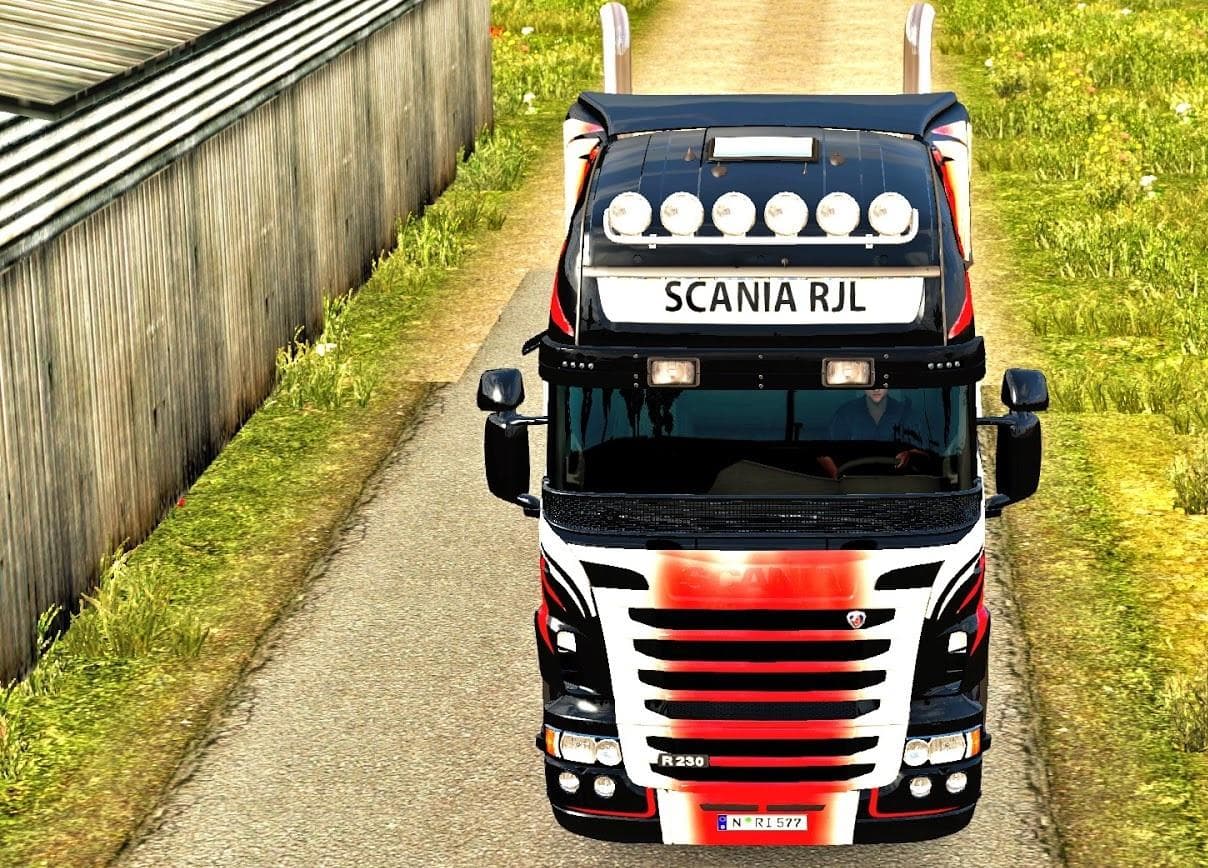
This mod offers a vinyl paint job for the Scania RJL truck in Euro Truck Simulator 2. It includes a Mod Manager with manifest files and credits EviL & Ghass72 a
This mod offers a new paint job for the Scania RJL truck in Euro Truck Simulator 2. It doesn't alter the model or add new parts; instead, it changes the truck's appearance by applying a custom skin. Such skins are chosen in the game's paint shop and rely on the original vehicle to display correctly.
Skin mods like this one are popular for personalizing trucks without affecting gameplay mechanics. They let players give their rigs a unique look, which can be refreshing during long hauls across various in-game regions. The inclusion of Mod Manager and manifest files suggests easier installation and compatibility management for this particular skin.
In a modded setup, skin mods usually come last in the load order since they replace textures rather than game logic or models. This helps avoid conflicts with other mods that might change truck shapes or add features. Players often combine skins with sound packs or traffic mods without issues.
This vinyl paint job suits those who drive the Scania RJL and want to refresh its exterior visually without heavy modifications. It's a straightforward way to customize your truck's style while keeping everything else stock, which can be appealing for both casual and dedicated ETS2 players.
Since specific version support isn't provided, users should test it cautiously with their current ETS2 build. Generally, skins don't cause crashes but may not appear if used on incompatible base vehicles or game versions.
Overall, this type of mod fits well into any collection aimed at enhancing visual diversity in trucking sessions. It's especially relevant for fans of Scania trucks looking to switch up their rig's look with minimal fuss.
How to install
1. Download the .scs file. 2. Drop it into `Documents/Euro Truck Simulator 2/mod/`. 3. Enable in Mod Manager. 4. Apply the skin in the truck/trailer paint shop.
After the mod loads, save your game inside a safe area (parking lot or service) before deciding whether to keep it. If the game refuses to load with the mod enabled, check that all required DLCs are installed and that the supported ETS2 version chips on this page include your installed game patch.
Reviews
No ratings yetNo reviews yet — be the first to rate this mod.





