Vaxhuall Vivaro AI Traffic Car
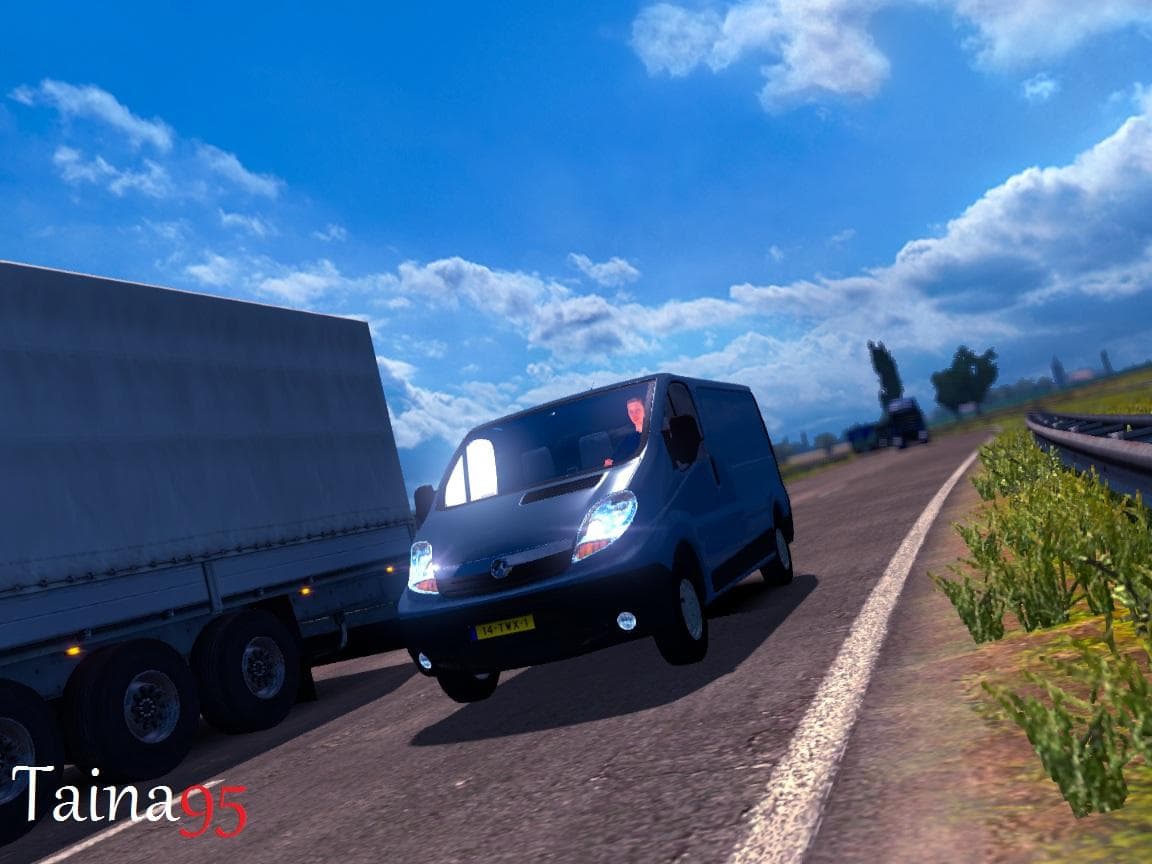
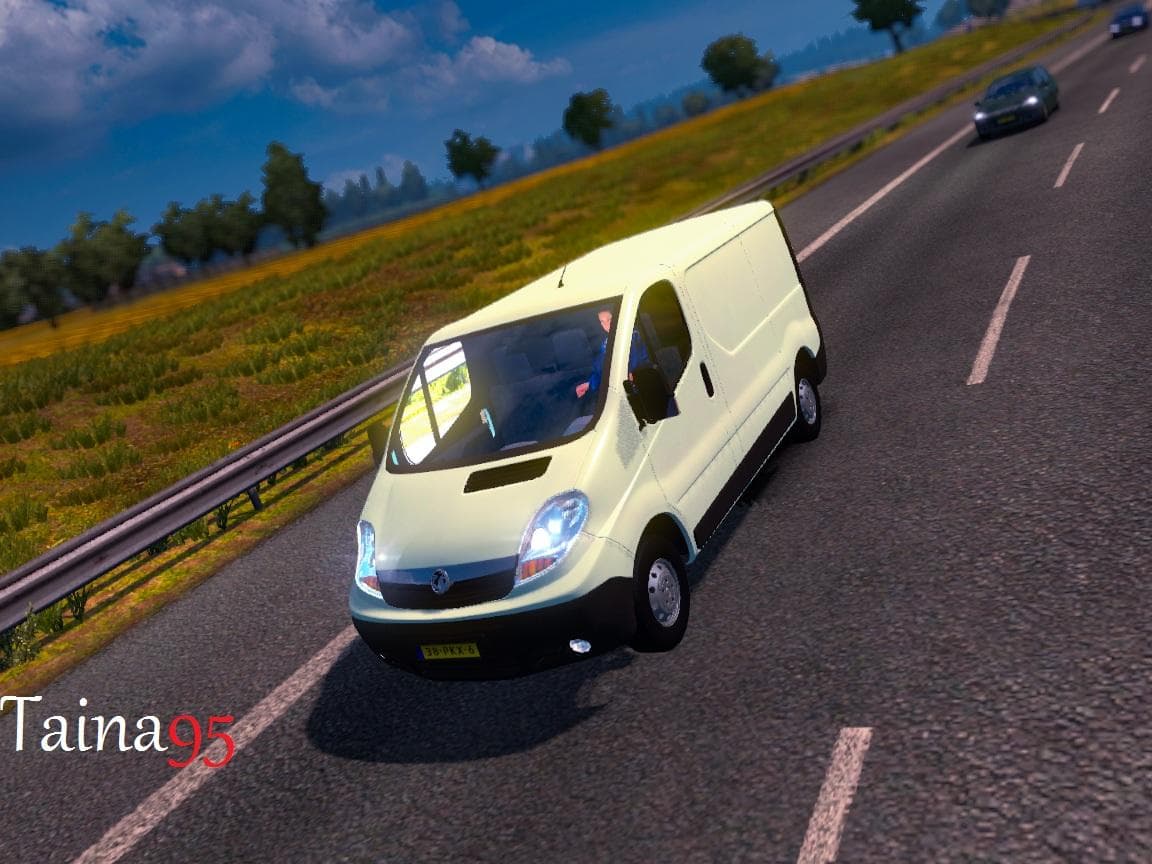
The Vaxhuall Vivaro AI Traffic Car mod is designed for ETS2 version 1.21 and has been tested to work perfectly without any other mods. Created by Taina95 and Dr
The Vaxhuall Vivaro AI Traffic Car mod adds a new vehicle model to the AI traffic pool in Euro Truck Simulator 2. This kind of mod replaces or supplements the regular traffic vehicles with different car models, helping to diversify what you see on the roads as you drive through various regions in the game. It specifically supports ETS2 version 1.21 and has been tested to work without conflicts when no other mods are loaded alongside it.
Mods that alter AI traffic like this one typically integrate smoothly into your setup since they only affect non-player vehicles. You install them through the in-game Mod Manager, and they generally don't require special load orders unless you're running multiple AI traffic mods, where arranging priorities can prevent visual glitches or duplicates. Since this mod targets AI cars rather than player trucks or cargo, it fits well into a collection of mods focused on enhancing the game's realism or variety without major compatibility concerns.
Players who want more visual variety in their trucking experience might appreciate this mod. It can add freshness to familiar routes by introducing different car models encountered during deliveries across European settings such as Germany, France, or Italy. While the creator's identity remains unknown, it has been reported to function perfectly under the specified ETS2 version, which provides some assurance about stability for those running similar setups.
In short, if your goal is to tweak or expand the range of vehicles populating AI traffic without altering gameplay mechanics or map features, this mod offers a straightforward option. Its integration via standard methods means you won't need additional tools beyond what's provided by Euro Truck Simulator 2 itself.
Overall, Vaxhuall Vivaro AI Traffic Car is suited for players aiming to enrich road scenes subtly by swapping out default traffic vehicles with something a bit different while staying within the comfort zone of tested game versions.
How to install
1. Download the file(s) from the original source linked above. 2. Drop them into `Documents/Euro Truck Simulator 2/mod/`. 3. Enable in Mod Manager and restart the game.
After the mod loads, save your game inside a safe area (parking lot or service) before deciding whether to keep it. If the game refuses to load with the mod enabled, check that all required DLCs are installed and that the supported ETS2 version chips on this page include your installed game patch.
Reviews
No ratings yetNo reviews yet — be the first to rate this mod.





