UNCLE D ETS2 ATS CB RADIO CHATTER MOD V2.01
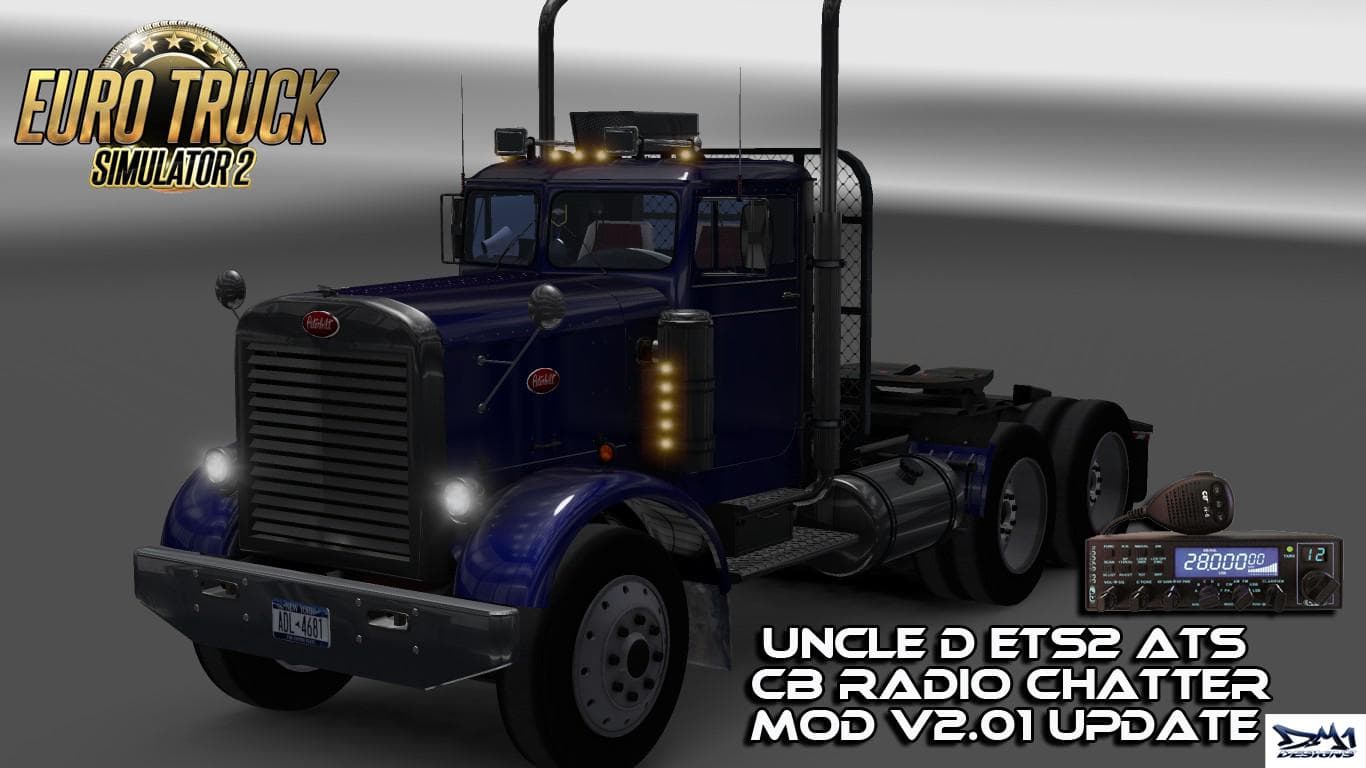
The "UNCLE D ETS2 ATS CB RADIO CHATTER" mod, version 2.01, offers new CB radio chatter sounds for Euro Truck Simulator 2. Created by Euro truck simulator 2, the
The UNCLE D ETS2 ATS CB RADIO CHATTER MOD V2.01 adds a layer of realism by bringing authentic CB radio chatter into Euro Truck Simulator 2. This type of sound mod replaces or enhances in-game audio to simulate real-world radio conversations between truckers, giving the cab atmosphere a more immersive feel. Sound mods like this one typically need to be placed high in the load order to ensure their audio files override any conflicting sounds from truck or environment mods.
Sound mods focus exclusively on changing specific audio elements such as engine sounds, horns, or ambient noises within ETS2. For CB radio chatter mods, this means you’ll hear snippets of communication that mimic how drivers interact over the airwaves while on long hauls. Since these sounds play alongside your driving experience, they can make long routes through regions like Arizona, Texas, or other American states feel less lonely and more dynamic.
When integrating a sound mod like this into a modded setup, it’s wise to load it above truck skins or vehicle mods that might also alter audio components. That way, the CB chatter remains clear and uninterrupted. Compatibility is usually straightforward since these mods don’t interfere with map expansions or gameplay mechanics; however, users should still watch for conflicts with other sound packs.
This mod will appeal to players who enjoy added immersion through audio detail and want to replicate the classic trucking culture vibe inside their cabs. If you’re fond of American trucks and appreciate hearing lively chatter during your drives across states like California or Colorado, adding this mod can enhance the overall simulation without altering gameplay.
Since the exact version compatibility isn’t specified, it's recommended to test this sound mod with your current ETS2 version and other installed audio modifications for smooth performance. Overall, it's an interesting addition for those looking to enrich their trucking environment with authentic CB radio exchanges.
How to install
1. Download the .scs file. 2. Drop it into `Documents/Euro Truck Simulator 2/mod/`. 3. Enable in Mod Manager. Sound mods usually need to load **above** truck mods in load order. 4. Restart the game so the audio engine picks up new samples.
After the mod loads, save your game inside a safe area (parking lot or service) before deciding whether to keep it. If the game refuses to load with the mod enabled, check that all required DLCs are installed and that the supported ETS2 version chips on this page include your installed game patch.
Reviews
No ratings yetNo reviews yet — be the first to rate this mod.





