UNCLE D CB RADIO CHATTER V1.06
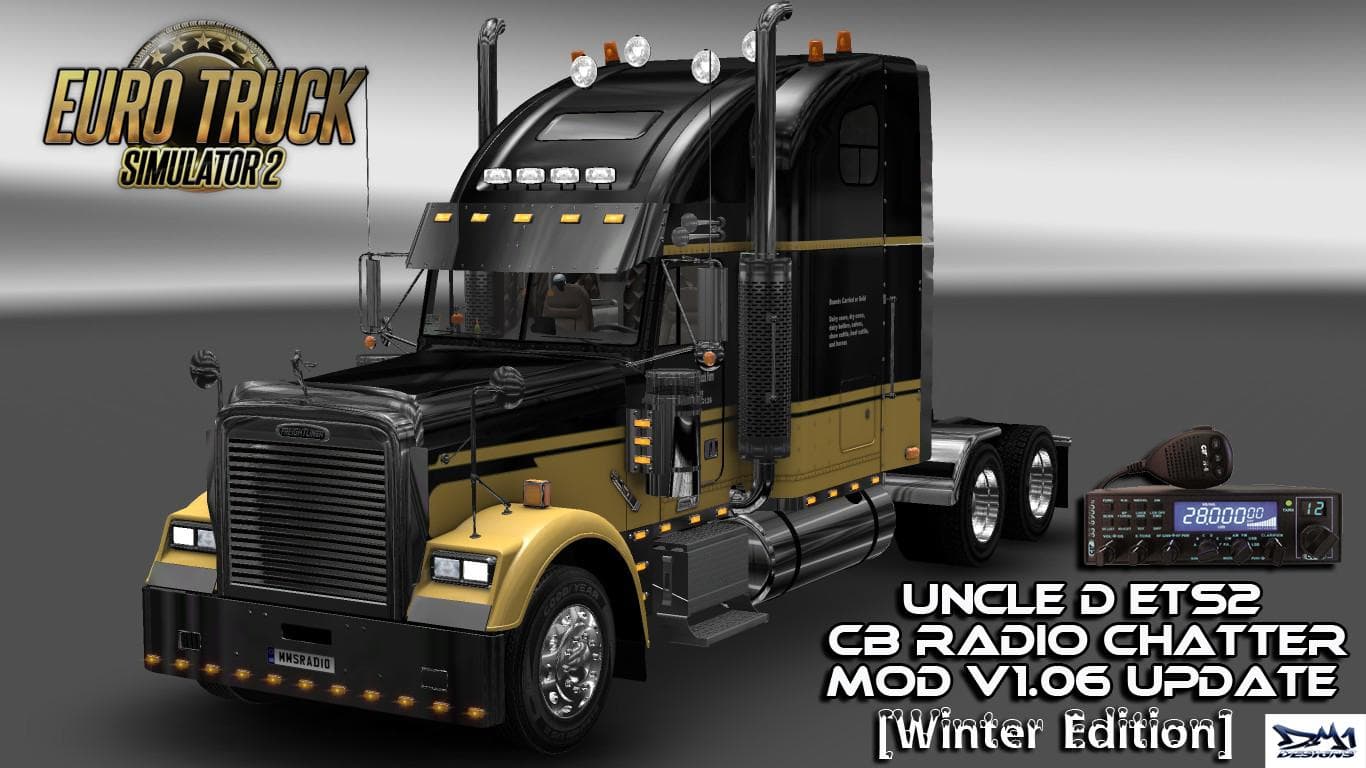
The "UNCLE D CB RADIO CHATTER" mod version 1.06 offers American-sounding CB radio chatter for Euro Truck Simulator 2. Created by Euro truck simulator 2, it is c
UNCLE D CB RADIO CHATTER V1.06 brings an American-style CB radio experience to Euro Truck Simulator 2, adding voice chatter that mimics real-life trucker conversations. This sound mod enhances the in-cab atmosphere by injecting lively CB radio noise, making long hauls feel less isolated and more immersive.
Sound mods like this one typically replace or add new audio elements such as engine sounds, horns, or environmental noises. In this case, the mod focuses on CB radio chatter, which plays through the game's communication system. For it to work properly, sound mods usually need to be placed high in the load order, especially above any truck mods that might alter similar audio files.
Integrating UNCLE D CB RADIO CHATTER into a modded setup requires attention to compatibility with other sound-related mods. Since it alters radio chatter specifically, conflicts with other sound packs are possible if they touch the same audio streams. Players often have to experiment with load order or disable overlapping mods for optimal performance.
This version supports ETS2 1.06 and fits players who want a more authentic American trucking vibe while driving across various regions such as California, Texas, or Colorado. If you enjoy customizing your auditory experience beyond just visuals and mechanical tweaks, a CB chatter mod like this adds character and realism.
Truckers who spend hours behind the wheel in ETS2 often appreciate mods that bring subtle but meaningful changes to their daily routes. Those interested in US-themed trucking scenarios will find this mod complements maps and trucks from states like Arizona or Montana by reinforcing the cultural atmosphere through sound.
How to install
1. Download the .scs file. 2. Drop it into `Documents/Euro Truck Simulator 2/mod/`. 3. Enable in Mod Manager. Sound mods usually need to load **above** truck mods in load order. 4. Restart the game so the audio engine picks up new samples.
After the mod loads, save your game inside a safe area (parking lot or service) before deciding whether to keep it. If the game refuses to load with the mod enabled, check that all required DLCs are installed and that the supported ETS2 version chips on this page include your installed game patch.
Reviews
No ratings yetNo reviews yet — be the first to rate this mod.





