TURKISH POLICE CAR SKIN FOR AUDI A4 V1.1
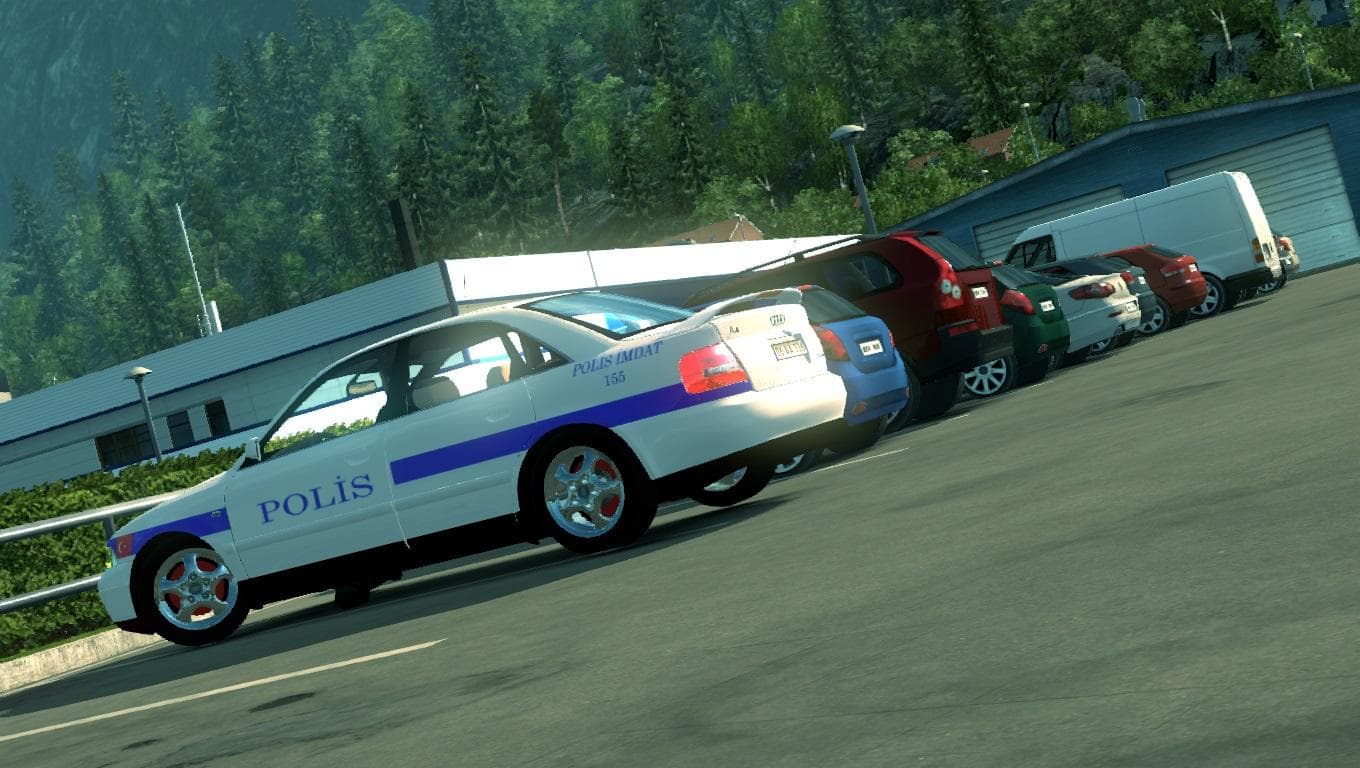
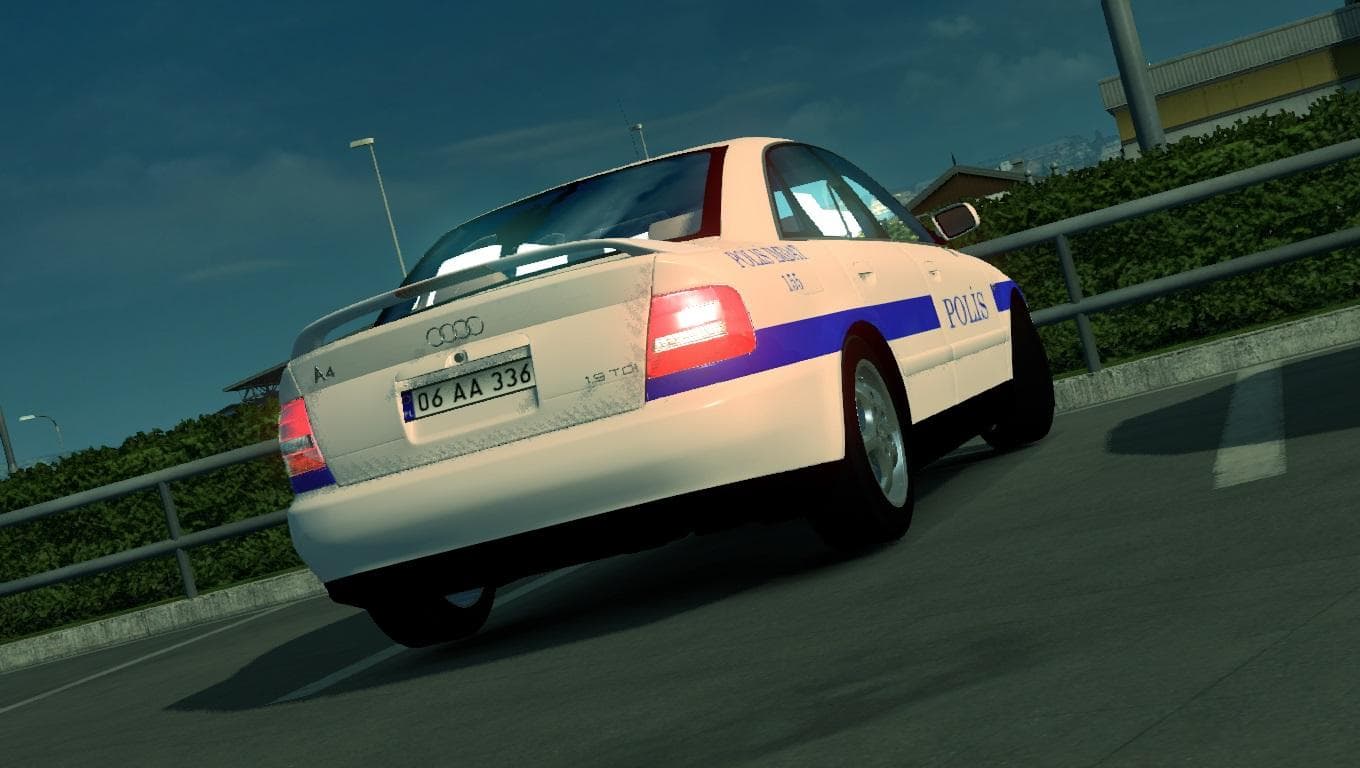
This mod adds a Turkish police skin for the Audi A4 in Euro Truck Simulator 2. Created by Kaptan Demir, the file size is 206 KB and can be downloaded from Uploa
The TURKISH POLICE CAR SKIN FOR AUDI A4 V1.1 is a paint job mod designed specifically for the Audi A4 model in Euro Truck Simulator 2. This skin changes the vehicle's appearance to resemble a Turkish police car, adding a regional touch without modifying the truck's physical structure or performance. Since it's a skin, it gets applied through the game's paint shop interface, using the base Audi A4 model as its canvas.
Skin mods like this one repaint existing trucks or cabins rather than altering models or adding new vehicles. This means they are usually lightweight and easy to install, fitting well within modded setups that include other visual or gameplay enhancements. They typically don't conflict with gameplay mechanics but might require attention to load order if combined with other skins targeting the same base vehicle.
When incorporating multiple skins in your mod folder, it's advisable to place them according to priority since ETS2 will load only one skin per truck model at a time. If you have several skins for the Audi A4, this Turkish police car skin should be positioned above others you want active. Being compatible with ETS2 version 1.1 suggests it targets an earlier game iteration but can still be useful for players running older versions or those maintaining legacy setups.
This mod suits players who enjoy personalizing their trucks beyond standard paint jobs and want to add a bit of cultural flavor by representing law enforcement vehicles from Turkey. It might also appeal to those who collect diverse skins reflecting different countries' emergency services and want variety in their fleet appearance.
Overall, if you like driving with unique looks on common European vehicles, this skin offers a straightforward way to change up your Audi A4 without impacting performance or requiring complex installation steps.
How to install
1. Download the .scs file. 2. Drop it into `Documents/Euro Truck Simulator 2/mod/`. 3. Enable in Mod Manager. 4. Apply the skin in the truck/trailer paint shop.
After the mod loads, save your game inside a safe area (parking lot or service) before deciding whether to keep it. If the game refuses to load with the mod enabled, check that all required DLCs are installed and that the supported ETS2 version chips on this page include your installed game patch.
Reviews
No ratings yetNo reviews yet — be the first to rate this mod.





