TURKISH CARGO PACK V2
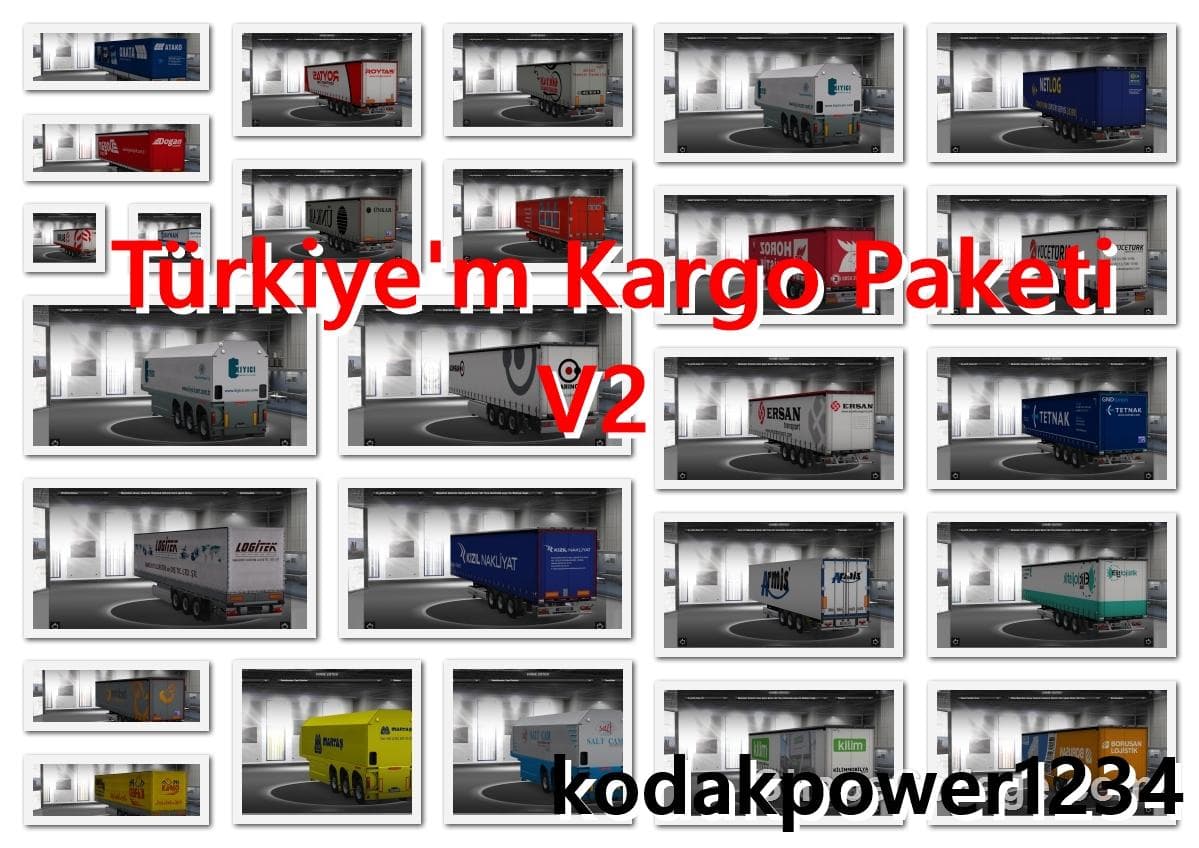
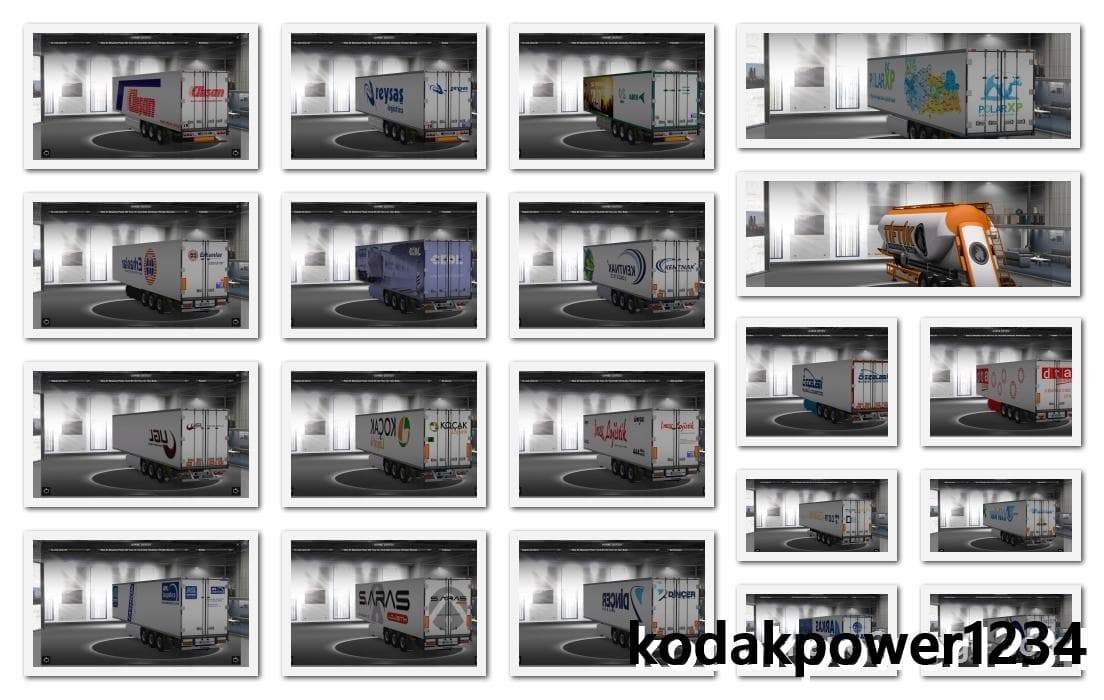
The TURKISH CARGO PACK V2 mod for ETS2 offers 140 Turkish Cargo skins for AI Traffic, standalone and DLC trailers. It is compatible with ETS2 versions 1.21 and
The Turkish Cargo Pack V2 is a skin mod designed for Euro Truck Simulator 2 that features 140 different liveries inspired by the Turkish Cargo brand. This kind of mod doesn't alter the truck or trailer models themselves but instead changes their appearance by repainting them. Players apply these skins in the paint shop, and they rely on the base vehicle they're intended for to work correctly. The pack supports ETS2 versions 1.21 and 1.22, making it suitable for players running those game updates.
Skin mods like this one are popular for adding variety to the look of your fleet without changing gameplay mechanics or vehicle handling. Since the Turkish Cargo Pack is standalone compatible with AI traffic, you might see these liveries used on AI trucks as well, which can add to immersion when driving through various regions. It's also compatible with all DLC and standalone trailer packs, meaning it fits well into a heavily modded setup where multiple expansions and trailer mods are active.
When it comes to installation and load order, skin mods usually come late in your mod priority list so that they properly override default paints without conflicts. Because this pack targets specific base vehicles, you'll want to ensure you have those trucks installed before applying these skins. Also, its compatibility with AI traffic means it won't interfere with other mods that change AI behavior or traffic patterns.
This pack would appeal mostly to players who enjoy representing real-world brands or want to add some regional flavor related to Turkey in their ETS2 experience. If you prefer having a wider selection of cargo company liveries or you're building a themed convoy around Turkish freight transport, this mod could be a good fit.
How to install
1. Download the .scs file. 2. Drop it into `Documents/Euro Truck Simulator 2/mod/`. 3. Enable in Mod Manager. 4. Apply the skin in the truck/trailer paint shop.
After the mod loads, save your game inside a safe area (parking lot or service) before deciding whether to keep it. If the game refuses to load with the mod enabled, check that all required DLCs are installed and that the supported ETS2 version chips on this page include your installed game patch.
Reviews
No ratings yetNo reviews yet — be the first to rate this mod.





