TURBO FAN SOUND V1.3
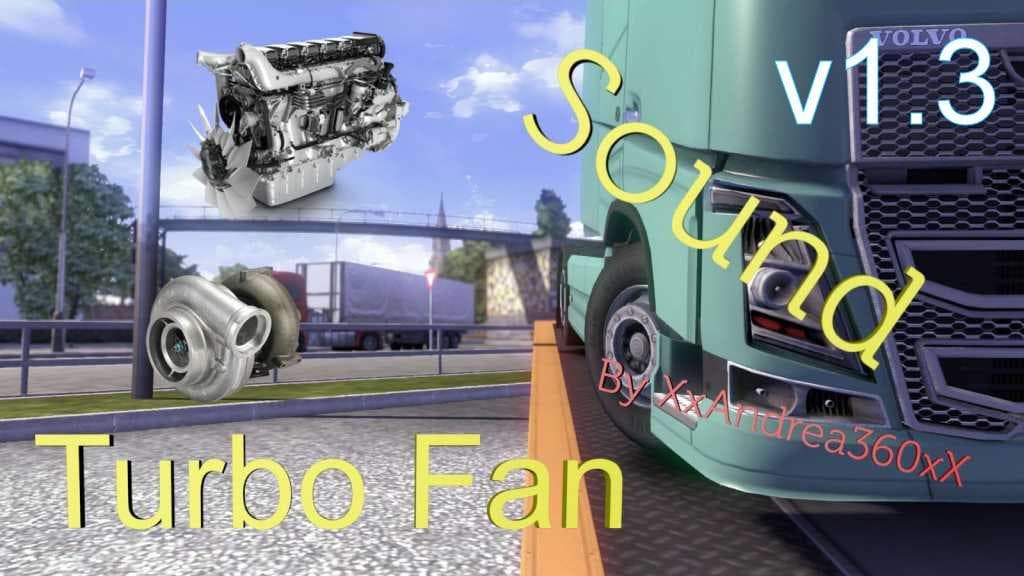
TURBO FAN SOUND mod version 1.3 by Euro truck simulator 2 adds realistic turbo fan sounds to ETS2. Updates include compatibility with scania streamline and Merc
The TURBO FAN SOUND V1.3 mod changes the audio experience in Euro Truck Simulator 2 by replacing specific engine and fan sounds. Mods like this one focus on altering how your truck's mechanical components are heard, adding a different layer of immersion while driving across various landscapes. Sound mods generally need to be placed high in the load order, above any truck mods they interact with, to ensure their effects take precedence without conflicts.
This type of sound mod is designed to integrate with several ETS2 versions, including 1.1, 1.2, 1.3, and 1.9, covering updates where engine sounds might have shifted or new truck models were introduced. Updates to the mod have made it compatible with newer sounds from trucks such as the Scania Streamline and Mercedes Actros, so it fits well within a modded setup that includes those vehicles.
Since sound modifications can conflict if layered improperly, users should keep TURBO FAN SOUND near the top of their mod list to avoid audio issues or overlaps with other sound packs or truck-specific audio changes. This approach helps maintain consistent sound quality during gameplay without unexpected drops or mix-ups in engine noises.
Players who appreciate enhanced auditory feedback from their trucks and want an alternative fan noise will find this mod appealing. It suits those who like tweaking every aspect of their simulator experience, especially when paired with visual and performance mods that customize their fleet for long hauls across regions like Germany or France.
Given its compatibility range and focus on core engine audio elements, TURBO FAN SOUND V1.3 is a straightforward addition for anyone aiming to refresh their truck sounds without drastic overhauls or broad environmental changes.
How to install
1. Download the .scs file. 2. Drop it into `Documents/Euro Truck Simulator 2/mod/`. 3. Enable in Mod Manager. Sound mods usually need to load **above** truck mods in load order. 4. Restart the game so the audio engine picks up new samples.
After the mod loads, save your game inside a safe area (parking lot or service) before deciding whether to keep it. If the game refuses to load with the mod enabled, check that all required DLCs are installed and that the supported ETS2 version chips on this page include your installed game patch.
Reviews
No ratings yetNo reviews yet — be the first to rate this mod.





