The Beatles Radio Stations
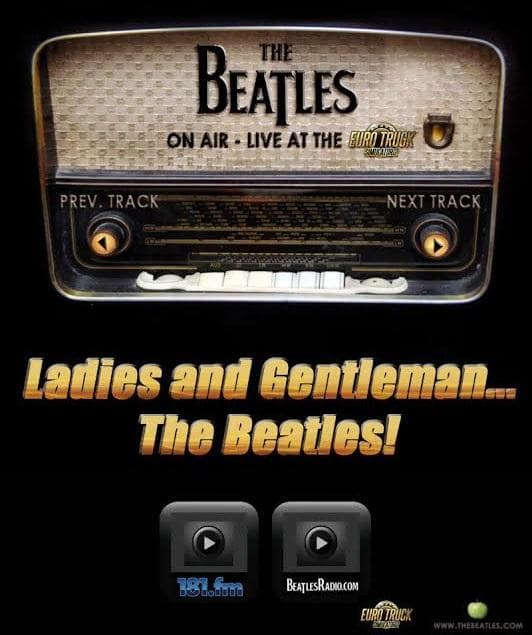
The Beatles Radio Stations - ETS2 mods download is an ETS2 sounds.
The Beatles Radio Stations mod adds two dedicated radio stations featuring music from the legendary band known as the Fab Four. This sound mod replaces or supplements the in-game radio content, offering a focused listening experience centered on Beatles tracks. It's designed to slot into Euro Truck Simulator 2’s audio system by providing a niche soundtrack option while driving across various European and American regions.
Sound mods like this one modify or replace existing audio elements such as engine noises, horns, or radio stations. In this case, it swaps out some of the default radio channels for ones that exclusively play Beatles songs. These kinds of mods typically need to be loaded near the top of your mod list to ensure they override any conflicting sounds from truck or map mods.
In a heavily modded setup, this radio station pack fits well if you want to customize your ETS2 soundscape beyond standard options. Because it changes radio content specifically, it generally won't interfere with visual mods but should be placed above any other audio-related mods in your load order to function correctly.
Players who enjoy driving with a classic rock soundtrack or those looking for something different from the usual in-game music might appreciate having The Beatles tunes on their virtual road trips. It adds a layer of personalization and nostalgia that can make long hauls feel less monotonous.
While specifics about compatibility or supported versions are unknown, these types of sound mods usually integrate smoothly if installed properly. Just drop the files into your Euro Truck directory and adjust load priorities as needed to hear those iconic melodies during your drives.
How to install
1. Download the .scs file. 2. Drop it into `Documents/Euro Truck Simulator 2/mod/`. 3. Enable in Mod Manager. Sound mods usually need to load **above** truck mods in load order. 4. Restart the game so the audio engine picks up new samples.
After the mod loads, save your game inside a safe area (parking lot or service) before deciding whether to keep it. If the game refuses to load with the mod enabled, check that all required DLCs are installed and that the supported ETS2 version chips on this page include your installed game patch.
Reviews
No ratings yetNo reviews yet — be the first to rate this mod.





