St van den brink Internationaal Transport
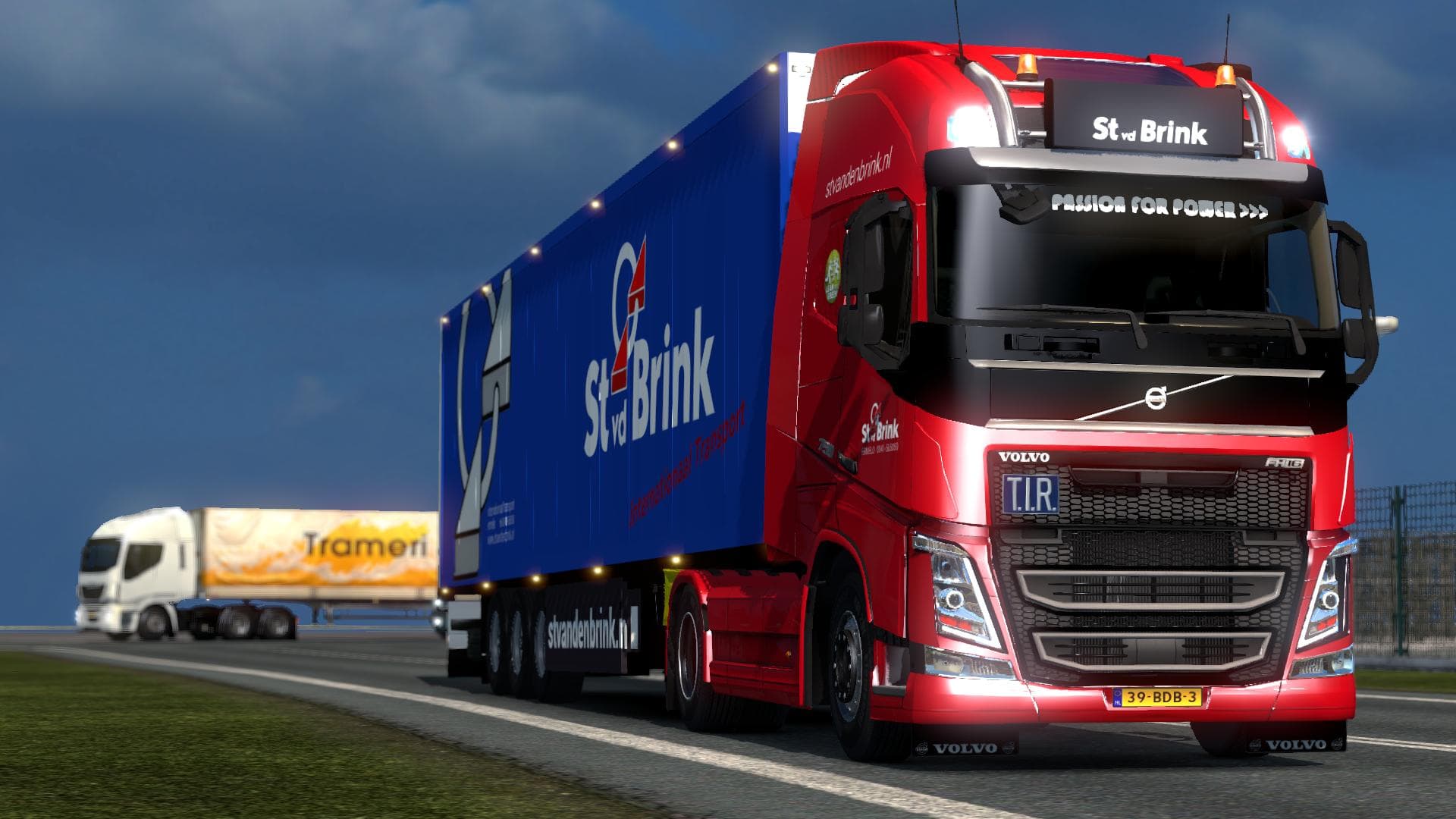
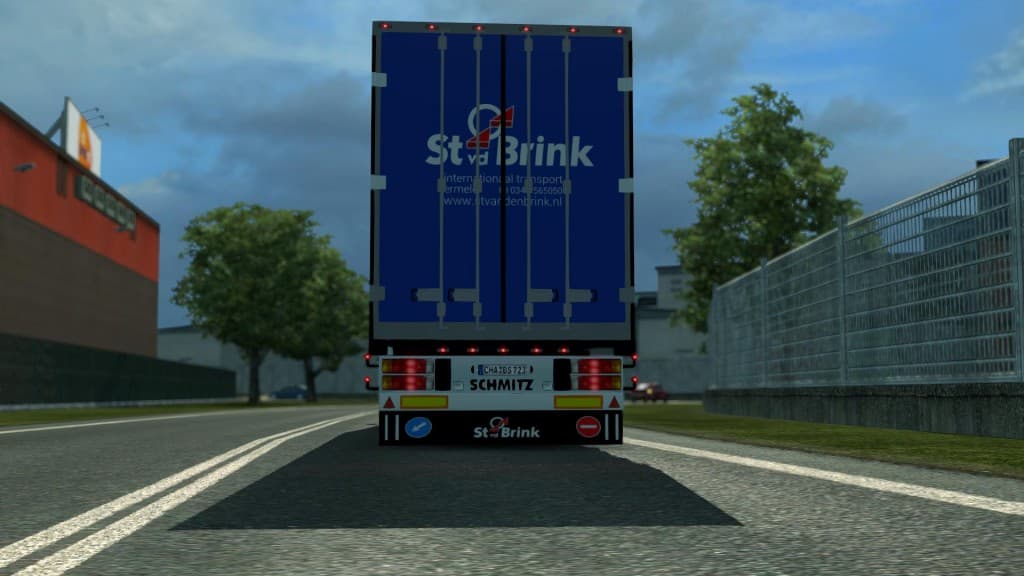
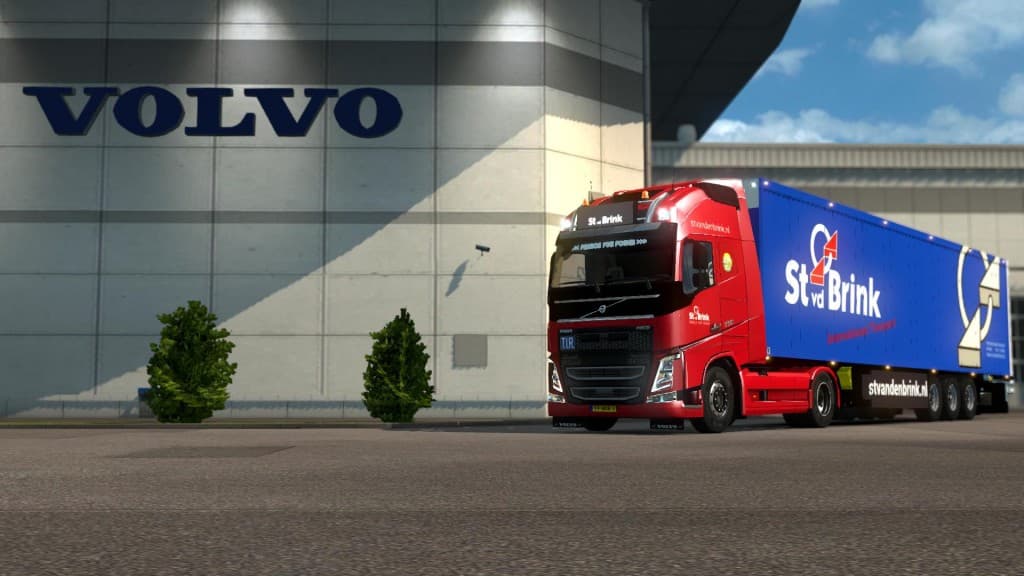
This mod adds St van den brink Internationaal Transport skins to Euro Truck Simulator 2. The mod's version, file size, and supported ETS2 versions are unknown.
The St van den brink Internationaal Transport mod is a skin mod for Euro Truck Simulator 2. It changes the paint job of an existing truck, giving it a fresh look inspired by the St van den brink transport company. Since it’s a skin, it doesn’t alter the truck model or its specifications but offers a new visual identity that can be selected in the game's paint shop.
Skin mods like this one are designed to repaint trucks or trailers without changing their base structure. They rely on the original vehicle model and can be applied only if you have that model in your game. This means you need to own the compatible truck for the skin to show up correctly, making skins easy to install but dependent on certain base vehicles.
In a modded setup, skins generally work well alongside other mods since they don’t interfere with gameplay mechanics or physics. Load order usually matters less for skins compared to gameplay or map mods, but it’s still wise to keep them organized and not overwrite each other accidentally if multiple skins target the same vehicle.
This particular skin could appeal to players who enjoy customizing their fleet with realistic company liveries or want a bit of variety while driving across European countries like Belgium or the Netherlands, where such international transport companies operate. It adds some character without complicating your mod collection.
If you're looking to add detail and authenticity through visual customization without affecting your game’s performance or mechanics, a skin mod like St van den brink Internationaal Transport fits nicely into your setup. It's straightforward, lightweight, and enhances immersion by reflecting real-world trucking aesthetics.
How to install
1. Download the .scs file. 2. Drop it into `Documents/Euro Truck Simulator 2/mod/`. 3. Enable in Mod Manager. 4. Apply the skin in the truck/trailer paint shop.
After the mod loads, save your game inside a safe area (parking lot or service) before deciding whether to keep it. If the game refuses to load with the mod enabled, check that all required DLCs are installed and that the supported ETS2 version chips on this page include your installed game patch.
Reviews
No ratings yetNo reviews yet — be the first to rate this mod.





