SOUND PACK
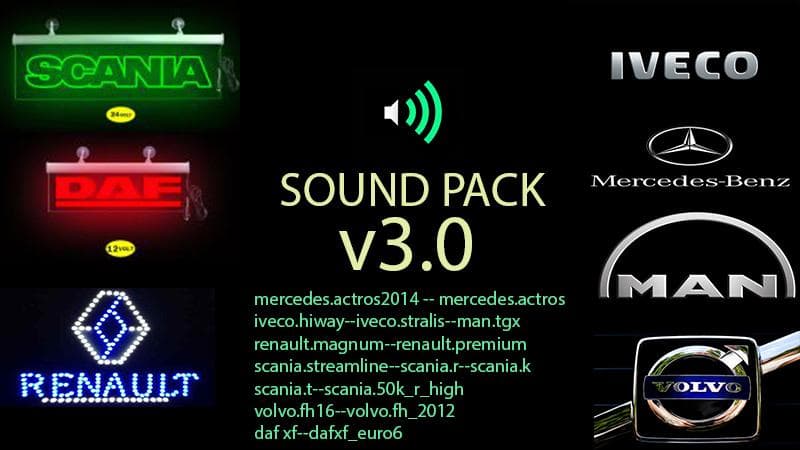
This mod is a sound pack designed for Euro Truck Simulator 2, compatible with version 1.18. Sound packs like this one typically replace or enhance the game's engine noises, horns, and various environmental sounds to provide a different audio experience while driving. They focus on the auditory side of trucking, which can change how immersive or realistic the gameplay feels depending on your preferences.
In ETS2, sound mods generally need to be placed higher in the load order than truck-specific mods since they override the original audio files those trucks use. This means if you're running multiple mods, it's worth double-checking your load order so this sound pack works as intended without being overwritten by other mods later in the list.
Players who enjoy customizing their game beyond just visuals often add sound packs to their mod setup. It fits well alongside other types of mods such as truck skins or map expansions, especially when you want an overall enhanced trucking atmosphere that includes not only sights but also sounds. Since this pack is tested on version 1.18.x, it should integrate smoothly with other content made for that game version.
This particular sound pack does not specify any additional installation quirks or compatibility notes, but it’s common practice with ETS2 sound mods to keep them separate from vehicle model files and ensure they're loaded correctly via your mod manager. Drivers who appreciate the finer details of truck engines and environmental noise might find adding this mod worthwhile for a more engaging haul.
If you're someone who spends hours behind the wheel in ETS2 and wants to switch up how your rig sounds without altering its appearance, this type of mod is exactly what you’re looking for. It's ideal for those wanting a more personalized audio experience on their routes across various regions.
How to install
1. Download the .scs file. 2. Drop it into `Documents/Euro Truck Simulator 2/mod/`. 3. Enable in Mod Manager. Sound mods usually need to load **above** truck mods in load order. 4. Restart the game so the audio engine picks up new samples.
After the mod loads, save your game inside a safe area (parking lot or service) before deciding whether to keep it. If the game refuses to load with the mod enabled, check that all required DLCs are installed and that the supported ETS2 version chips on this page include your installed game patch.
Reviews
No ratings yetNo reviews yet — be the first to rate this mod.





