SOUND PACK
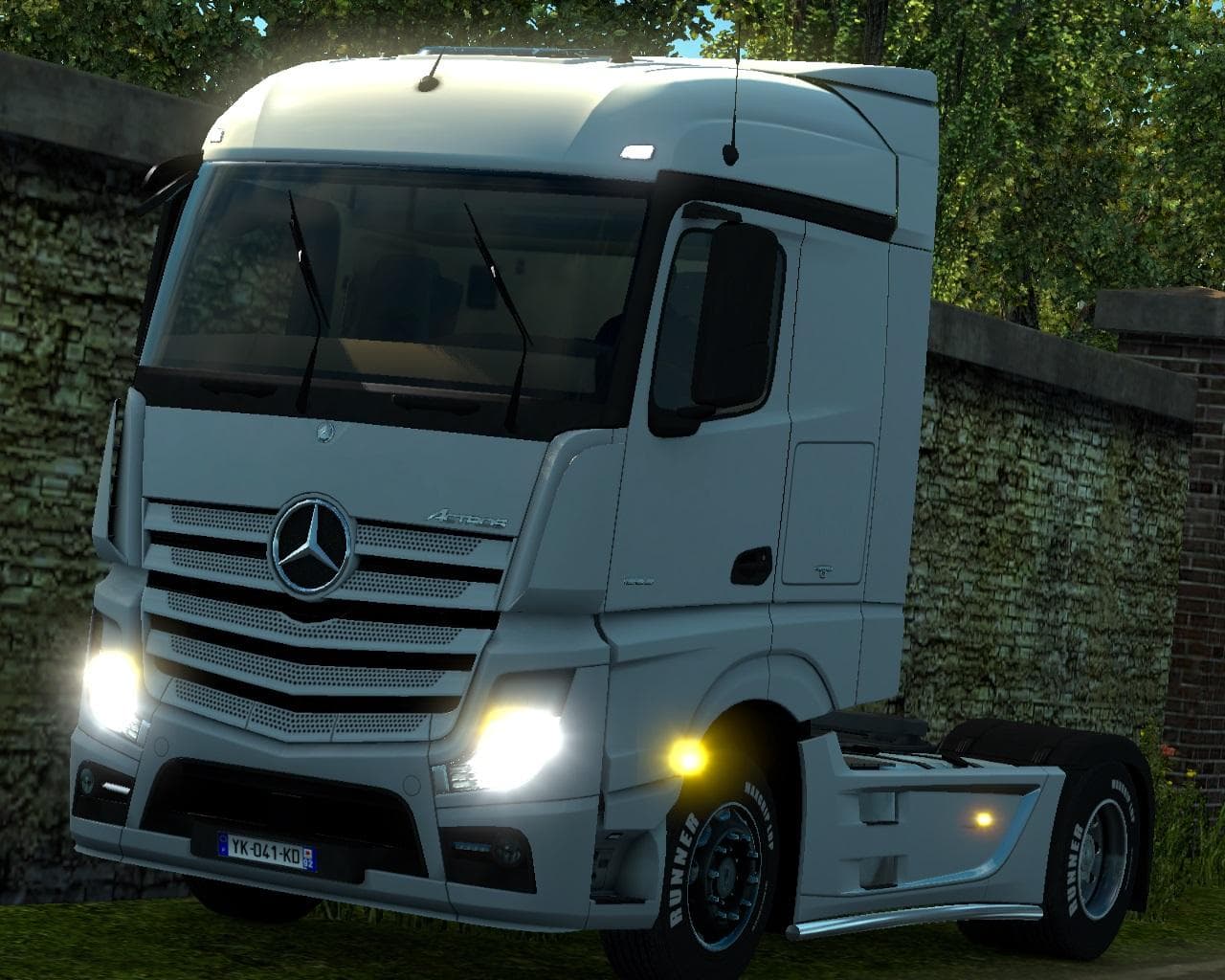
The "Sound Pack - ETS2 mods download" is a sounds mod version 4.0 that separates the sounds of truck packs. Created by an unknown creator, it aims to ensure fut
This mod is a separate sound pack that extracts the truck audio elements from a larger truck pack. Essentially, it focuses on replacing or enhancing the sounds associated with trucks, such as engine noises, horns, and other ambient vehicle effects within Euro Truck Simulator 2. Sound packs like this one are often used to customize the auditory experience of driving without altering visual aspects of the trucks themselves.
Sound mods in ETS2 generally work by overriding default game sounds or those introduced by truck mods. Because they affect audio files, they need to be loaded higher in the mod priority list than any truck models they're intended to modify. This ensures that the new sounds take precedence and function correctly during gameplay.
Integrating this sound pack into a modded setup means you can keep your favorite truck models while changing how they sound. Since the creator is unknown and specific compatibility details aren't provided, it's advisable to test this mod with your current setup for any conflicts, especially if you use multiple sound modifications.
Players who enjoy customizing their simulator beyond visuals might appreciate this sound pack. If you prefer an immersive driving experience where engine and horn noises differ from stock options, then adding dedicated sound mods can add an extra layer of realism or simply freshen up familiar vehicles.
Separating sounds from trucks allows future truck releases to have consistent base audio while giving users flexibility to choose different sound profiles independently. This separation benefits those who want distinct auditory customization without forcing changes on all truck models.
How to install
1. Download the .scs file. 2. Drop it into `Documents/Euro Truck Simulator 2/mod/`. 3. Enable in Mod Manager. Sound mods usually need to load **above** truck mods in load order. 4. Restart the game so the audio engine picks up new samples.
After the mod loads, save your game inside a safe area (parking lot or service) before deciding whether to keep it. If the game refuses to load with the mod enabled, check that all required DLCs are installed and that the supported ETS2 version chips on this page include your installed game patch.
Reviews
No ratings yetNo reviews yet — be the first to rate this mod.





