SOUND FIXES PACK V11.10
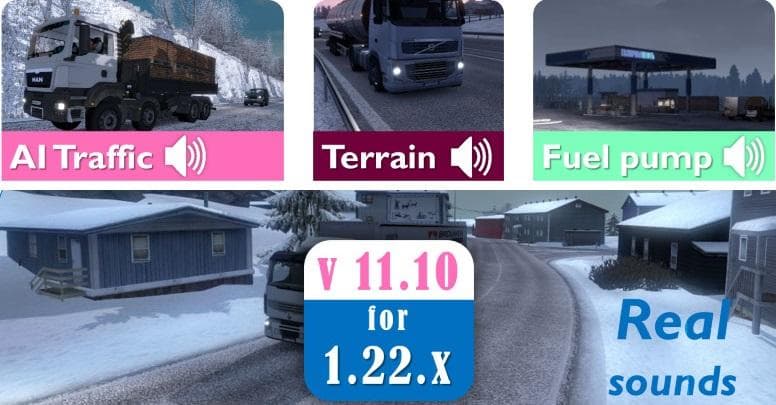
The SOUND FIXES PACK mod by Euro Truck Simulator 2 enhances the game with immersive and realistic sound replacements. Version 11.10 brings new updates to elevat
The SOUND FIXES PACK V11.10 is a sound mod for Euro Truck Simulator 2 that replaces the default audio with enhanced and more realistic sound effects. It aims to improve immersion by updating various in-game sounds, such as engine noises, horns, and environmental audio cues. While the exact details of this version are not specified, the mod generally serves to make the game's soundscape feel richer and more authentic.
Sound mods like this one typically overwrite stock audio files, so they need to be placed higher in the mod load order than any truck or map mods that might also modify sounds. This ensures their changes take priority and don't get overridden by other modifications. Because of how ETS2 handles sound files, these mods can often be combined with others if loaded correctly.
For players who enjoy customizing their driving experience beyond just visuals or map expansions, installing a sound pack can add another layer of depth to long hauls across virtual landscapes. It fits well into a modded setup that includes multiple enhancements, especially those focusing on realism or immersion.
Drivers who want their trucks and surroundings to sound less generic and more tailored might appreciate what this type of mod brings. Whether cruising through Germany's autobahns or exploring regions like France or Italy, having improved engine tones and ambient noises can make each journey feel distinct.
Keep in mind that compatibility depends on how other mods handle sounds, so if you use several audio-related mods simultaneously, pay attention to their load order to avoid conflicts.
How to install
1. Download the .scs file. 2. Drop it into `Documents/Euro Truck Simulator 2/mod/`. 3. Enable in Mod Manager. Sound mods usually need to load **above** truck mods in load order. 4. Restart the game so the audio engine picks up new samples.
After the mod loads, save your game inside a safe area (parking lot or service) before deciding whether to keep it. If the game refuses to load with the mod enabled, check that all required DLCs are installed and that the supported ETS2 version chips on this page include your installed game patch.
Reviews
No ratings yetNo reviews yet — be the first to rate this mod.





