SOUND FIXES PACK + HOT PURSUIT SOUNDS V7.2
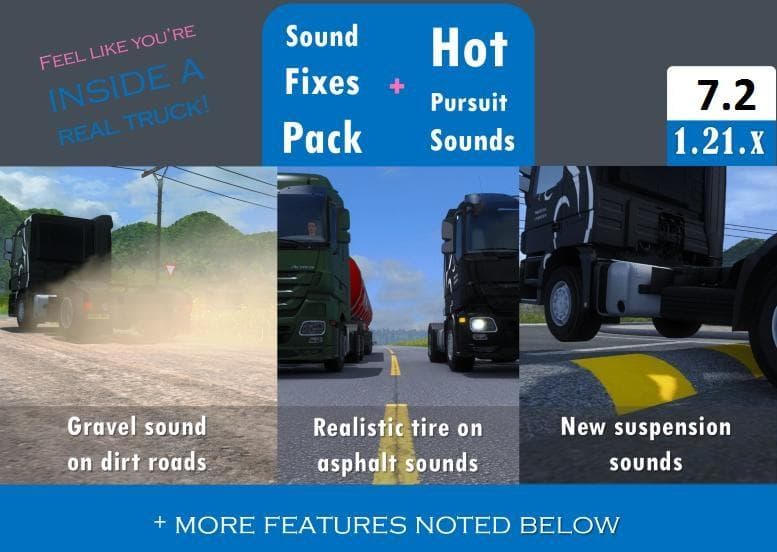
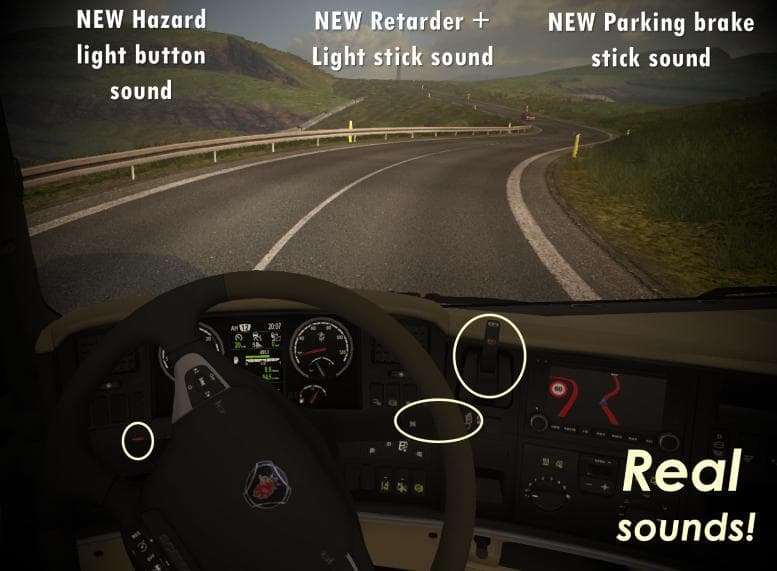
SOUND FIXES PACK + HOT PURSUIT SOUNDS is an ETS2 sounds.
The SOUND FIXES PACK + HOT PURSUIT SOUNDS V7.2 mod focuses on improving interior sound effects within Euro Truck Simulator 2, specifically by increasing the volume of sounds like releasing the parking brake and flicking the blinker stick. It also introduces more realistic audio for these controls, enhancing immersion for players who pay attention to cabin details. Sound mods like this one are designed to replace or tweak specific in-game noises, offering a more nuanced auditory experience.
In ETS2, sound mods typically alter engine roars, horns, or environmental noises, but this pack zeroes in on the subtle interior stick sounds that often go unnoticed. Such modifications generally need to be loaded high up in the mod order so they can override default truck audio without conflict. This means placing them above truck models or other sound-altering mods is usually necessary to ensure they function correctly.
For players running a heavily modded setup, especially those using multiple sound packs or detailed truck skins with custom audio files, managing load order is crucial. The SOUND FIXES PACK + HOT PURSUIT SOUNDS fits well as a complementary mod, fine-tuning aspects that broader sound packs might overlook. Being mindful of compatibility and load position helps avoid issues where sounds fail to change or get overridden unintentionally.
This type of mod will appeal to truck simulation enthusiasts who enjoy a deeper level of realism and detail inside their virtual cabs. If you like hearing accurate and louder feedback from switches and levers while driving through regions like Germany or France—or anywhere else—this pack adds subtle but noticeable improvements. It’s a solid choice for those wanting their auditory experience in ETS2 refined beyond standard game sounds.
How to install
1. Download the .scs file. 2. Drop it into `Documents/Euro Truck Simulator 2/mod/`. 3. Enable in Mod Manager. Sound mods usually need to load **above** truck mods in load order. 4. Restart the game so the audio engine picks up new samples.
After the mod loads, save your game inside a safe area (parking lot or service) before deciding whether to keep it. If the game refuses to load with the mod enabled, check that all required DLCs are installed and that the supported ETS2 version chips on this page include your installed game patch.
Reviews
No ratings yetNo reviews yet — be the first to rate this mod.





