SNOW SKIN FOR SCANIA R-STREAMLINE BY RJL & SCS
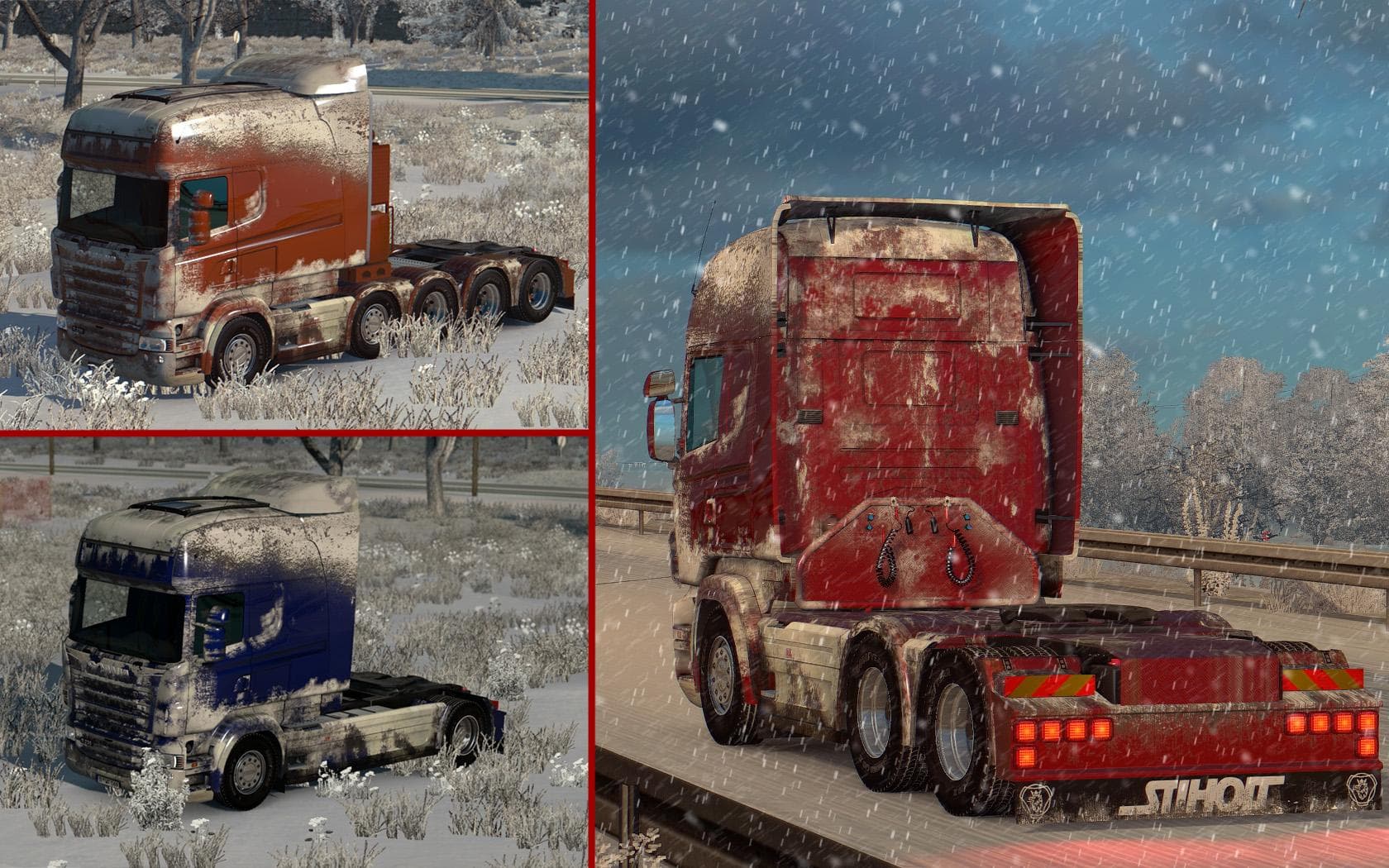
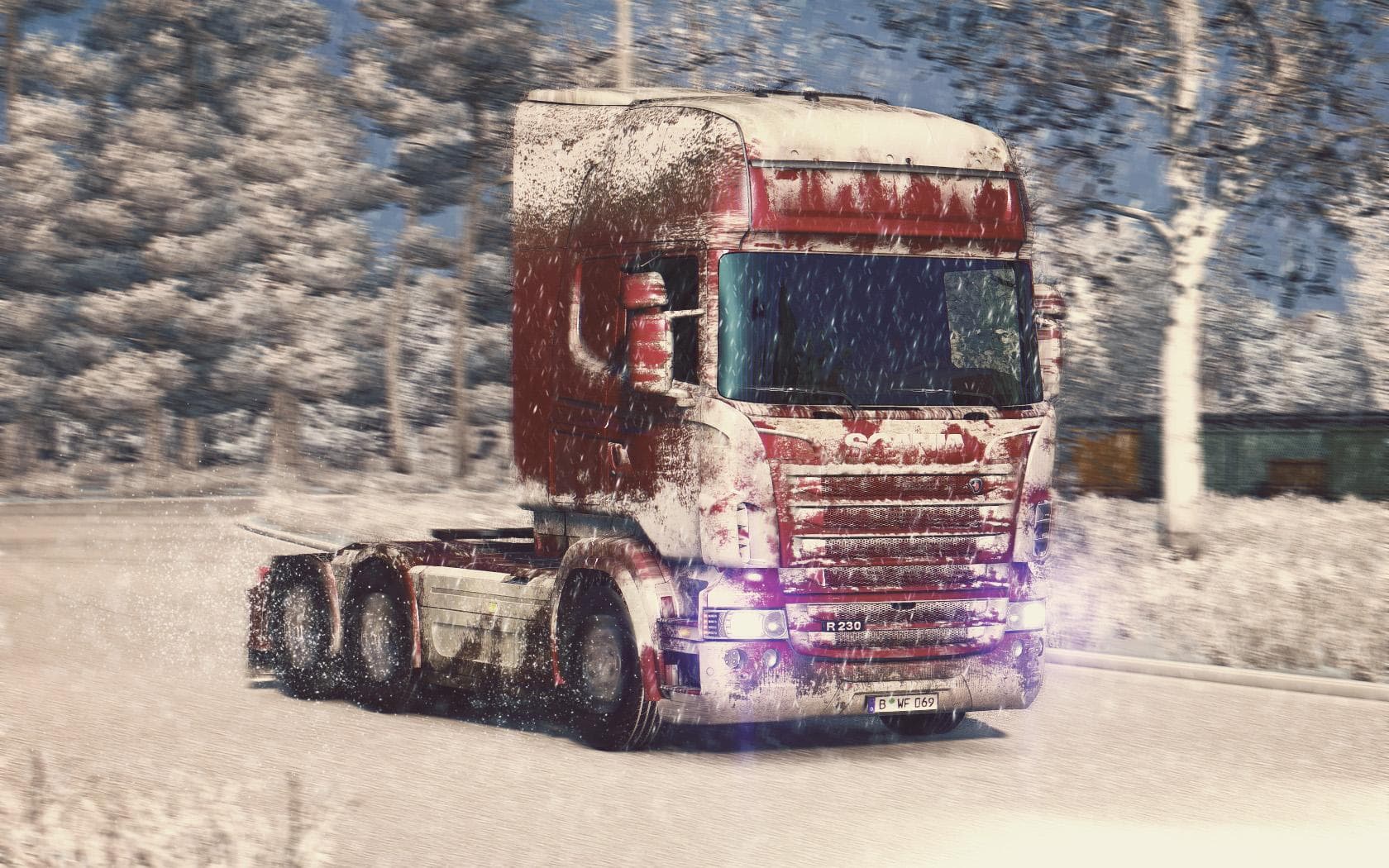
This mod offers a 4K resolution snow skin for the Scania R-Streamline by RJL & SCS, with changeable metallic colors. It is compatible with all cabs and chassis,
The SNOW SKIN FOR SCANIA R-STREAMLINE BY RJL & SCS is a paint job designed specifically for the Scania R-Streamline truck model in ETS2. This skin gives your truck a snowy appearance, adding a winter-themed aesthetic without altering the actual truck model. It comes with a high-resolution 4K texture and features customizable metallic colors, allowing for some personalization within the snowy look.
Skin mods like this one repaint existing trucks or trailers by applying new textures through the in-game paint shop. They rely on the base vehicle model they were created for, so this particular skin fits all cab and chassis variants of the Scania R-Streamline. Since it doesn't change the model itself, it tends to be compatible with most other mods that don't alter the same files.
In a modded setup, skins are usually among the last to be loaded to ensure their textures appear correctly over any other visual modifications. Because this skin covers all cab and chassis options for Scania's trucks from SCS, it should slot in smoothly alongside other customizations like tuning packs or cabin accessories without causing conflicts.
Players who enjoy customizing their trucks for seasonal themes or want to add variety to their fleet might find this snow skin appealing. It's particularly fitting if you’re driving through colder regions or simply prefer a frosty look on your Scania R-Streamline while cruising across Europe.
While details like version compatibility and file size are unknown, skins generally don't impact gameplay performance much and are straightforward to install. If you're looking to give your Scania R-Streamline a unique winter coat, this mod offers an option that blends well into various mod collections.
How to install
1. Download the .scs file. 2. Drop it into `Documents/Euro Truck Simulator 2/mod/`. 3. Enable in Mod Manager. 4. Apply the skin in the truck/trailer paint shop.
After the mod loads, save your game inside a safe area (parking lot or service) before deciding whether to keep it. If the game refuses to load with the mod enabled, check that all required DLCs are installed and that the supported ETS2 version chips on this page include your installed game patch.
Reviews
No ratings yetNo reviews yet — be the first to rate this mod.





