SKIN FIRE SKULL FOR ALL TRUCKS 1.22
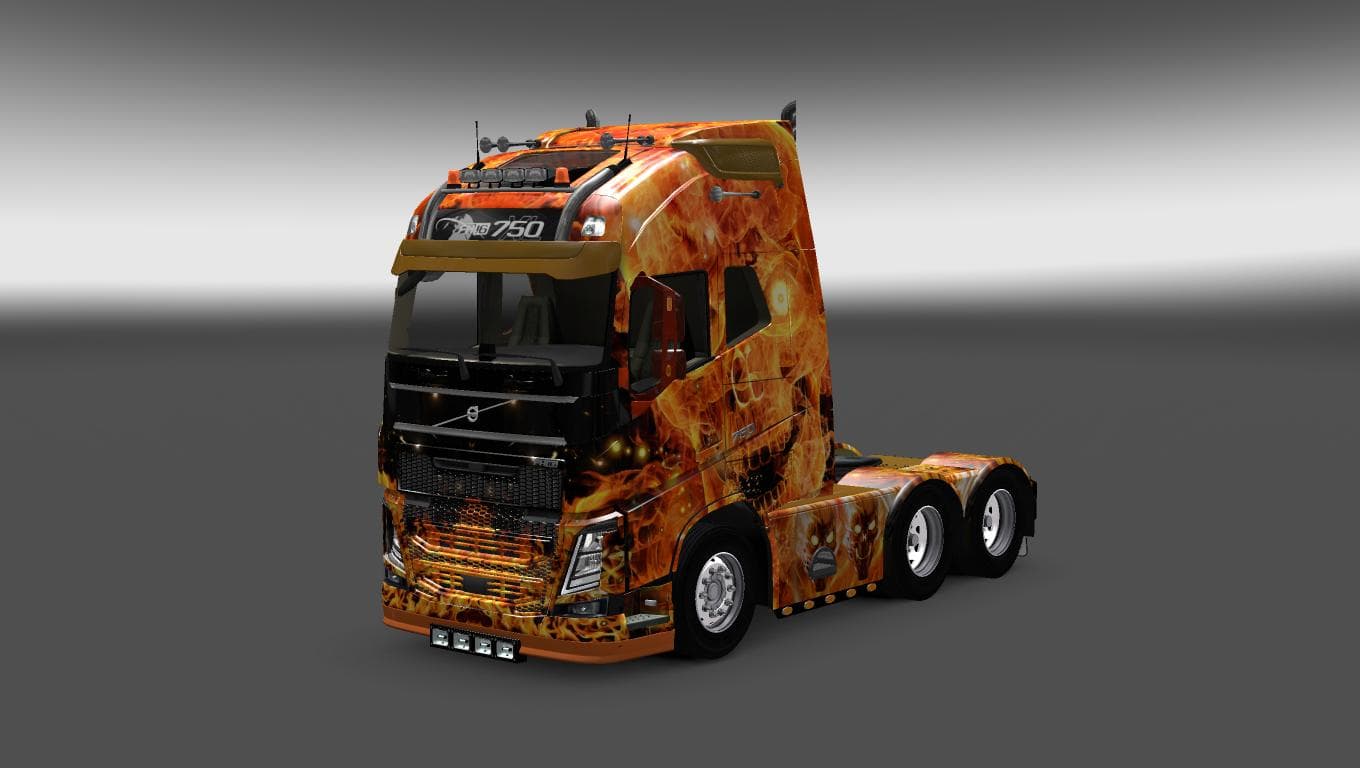
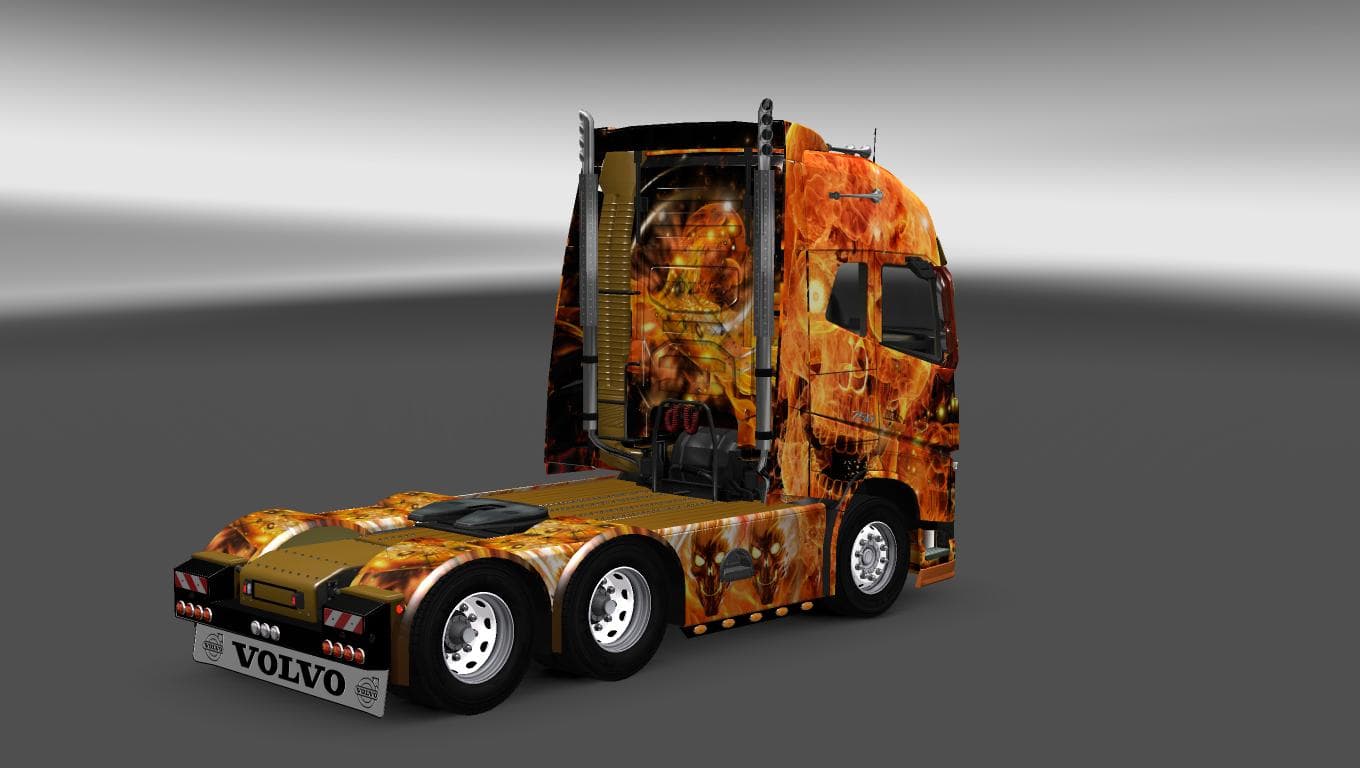
This mod is a skin pack titled "Fire Skull" for all trucks in ETS2 version 1.22. Created by Euro Truck Simulator 2, it features a file size of 28.3 MB and credi
The SKIN FIRE SKULL FOR ALL TRUCKS 1.22 is a paint job mod designed for Euro Truck Simulator 2 version 1.22. This skin applies a fiery skull design across various truck models, giving your vehicle a distinctive and aggressive look without altering the truck’s actual model or performance. It's intended to be used directly in the game's paint shop, where you can select this skin for any supported truck that matches the mod's compatibility.
Skin mods like this one function by repainting existing trucks or trailers with new graphics while leaving the underlying model unchanged. They rely on the base vehicle they were created for and are often straightforward to install, typically requiring placement in your ETS2 mod folder and activation through the game's mod manager. This particular skin covers all trucks compatible with version 1.22, which helps avoid conflicts that sometimes arise when skins are not updated alongside game patches.
When integrating a skin mod into a broader modded setup, it usually loads well alongside other cosmetic mods since it doesn't modify gameplay mechanics or add new assets that might conflict with core files. However, it's wise to ensure that no other active skins overlap on the same truck models to prevent texture conflicts or unintended visual glitches.
Players who enjoy customizing their trucks’ appearance without changing gameplay aspects will find this skin appealing. It adds personality to the fleet, especially for those who prefer bold and thematic designs over stock paint jobs. If you're running ETS2 version 1.22 and want a consistent look across all your trucks, this mod fits neatly into your collection.
How to install
1. Download the .scs file. 2. Drop it into `Documents/Euro Truck Simulator 2/mod/`. 3. Enable in Mod Manager. 4. Apply the skin in the truck/trailer paint shop.
After the mod loads, save your game inside a safe area (parking lot or service) before deciding whether to keep it. If the game refuses to load with the mod enabled, check that all required DLCs are installed and that the supported ETS2 version chips on this page include your installed game patch.
Reviews
No ratings yetNo reviews yet — be the first to rate this mod.





