SETRA 416-GT GUNEY AKDENIZ TOURISM SKIN V1.0
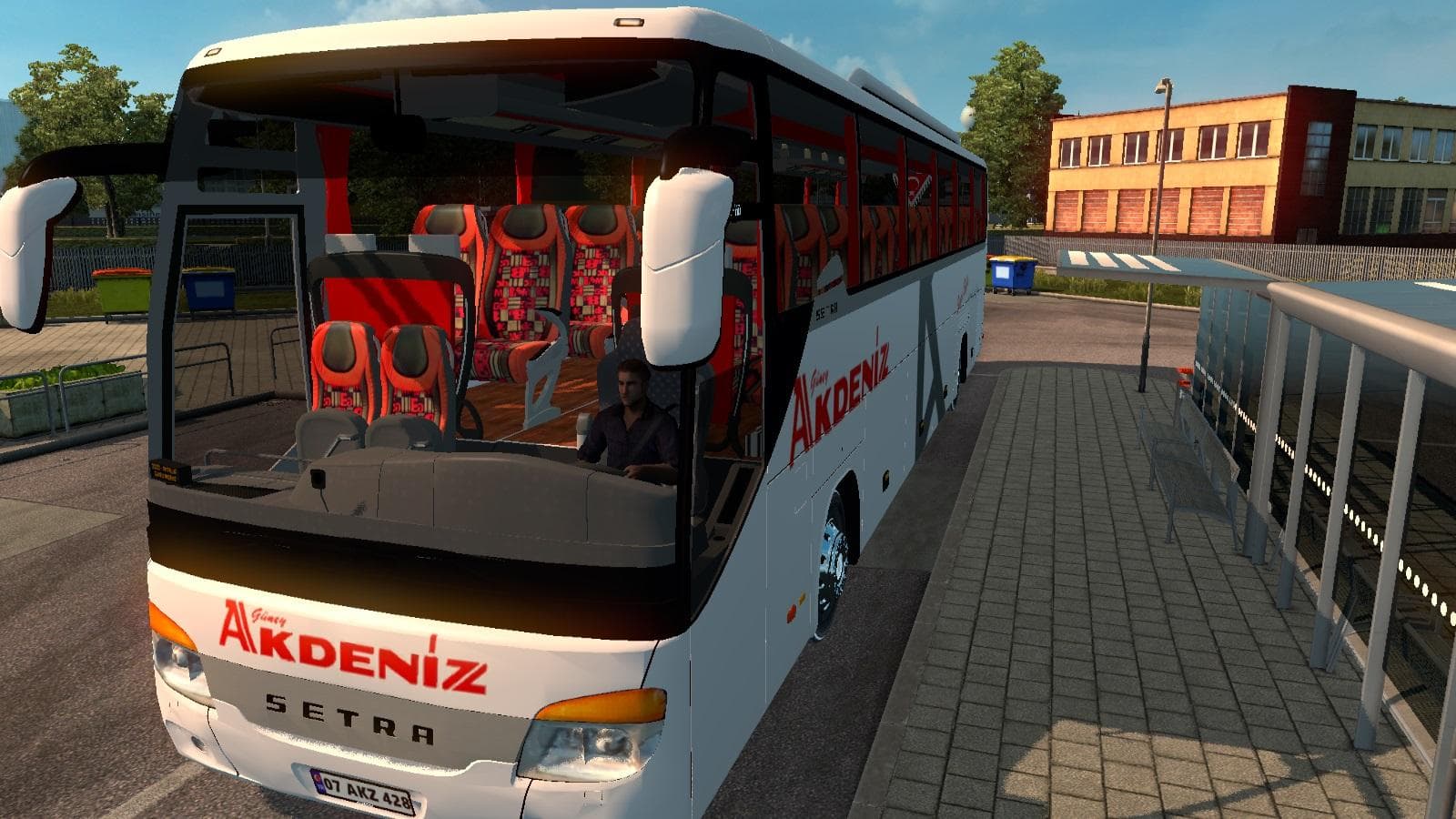
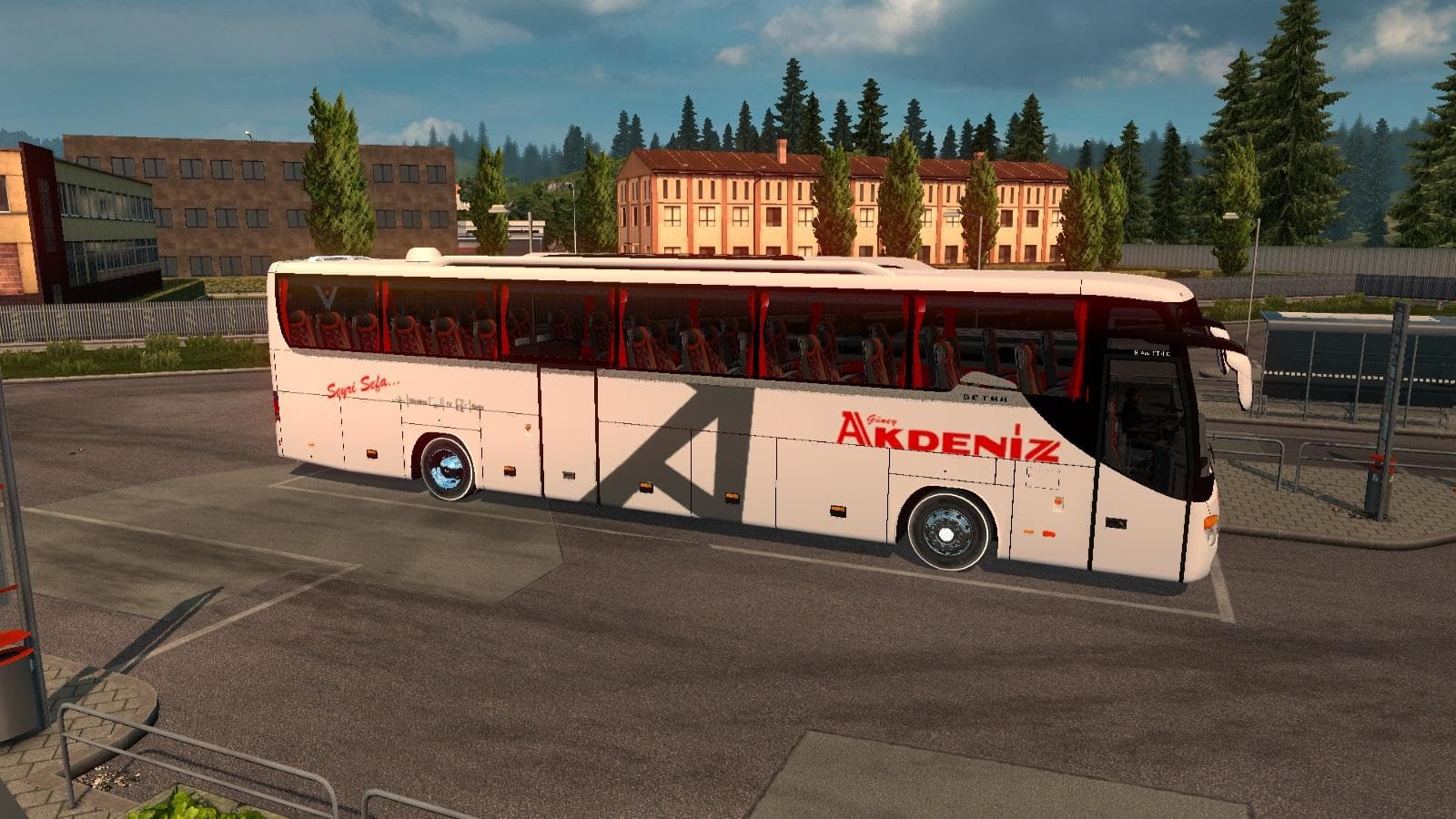
SETRA 416-GT GUNEY AKDENIZ TOURISM SKIN is a skin mod for ETS2 version 1.20 and 1.21. Created by Euro truck simulator 2, the mod features a Güney Akdeniz Touris
The SETRA 416-GT GUNEY AKDENIZ TOURISM SKIN V1.0 is a repaint mod designed for the Setra 416-GT bus model in Euro Truck Simulator 2. It applies a specific tourism livery without altering the vehicle’s structure or functionality. Skin mods like this one are typically installed by placing their files into the game’s mod folder and then activating them in the game's mod manager.
In ETS2, skins update the appearance of existing vehicles by adding new paint jobs or designs, giving players more variety without needing new models. This particular skin would show up in the paint shop when customizing the Setra 416-GT, allowing you to change your bus’s look to something themed around Güney Akdeniz tourism.
Compatibility-wise, skin mods generally don’t conflict with other content unless they’re targeting the same base vehicle and overlapping paint slots. This skin supports game versions from 1.0 through 1.21, so it should work well if your setup matches those versions or is close enough.
For those running multiple mods, it’s wise to load skins after any model or gameplay mods that affect the same vehicle. That way, your preferred design stays intact and visible during play. Since this mod focuses solely on visuals for a single bus type, it fits neatly into most modded setups without causing issues.
Players interested in diversifying their fleet's aesthetics, especially fans of buses and regional themes from areas like Turkey, might appreciate this skin. It adds regional flavor to your Setra 416-GT and can enhance immersion if you enjoy touring routes or roleplaying as a passenger transport service.
If you’re aiming for a customized experience with different liveries on your buses but don’t want to deal with complicated installs or large overhaul mods, skins like this one offer a simple way to refresh vehicle looks quickly.
How to install
1. Download the .scs file. 2. Drop it into `Documents/Euro Truck Simulator 2/mod/`. 3. Enable in Mod Manager. 4. Apply the skin in the truck/trailer paint shop.
After the mod loads, save your game inside a safe area (parking lot or service) before deciding whether to keep it. If the game refuses to load with the mod enabled, check that all required DLCs are installed and that the supported ETS2 version chips on this page include your installed game patch.
Reviews
No ratings yetNo reviews yet — be the first to rate this mod.





