SCANIA ZEBRA SKIN 1.19X
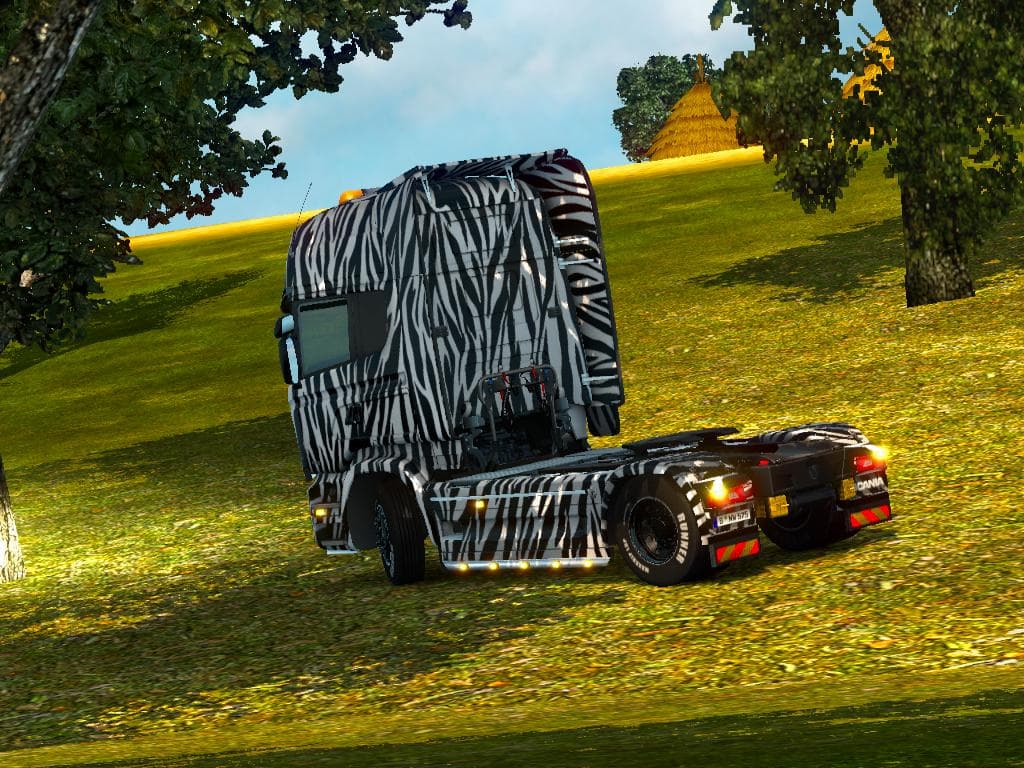
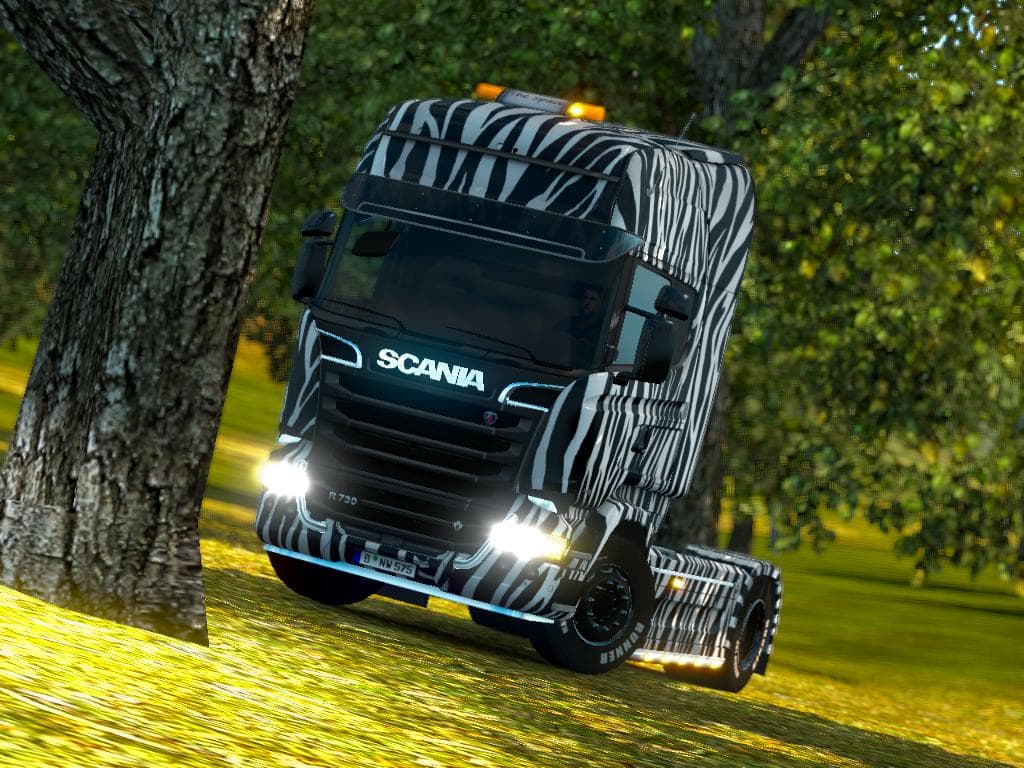
The SCANIA ZEBRA SKIN 1.19X mod offers a distinctive zebra-themed paint job for the Scania Streamline truck in Euro Truck Simulator 2. Instead of altering the truck's model or adding new parts, this skin repaints the existing vehicle to give it a unique look. It fits into the category of skins that customize how trucks appear without affecting their performance or handling.
Skins like this one are applied through the paint shop menu in ETS2, allowing players to change their truck's appearance easily. Since it depends on the base Scania Streamline model, players need to have that vehicle available for the skin to work properly. This kind of mod is straightforward to install and doesn't typically conflict with gameplay mods or map expansions.
When building a modded setup, skins usually load after core gameplay modifications but before any mods that alter visual effects or add overlays. This ensures that your painted design appears correctly on the truck without being overridden by other textures or graphics changes. Compatibility issues are rare with skins, but it's always wise to check load order if you notice any visual glitches.
This zebra pattern might appeal to players who enjoy customizing their trucks with eye-catching designs that stand out on European roads. It's a good option for those wanting something different from standard paint jobs while keeping things simple and clean within their ETS2 experience.
How to install
1. Download the .scs file. 2. Drop it into `Documents/Euro Truck Simulator 2/mod/`. 3. Enable in Mod Manager. 4. Apply the skin in the truck/trailer paint shop.
After the mod loads, save your game inside a safe area (parking lot or service) before deciding whether to keep it. If the game refuses to load with the mod enabled, check that all required DLCs are installed and that the supported ETS2 version chips on this page include your installed game patch.
Reviews
No ratings yetNo reviews yet — be the first to rate this mod.





