SCANIA T RJL LONGLINE DEADPOOL SKIN
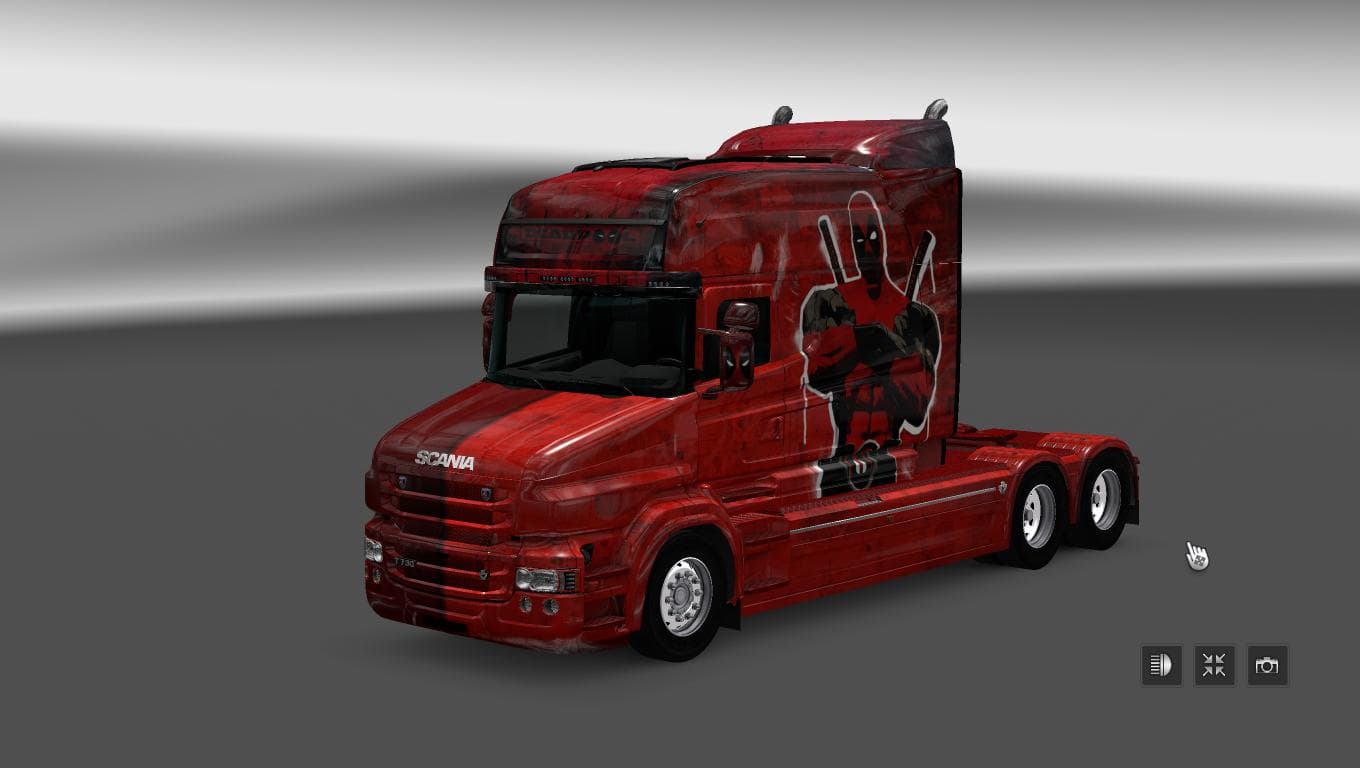
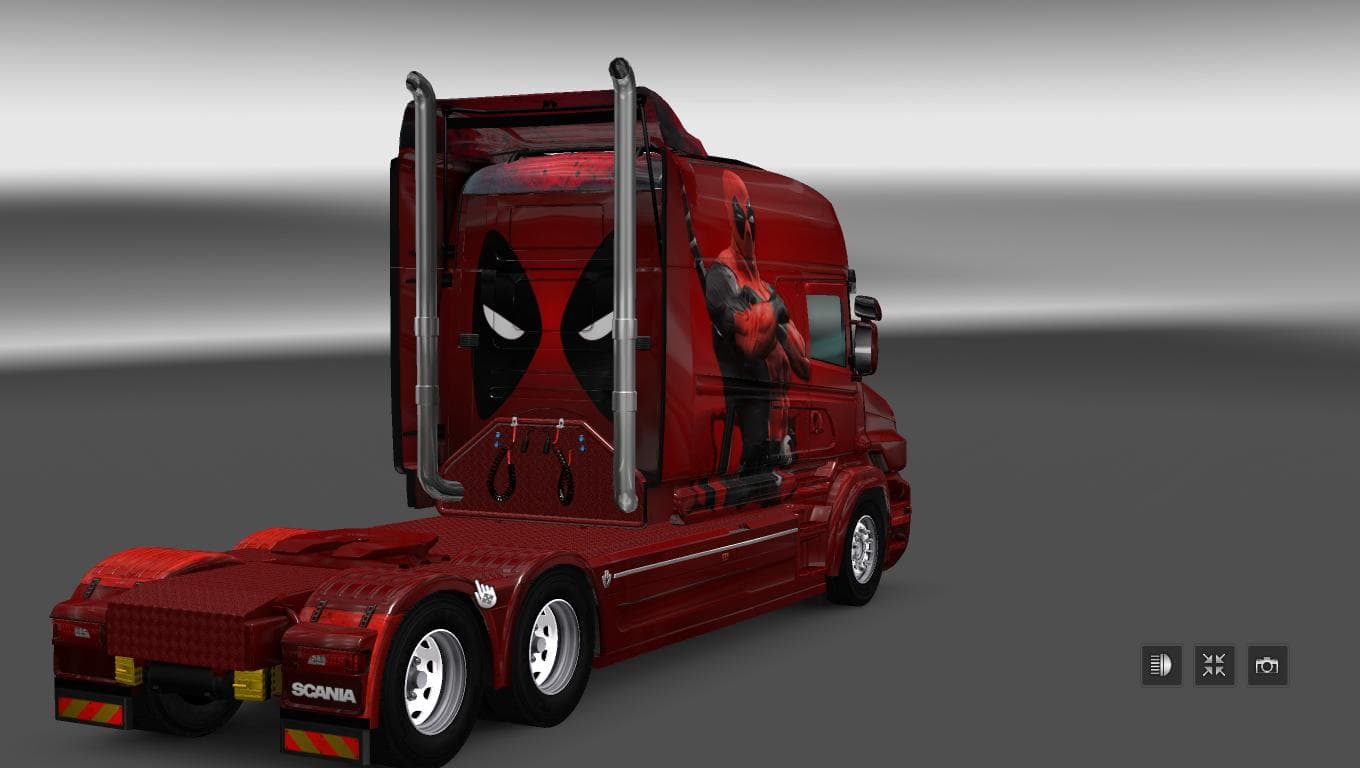
This mod is a skin for the Scania T RJL Longline truck featuring a Deadpool theme, designed for ETS2 version 1.22. The creator is Euro Truck Simulator 2, and th
The SCANIA T RJL LONGLINE DEADPOOL SKIN is a paint job mod designed for the Scania T RJL Longline truck in Euro Truck Simulator 2. This type of mod doesn't alter the truck's structure or performance but changes its visual appearance by applying a new texture, in this case themed around Deadpool. Such skins are installed through the game's paint shop and require the base vehicle to be present to work correctly.
Skin mods like this one allow players to personalize their trucks with unique designs, offering a fresh look without affecting gameplay mechanics. They fit naturally into any modded setup that includes the base Scania T RJL Longline model, making them an easy way to add variety among your fleet. Since it's purely cosmetic, it won't interfere with other performance or map mods.
When using skin mods, it's generally advised to load them after larger mods that might affect the same vehicle model to avoid conflicts. Compatibility is typically straightforward as long as you're running ETS2 version 1.22, which this particular skin supports. If you have multiple skins for the same truck, only one can be active at a time in-game.
Players who enjoy customizing their trucks with themed or pop culture liveries will appreciate what this Deadpool skin brings to their game. It’s especially suited for fans of both ETS2 and comic book characters looking for something different from standard colors or factory finishes.
Adding skins like this one can breathe new life into familiar vehicles without needing complex installs or risking game stability. They’re a simple way to express personality on the road while driving across European landscapes included in ETS2.
How to install
1. Download the .scs file. 2. Drop it into `Documents/Euro Truck Simulator 2/mod/`. 3. Enable in Mod Manager. 4. Apply the skin in the truck/trailer paint shop.
After the mod loads, save your game inside a safe area (parking lot or service) before deciding whether to keep it. If the game refuses to load with the mod enabled, check that all required DLCs are installed and that the supported ETS2 version chips on this page include your installed game patch.
Reviews
No ratings yetNo reviews yet — be the first to rate this mod.





