SCANIA T HALLOWEEN SKIN
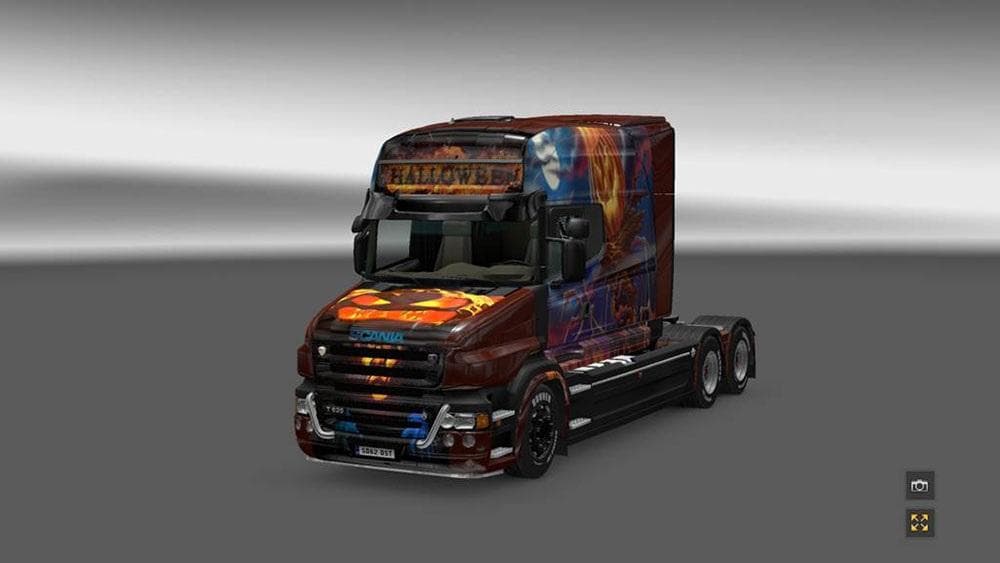
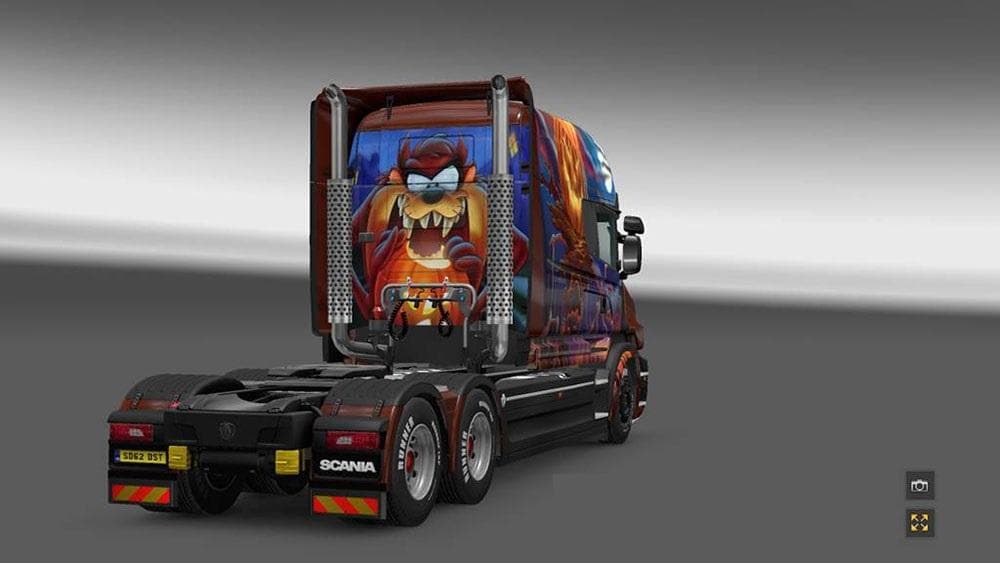
This mod is a Halloween skin for the Scania T truck in Euro Truck Simulator 2, tested in versions 1.21 and 1.6. Created by Euro truck simulator 2, the file size
The SCANIA T HALLOWEEN SKIN is a paint job mod designed specifically for the Scania T truck model in Euro Truck Simulator 2. It offers a themed repaint, giving your vehicle a distinct look that fits the Halloween season without altering the truck’s base model or performance. Skins like this one are applied in the game's paint shop and depend on having the original Scania T truck available in your setup.
Skin mods in ETS2 don't change how a truck drives or behaves; they simply refresh its appearance. This particular skin adds a seasonal twist, which can be a nice change if you enjoy customizing your fleet for different occasions or just want something different from the standard factory colors. Because it only affects visuals, it usually works well alongside other types of mods like tuning parts or map expansions.
When adding skins to your game, it's important to consider load order especially if you use multiple skins for the same truck. The game loads them based on their priority, so only one skin per vehicle will appear at a time. This skin supports ETS2 versions 1.21 and 1.6, so ensure your game version matches to avoid compatibility issues.
Players who like to personalize their trucks and add thematic elements will appreciate this mod. It’s well-suited for those who run modded setups with various skins or seasonal content since it doesn't conflict with gameplay-altering mods. Just keep in mind that skins won’t work without owning the corresponding base truck model.
If you're into seasonal customization or want to add some Halloween spirit to your virtual trucking experience, this skin fits right into that niche. It doesn’t impact driving but gives your Scania T an eye-catching style for when you’re hauling across countries like Germany, France, or Spain.
How to install
1. Download the .scs file. 2. Drop it into `Documents/Euro Truck Simulator 2/mod/`. 3. Enable in Mod Manager. 4. Apply the skin in the truck/trailer paint shop.
After the mod loads, save your game inside a safe area (parking lot or service) before deciding whether to keep it. If the game refuses to load with the mod enabled, check that all required DLCs are installed and that the supported ETS2 version chips on this page include your installed game patch.
Reviews
No ratings yetNo reviews yet — be the first to rate this mod.





