SCANIA STREAMLINERSKIN PACK
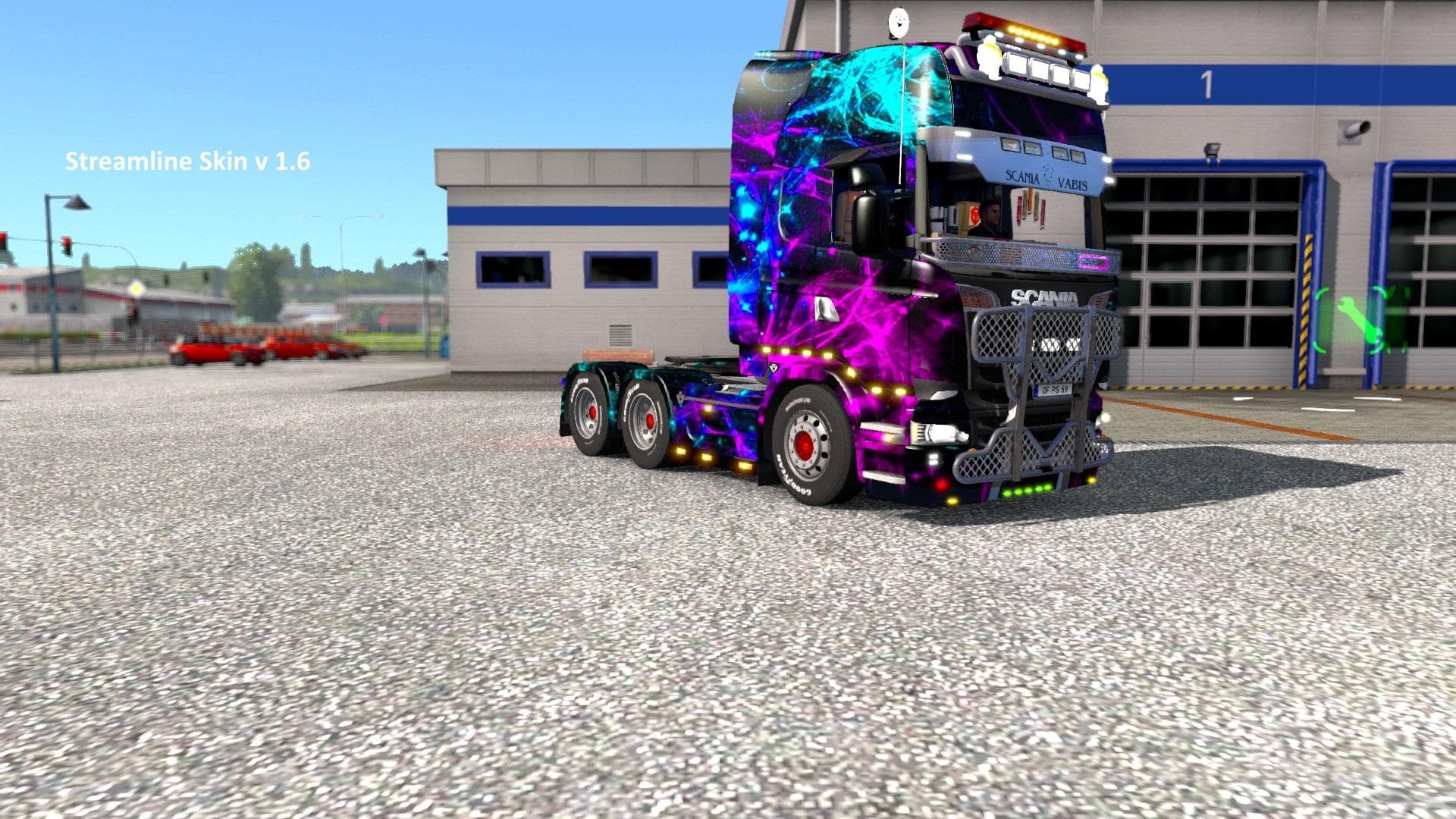
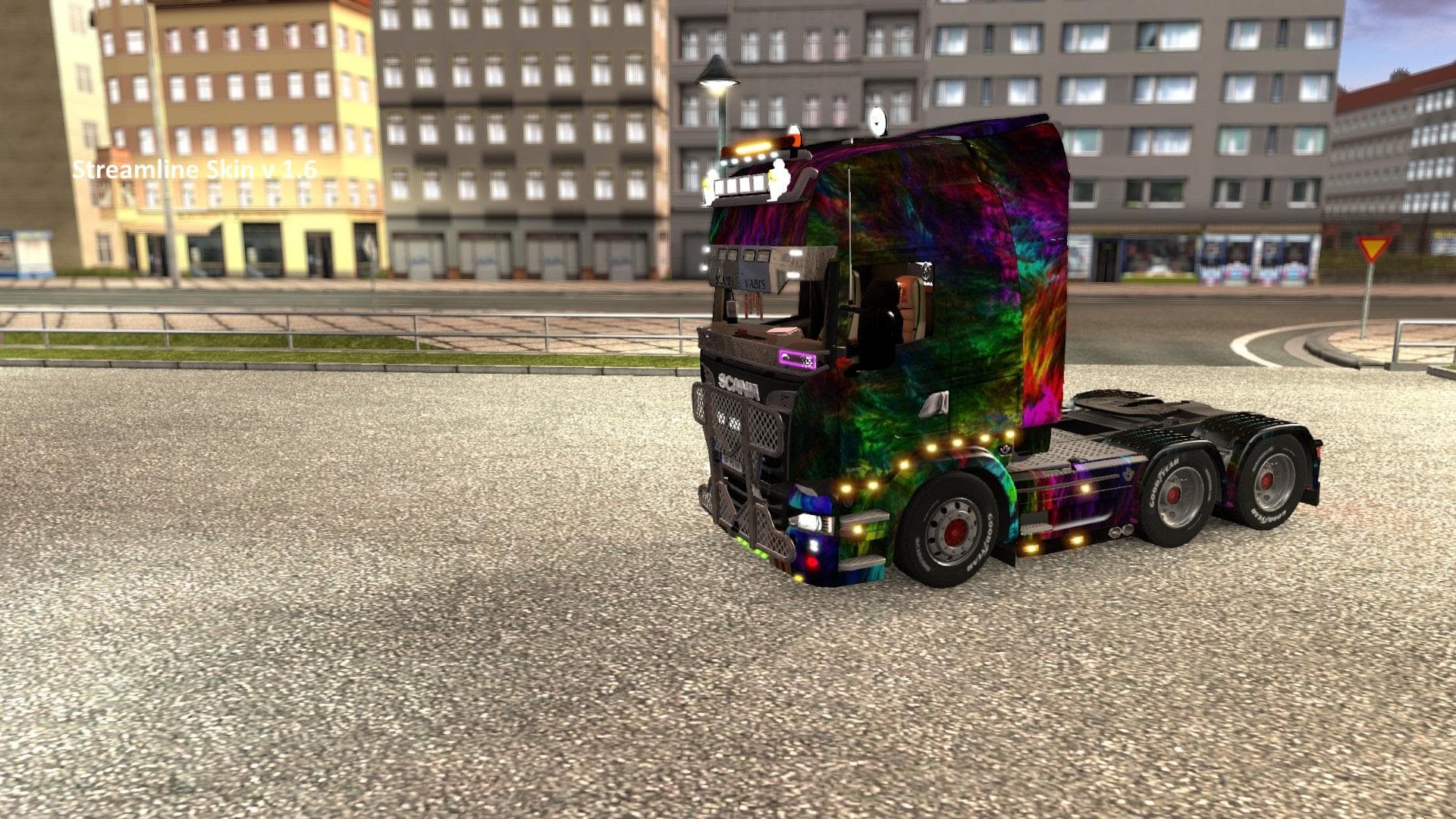
The SCANIA STREAMLINERSKIN PACK offers a set of four different paint schemes designed specifically for the Streamliner truck in Euro Truck Simulator 2. This mod focuses on changing the exterior appearance without altering the truck’s model or performance, allowing you to customize your rig's look through the in-game paint shop. Each skin reflects a unique color variant that fits well with players who prefer visual variety while keeping their favorite truck model unchanged.
Skin mods like this one work by repainting existing trucks and are dependent on the base vehicle they were created for. Since this pack targets the Streamliner, it will only apply correctly to that model. These types of mods typically require no complex installation beyond placing files in the mod folder, and players can select their preferred skin when buying or repainting their truck in-game.
When used alongside other mods, skin packs generally have minimal compatibility issues because they only affect textures and not gameplay or truck mechanics. However, load order can matter if multiple skins target the same vehicle; ensuring this mod loads after others can help avoid conflicts or overrides.
This pack supports ETS2 version 1.6, so it suits players running that or compatible versions of the game. It’s ideal for those who want a fresh look for their Streamliner without swapping out models or adding heavy content mods. Skin enthusiasts and streamers who enjoy customizing trucks visually will find this pack straightforward and easy to use.
Overall, if you like driving a Streamliner and want some new color options to choose from at the paint shop, this mod fits neatly into a modded setup focused on cosmetic upgrades. It allows for simple personalization that doesn’t interfere with other gameplay mods or truck add-ons.
Since creator details and exact file size are unknown, users should back up existing files before installing any new skins and keep an eye out for updates compatible with newer ETS2 versions.
How to install
1. Download the .scs file. 2. Drop it into `Documents/Euro Truck Simulator 2/mod/`. 3. Enable in Mod Manager. 4. Apply the skin in the truck/trailer paint shop.
After the mod loads, save your game inside a safe area (parking lot or service) before deciding whether to keep it. If the game refuses to load with the mod enabled, check that all required DLCs are installed and that the supported ETS2 version chips on this page include your installed game patch.
Reviews
No ratings yetNo reviews yet — be the first to rate this mod.





