SCANIA STREAMLINE KHOKHLOMA SKIN
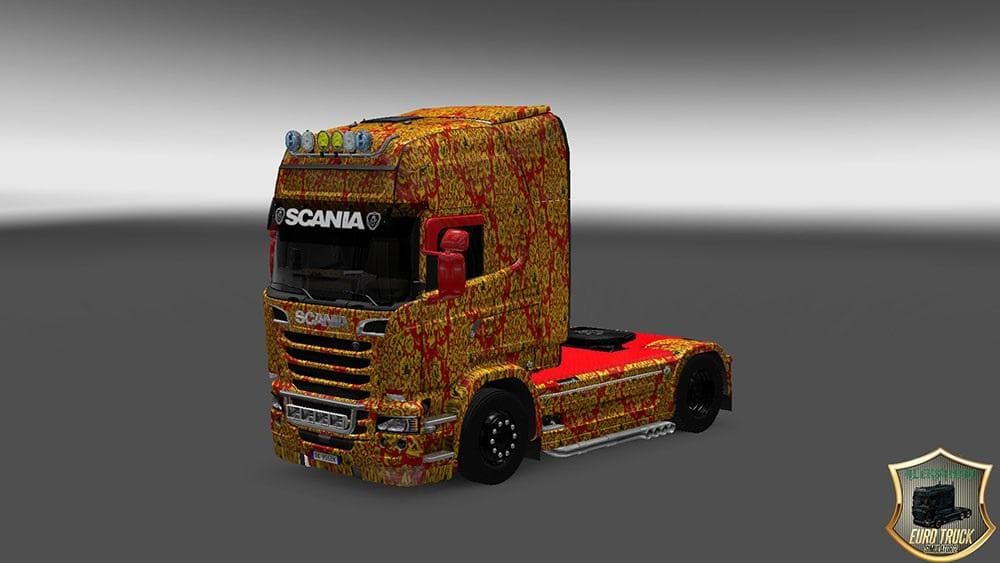
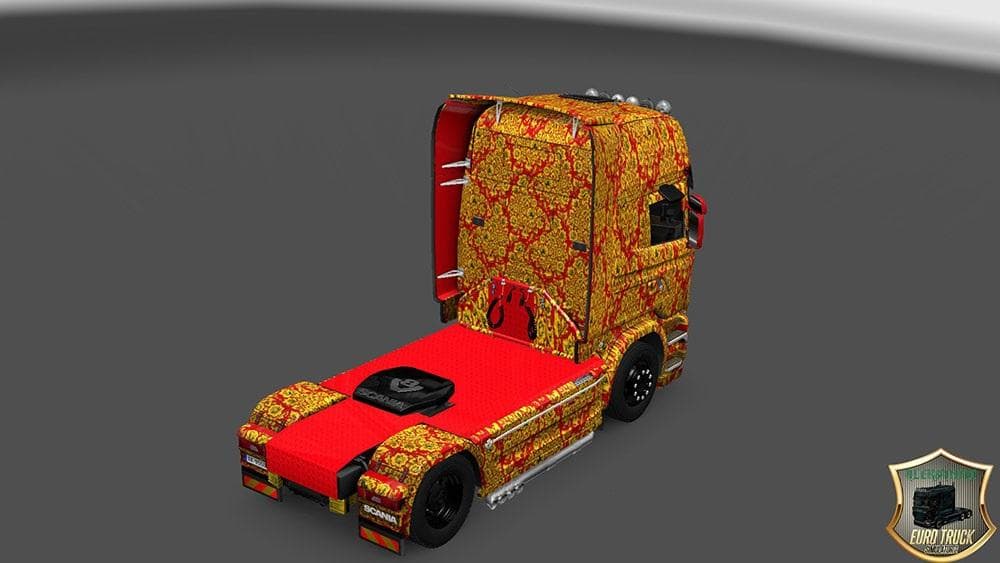
The SCANIA STREAMLINE KHOKHLOMA SKIN offers a distinctive repaint for the Scania Streamline truck in Euro Truck Simulator 2. This skin applies a decorative style inspired by traditional Khokhloma patterns, giving the truck a unique look without altering its base model or performance. It’s designed specifically for use with the Scania Streamline, so it will appear in the paint shop as an option once installed.
Skin mods like this one only change the visual appearance of trucks rather than adding new vehicles or gameplay elements. They work by replacing or overlaying textures on the existing model, making them easy to install and remove. Since they depend on the base vehicle, you need to have the Scania Streamline available in your game to use this Khokhloma design.
When integrating skins into a modded setup, it's important to load them correctly alongside other graphic mods. Typically, skins should be placed lower in your mod load order if you want their appearance to override other paint jobs or decals. Conflicts are rare but possible if multiple skins target the same truck model, so pay attention to what else is active in your profile.
This type of skin suits players who enjoy customizing their trucks with cultural or artistic designs that stand out during long hauls across Europe and beyond. Fans of the Scania brand looking for something different from standard colors might find this skin an interesting addition to their collection.
How to install
1. Download the .scs file. 2. Drop it into `Documents/Euro Truck Simulator 2/mod/`. 3. Enable in Mod Manager. 4. Apply the skin in the truck/trailer paint shop.
After the mod loads, save your game inside a safe area (parking lot or service) before deciding whether to keep it. If the game refuses to load with the mod enabled, check that all required DLCs are installed and that the supported ETS2 version chips on this page include your installed game patch.
Reviews
No ratings yetNo reviews yet — be the first to rate this mod.





