SCANIA STREAMLINE GIRL V3 SKIN 1.22
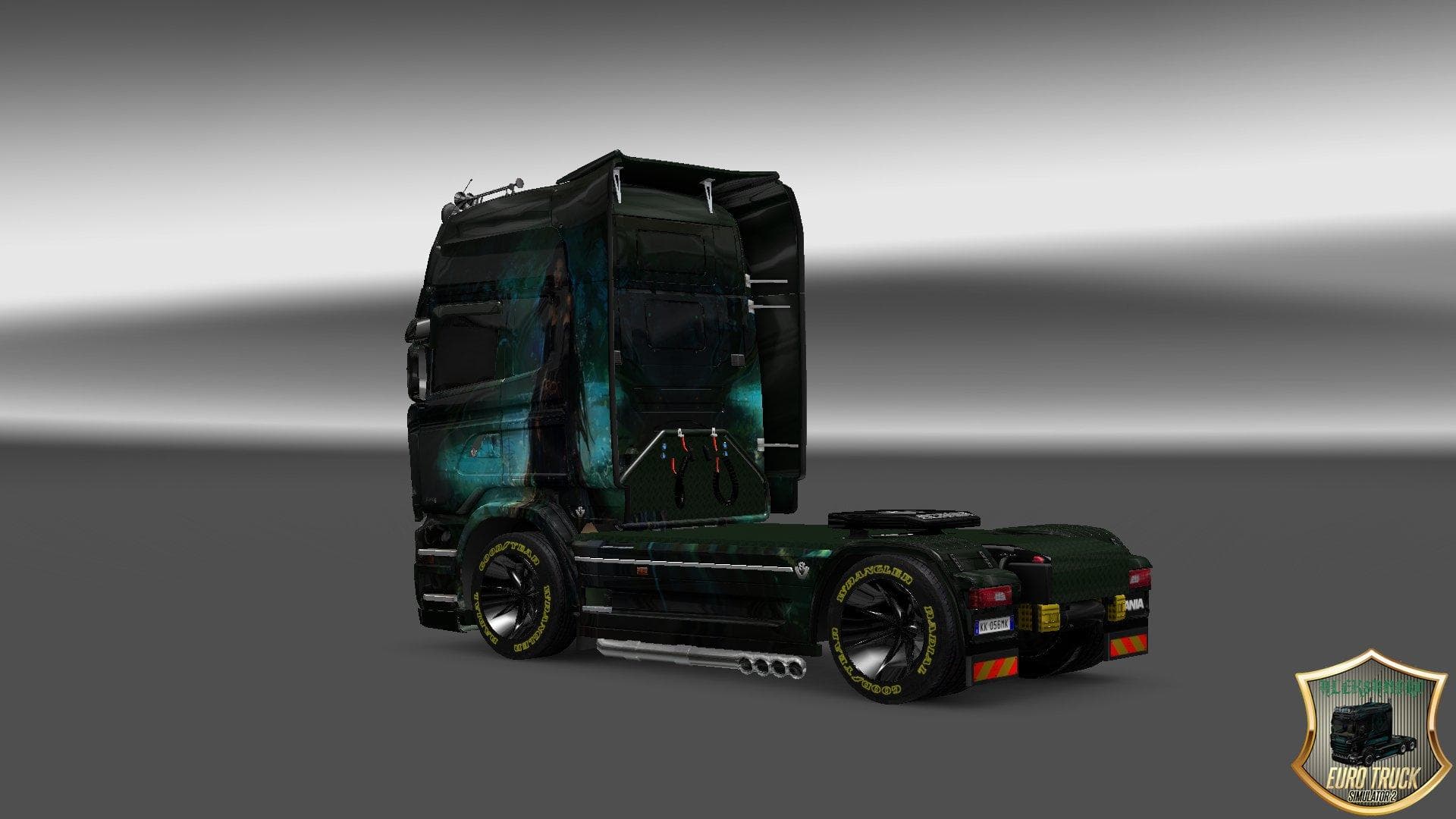
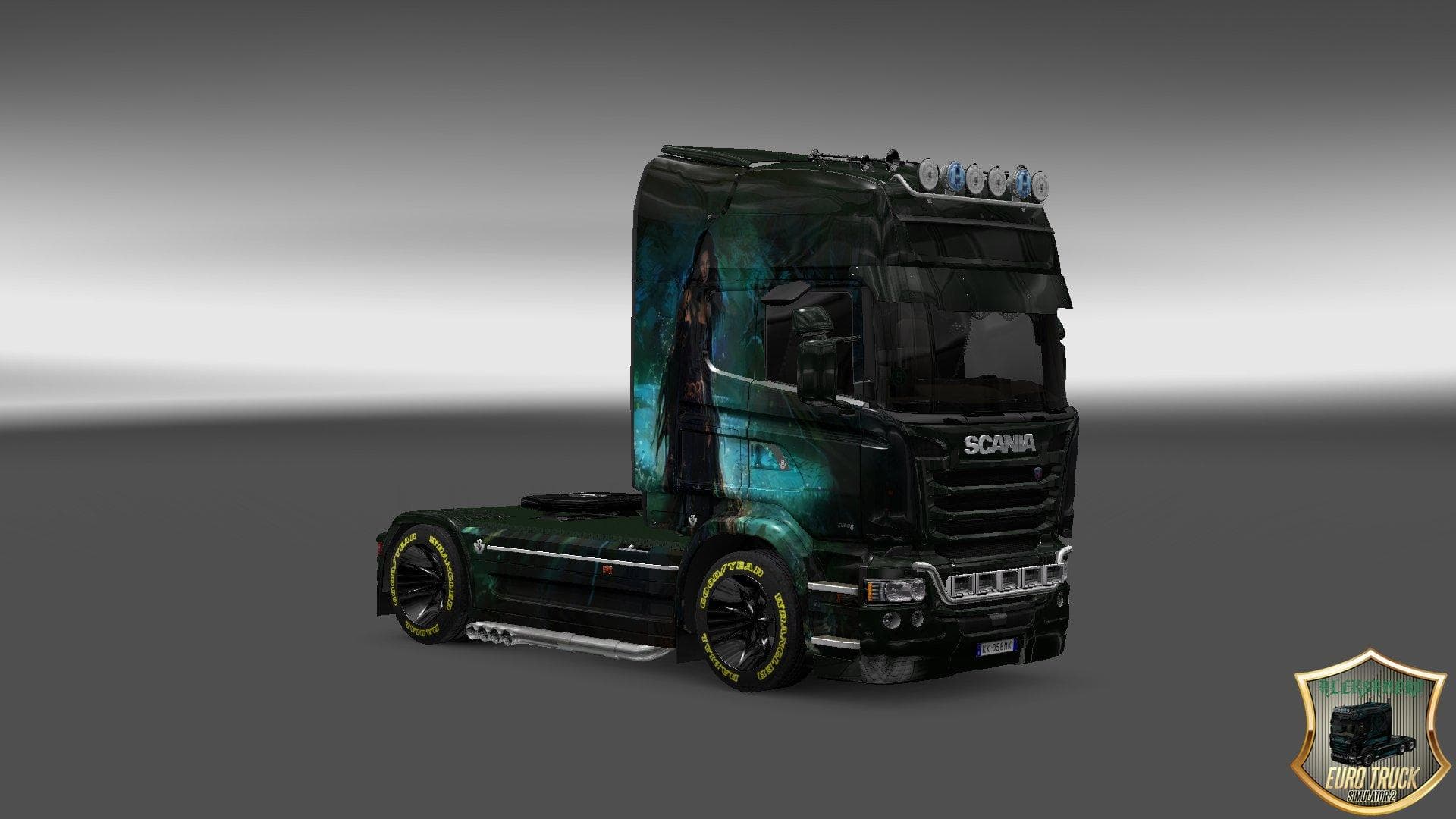
This mod is a skin for the Scania Streamline truck in ETS2, version 1.22. Created by Euro Truck Simulator 2, it features a Girl design (version 3) and has been
The SCANIA STREAMLINE GIRL V3 SKIN 1.22 is a repaint mod designed specifically for the Scania Streamline truck in Euro Truck Simulator 2 version 1.22. This skin modifies the truck’s exterior appearance without altering its base model, offering players a fresh visual style that stands out on the road. Since it targets only the paintwork, it gets applied through the game's paint shop interface once installed.
Skin mods like this one are quite popular because they allow players to personalize their vehicles without interfering with gameplay mechanics or performance. They work by replacing or adding texture files related to specific trucks, which means compatibility depends largely on matching the skin version with both the game and truck versions. In this case, it fits perfectly with ETS2 1.22 and the Scania Streamline model from that update.
When setting up a modded game environment, skins usually load after map or vehicle mods to ensure their visuals show correctly. They rarely conflict with other modifications unless another skin targets the same truck simultaneously. Players often stack multiple skins for different trucks but need to be cautious about load order if using several paint jobs for similar models.
This particular skin appeals to players who enjoy customizing their fleet's look and want a distinctive design applied to their Scania Streamline trucks. It's especially useful for those running mod collections focused on Scania vehicles or those aiming to add variety beyond stock appearances. Since it doesn't affect driving behavior, it's an easy addition for anyone wanting some visual change.
Overall, SCANIA STREAMLINE GIRL V3 SKIN offers a straightforward way to refresh your truck’s style in ETS2 version 1.22, fitting neatly into any setup that includes Scania Streamline trucks without complicating mod management or compatibility.
How to install
1. Download the .scs file. 2. Drop it into `Documents/Euro Truck Simulator 2/mod/`. 3. Enable in Mod Manager. 4. Apply the skin in the truck/trailer paint shop.
After the mod loads, save your game inside a safe area (parking lot or service) before deciding whether to keep it. If the game refuses to load with the mod enabled, check that all required DLCs are installed and that the supported ETS2 version chips on this page include your installed game patch.
Reviews
No ratings yetNo reviews yet — be the first to rate this mod.





