SCANIA STREAMLINE DS3 SKIN
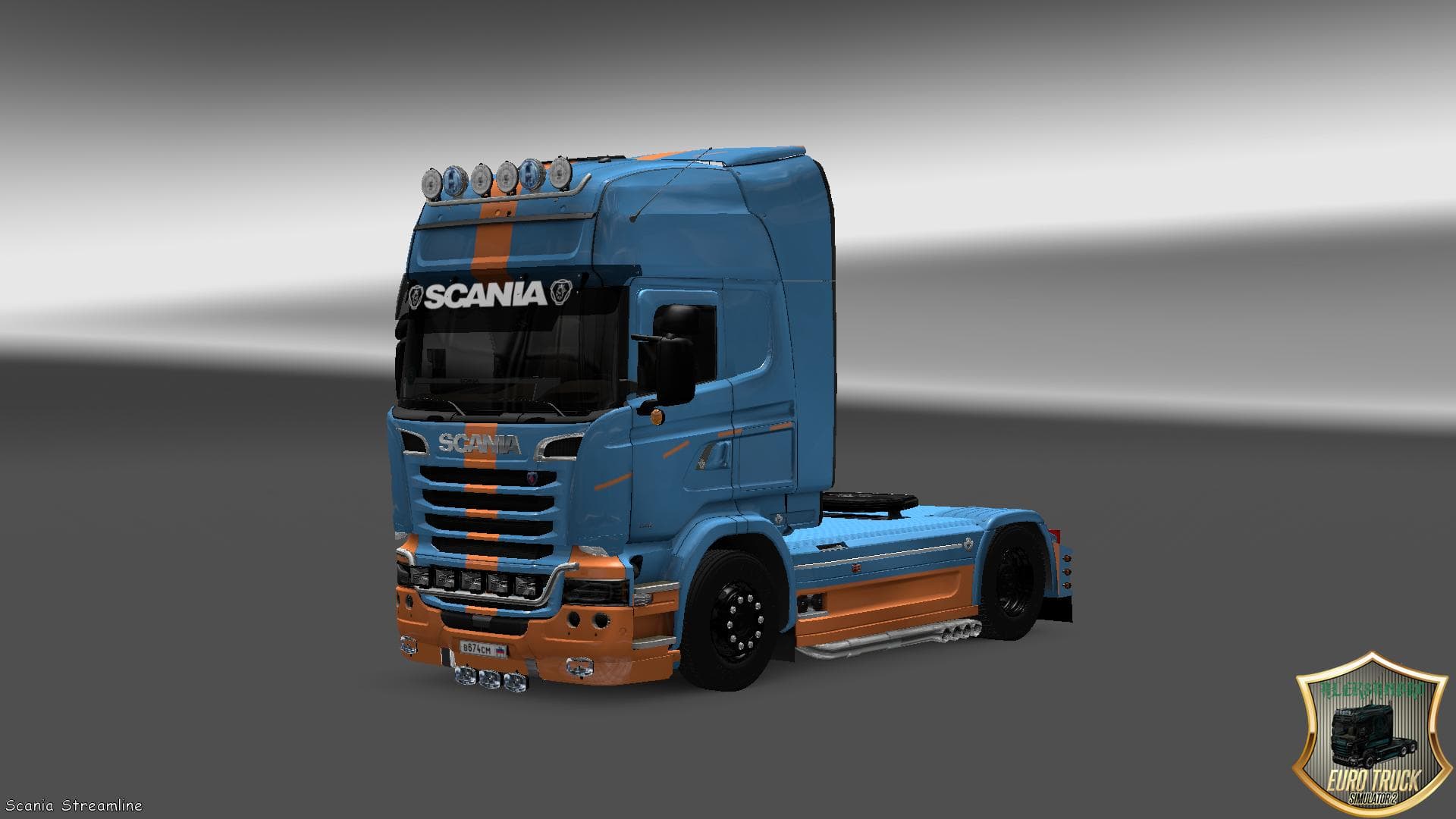
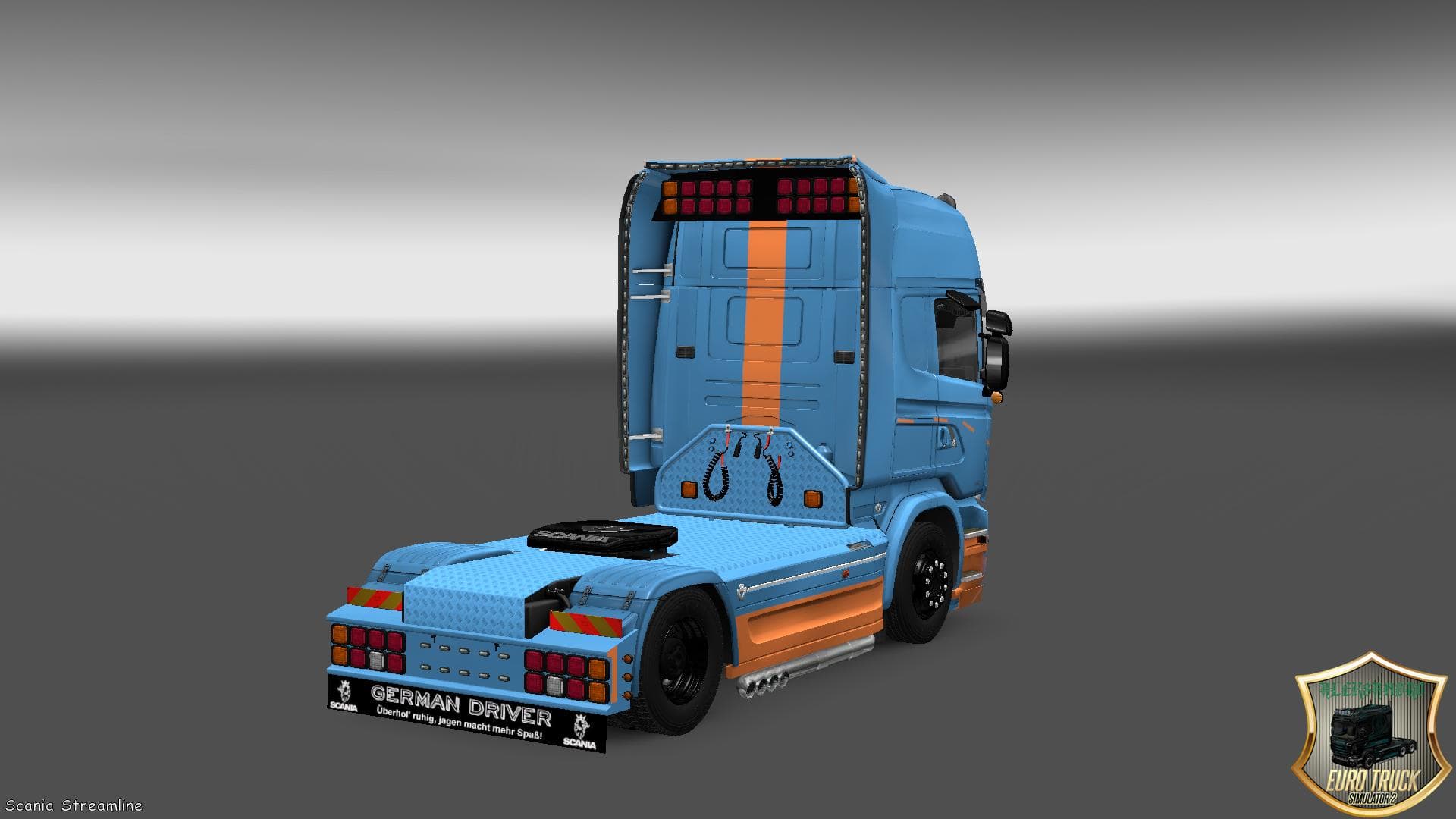
This mod is a skin for the Scania Streamline truck, featuring a DS3 design. The creator is credited as Aleksandro, and the file size is 5.4 MB. Other details su
The SCANIA STREAMLINE DS3 SKIN is a repaint mod designed specifically for the Scania Streamline truck in Euro Truck Simulator 2. This type of mod doesn't alter the truck's structure or performance but gives it a fresh appearance by changing its paint job. Applying this skin requires visiting the in-game paint shop where it replaces or adds to the existing color schemes available for the vehicle model.
Skin mods like this one are popular because they let players customize their trucks to stand out on the road without interfering with gameplay mechanics. Since skins only affect visuals, they typically work smoothly alongside other mods that modify trucks, trailers, or maps. However, it's good practice to ensure this skin is loaded after any mods that change the same truck's appearance to avoid conflicts.
In a modded setup, skins such as the DS3 design fit well as cosmetic upgrades. Players who enjoy collecting or showcasing different liveries will find this mod useful for expanding their visual options. The load order generally places skins after model-changing mods, so they can properly apply their textures without being overridden.
This skin caters to those who drive Scania Streamline trucks frequently and want a new look without switching models. It suits players focused on roleplaying or those who simply want variety in their fleet's aesthetics. Because it’s a straightforward repaint, it's easy to install and remove through the usual ETS2 mod manager interface.
While details like version compatibility or file size aren't specified, skin mods usually maintain broad compatibility across many ETS2 versions as long as they're intended for the correct base model. As with all skins, making sure your game version supports custom paints is key before adding this mod.
How to install
1. Download the .scs file. 2. Drop it into `Documents/Euro Truck Simulator 2/mod/`. 3. Enable in Mod Manager. 4. Apply the skin in the truck/trailer paint shop.
After the mod loads, save your game inside a safe area (parking lot or service) before deciding whether to keep it. If the game refuses to load with the mod enabled, check that all required DLCs are installed and that the supported ETS2 version chips on this page include your installed game patch.
Reviews
No ratings yetNo reviews yet — be the first to rate this mod.





