SCANIA STREAMLINE BLUE CARBON SKIN
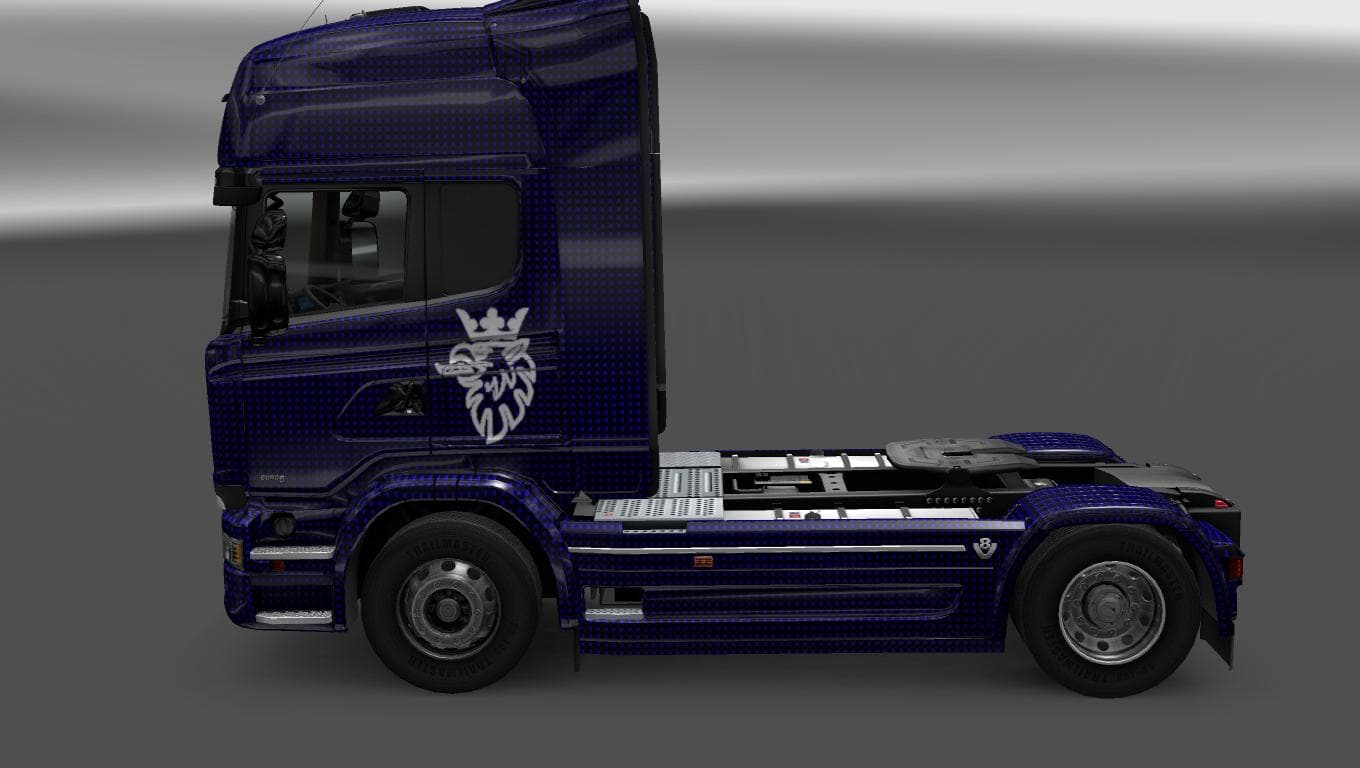
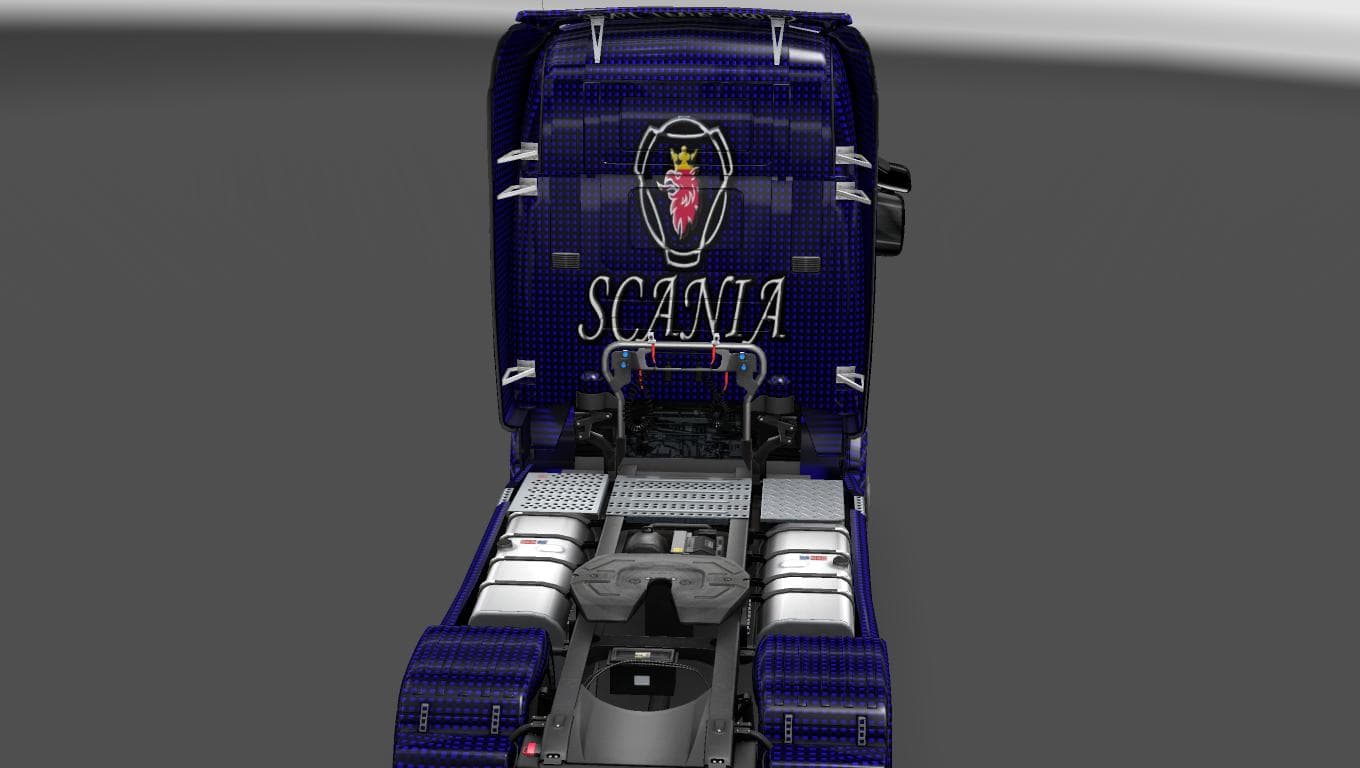
This mod is a skin for the Scania Streamline truck in ETS2 version 1.22, featuring a blue carbon design. Created by Euro Truck Simulator 2, the skin was tested
The SCANIA STREAMLINE BLUE CARBON SKIN is a repaint mod specifically designed for the Scania Streamline truck in Euro Truck Simulator 2. This type of mod doesn't alter the truck's structure or performance but changes its exterior appearance, offering a fresh visual style. Skins like this are applied through the game's paint shop and require the corresponding base model to work correctly.
Skin mods such as this one provide an easy way to customize your trucks without adding new vehicles or parts. Since it targets the Scania Streamline, it fits well into setups where you want to keep your favorite truck model but give it a unique look. Because it's compatible with ETS2 version 1.22, users running that or similar versions should have no trouble using it.
When using skin mods, load order can matter if you have multiple skins or other cosmetic mods for the same truck. Typically, only one skin can be active at a time on a single vehicle, so make sure this blue carbon option is loaded appropriately in your mod manager to avoid conflicts. It’s also wise to check compatibility with other mods affecting the Scania Streamline to prevent any visual glitches.
Players who enjoy personalizing their fleet will find this mod useful for adding variety without complicating gameplay. It’s ideal for those who want a subtle yet distinct color scheme different from stock options. Since it doesn’t affect gameplay mechanics, it integrates smoothly into both vanilla and heavily modded environments.
This skin offers a clean and modern aesthetic that can complement many types of virtual trucking routes across various European landscapes featured in ETS2. While the creator remains unknown, the mod has been tested and confirmed working on game version 1.22, giving some reassurance regarding stability.
In short, if you're looking to refresh your Scania Streamline’s look with a blue carbon theme, this skin delivers a straightforward solution that's easy to install and manage within your existing mod collection.
How to install
1. Download the .scs file. 2. Drop it into `Documents/Euro Truck Simulator 2/mod/`. 3. Enable in Mod Manager. 4. Apply the skin in the truck/trailer paint shop.
After the mod loads, save your game inside a safe area (parking lot or service) before deciding whether to keep it. If the game refuses to load with the mod enabled, check that all required DLCs are installed and that the supported ETS2 version chips on this page include your installed game patch.
Reviews
No ratings yetNo reviews yet — be the first to rate this mod.





