SCANIA STREAMLINE ABSTRACT SKIN
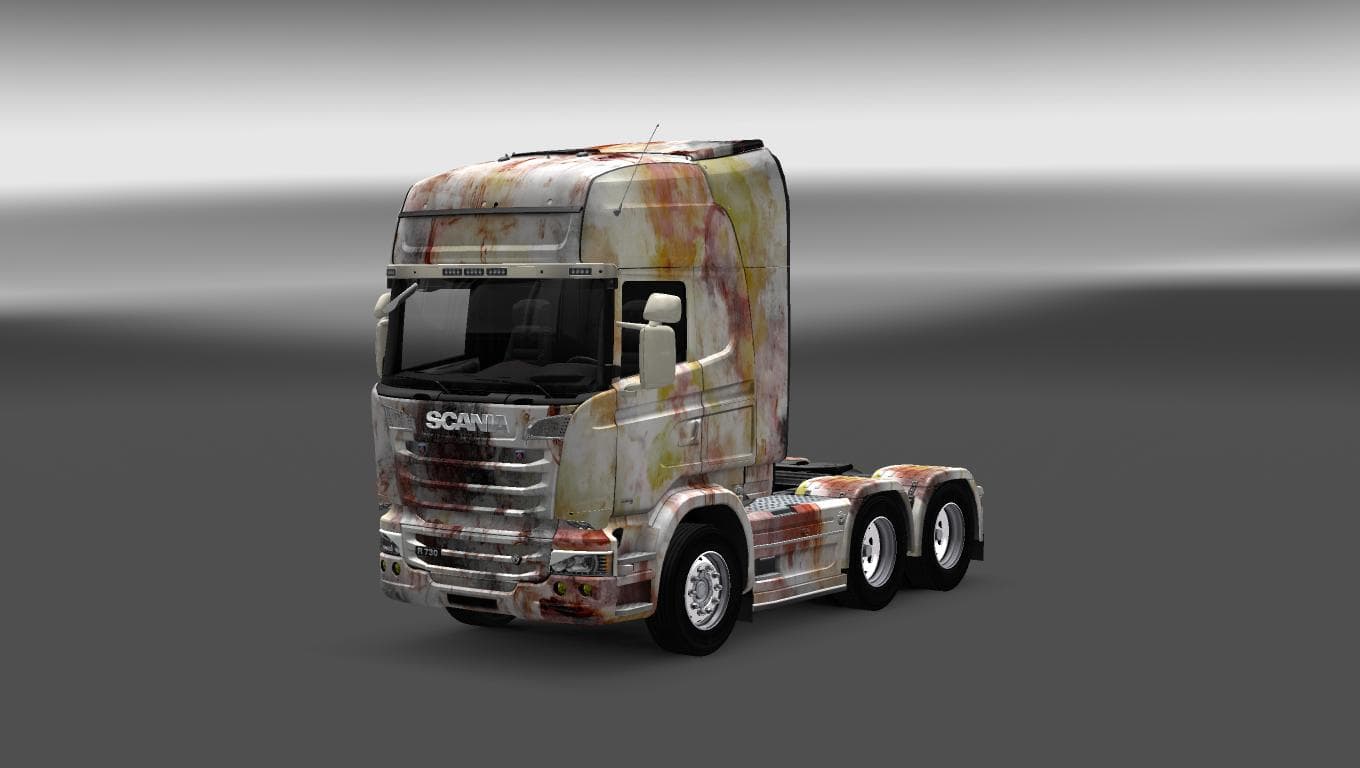
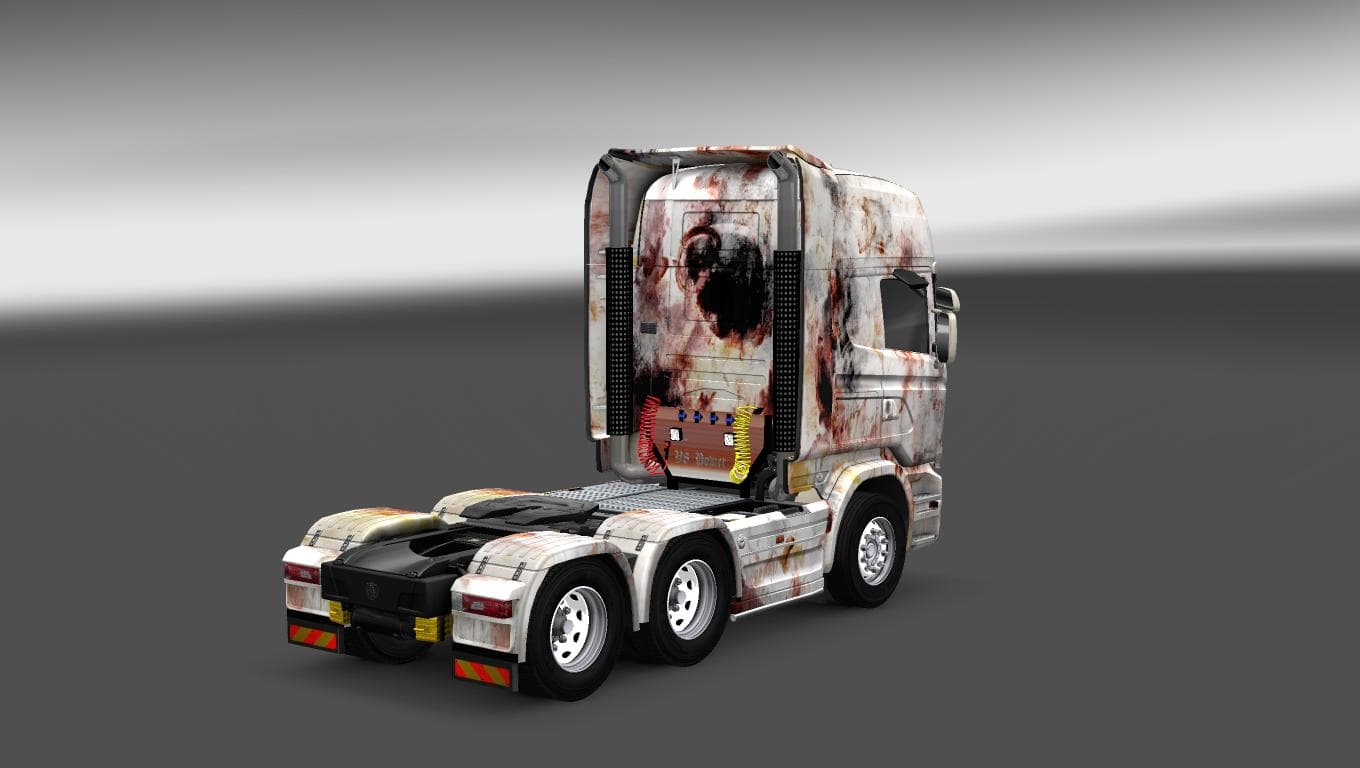
SCANIA STREAMLINE ABSTRACT SKIN is an ETS2 skins. Listed compatible with ETS2 1.22.
The SCANIA STREAMLINE ABSTRACT SKIN is a paint job designed for the Scania Streamline truck model in Euro Truck Simulator 2. It repaints the existing vehicle's exterior without altering any of its structural or mechanical features. Skins like this one are applied through the game's paint shop, where players can customize their trucks' looks based on the available options tied to each truck model.
Skin mods serve to personalize your truck fleet by changing how your vehicles appear on the road. They don't affect gameplay mechanics but offer a way to express individual style or thematic preferences within ETS2. This particular mod supports version 1.22 of the game, so it's suited for setups running that or compatible versions.
In a modded setup, skin mods such as this one generally load well alongside other visual enhancements like trailer skins or map expansions since they don't interfere with core game files or performance. However, users should ensure they are compatible with their current ETS2 version and avoid loading multiple skins for the same truck simultaneously to prevent conflicts.
This abstract skin could appeal to players looking to add a unique design element to their Scania Streamline trucks without deviating from realistic styling. It fits nicely into collections focused on truck personalization and complements other cosmetic mods that target vehicle appearance rather than gameplay changes.
While details about the creator and file size remain unknown, installing this type of mod usually involves placing it in the ETS2 mod folder and activating it through the game's mod manager before starting a profile. Careful attention to load order is recommended if combining several skins or visual mods, although skins rarely require complex adjustments.
Overall, anyone who enjoys customizing their trucks' visual identity will find this repaint option worth trying out. It's straightforward to use and integrates smoothly into most Euro Truck Simulator 2 setups that support version 1.22.
How to install
1. Download the .scs file. 2. Drop it into `Documents/Euro Truck Simulator 2/mod/`. 3. Enable in Mod Manager. 4. Apply the skin in the truck/trailer paint shop.
After the mod loads, save your game inside a safe area (parking lot or service) before deciding whether to keep it. If the game refuses to load with the mod enabled, check that all required DLCs are installed and that the supported ETS2 version chips on this page include your installed game patch.
Reviews
No ratings yetNo reviews yet — be the first to rate this mod.





