SCANIA RS RJL UPS SKIN
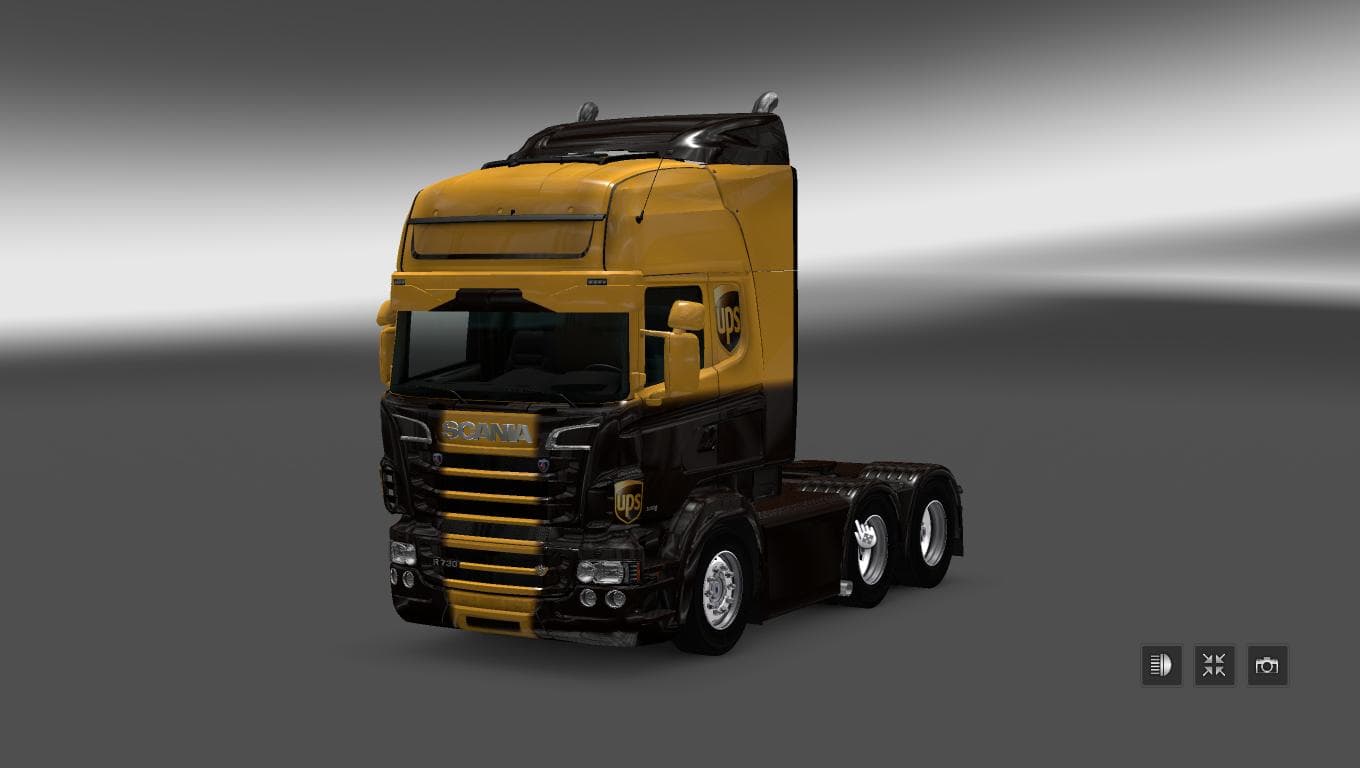
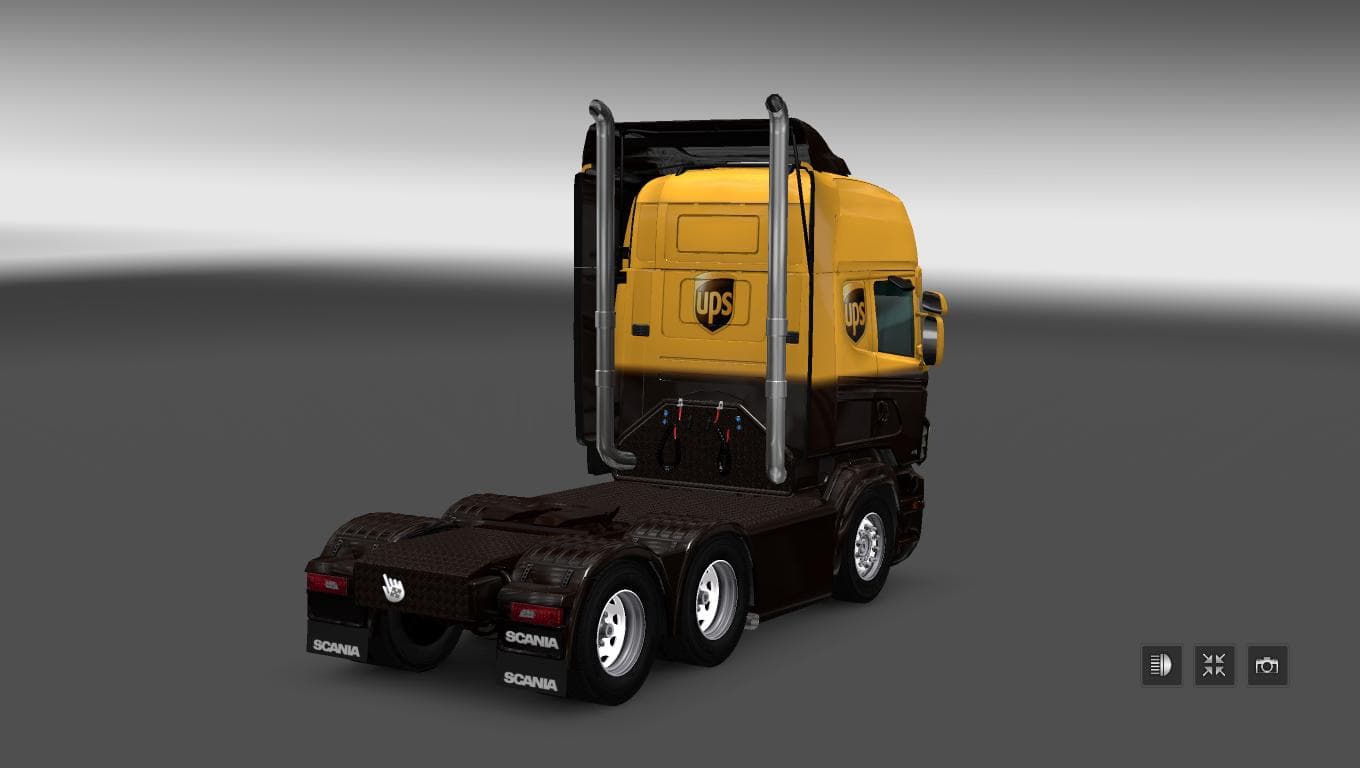
The SCANIA RS RJL UPS SKIN mod is a skin for the Scania RS RJL truck in Euro Truck Simulator 2 version 1.22. The creator is Euro truck simulator 2, and the file
The SCANIA RS RJL UPS SKIN is a paint job mod designed specifically for the Scania RS RJL truck model in Euro Truck Simulator 2. It repaints the truck with a design inspired by UPS, giving your rig a fresh and distinctive look without altering its original shape or performance. Skins like this one are applied directly in the game's paint shop and rely on having the base vehicle installed to work properly.
Skin mods such as this don't change gameplay mechanics but instead focus on visual customization. They allow players to personalize their trucks to reflect different companies, themes, or personal tastes. Since this skin targets a particular Scania model, it slots neatly into any modded setup that includes the same base truck. There's no impact on driving physics or engine sounds because it's purely cosmetic.
When adding skin mods, load order usually isn't complicated since they only overwrite textures for specific vehicles. However, if you have multiple skins for the same truck, only one can be active at a time. It's wise to check compatibility with other mods that might also alter paint jobs or related assets for the Scania RS RJL to avoid conflicts.
This skin supports ETS2 version 1.22, so make sure your game version matches before installation. Although details about the file size and creator are unknown, installing skins typically involves placing files into your mod folder and enabling them through the game's mod manager interface.
Truckers who enjoy customizing their fleet with company liveries will appreciate what this UPS-themed repaint offers. It fits well into American-themed profiles or those focused on realistic cargo operations involving recognizable brands. If you run mods featuring trucks from various regions like Germany or France, adding this skin can diversify your visual experience without affecting your core gameplay.
How to install
1. Download the .scs file. 2. Drop it into `Documents/Euro Truck Simulator 2/mod/`. 3. Enable in Mod Manager. 4. Apply the skin in the truck/trailer paint shop.
After the mod loads, save your game inside a safe area (parking lot or service) before deciding whether to keep it. If the game refuses to load with the mod enabled, check that all required DLCs are installed and that the supported ETS2 version chips on this page include your installed game patch.
Reviews
No ratings yetNo reviews yet — be the first to rate this mod.





