SCANIA RS RJL TRANS EUROPE CORPORATION SKIN
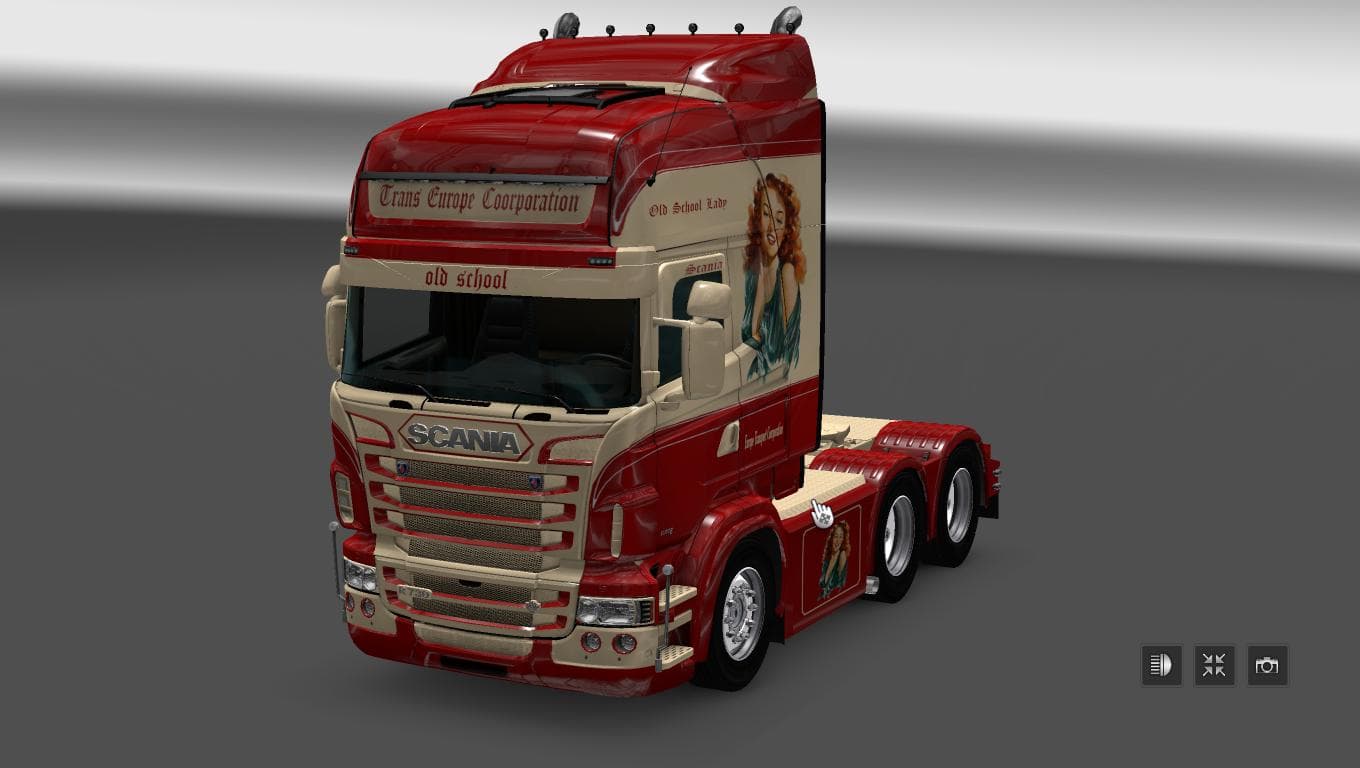
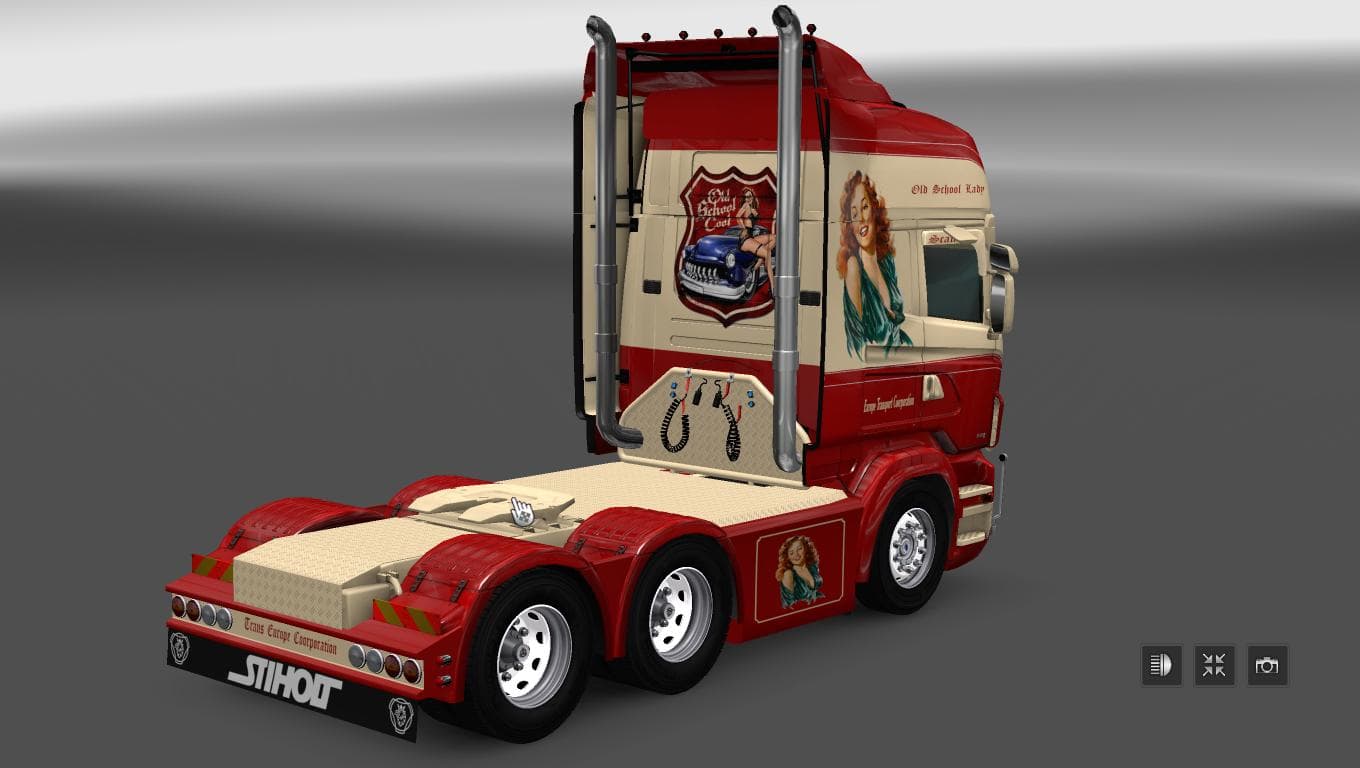
This skin mod for Scania RS RJL in ETS2 features the Trans Europe Corporation design, compatible with version 1.22. Created by Euro Truck Simulator 2, the file
The SCANIA RS RJL TRANS EUROPE CORPORATION SKIN is a repaint mod designed specifically for the Scania RS RJL truck in Euro Truck Simulator 2. This skin changes the truck's appearance without altering its model or performance. Skins like this one are applied through the paint shop and require the base vehicle they're made for to be installed in your game.
Skin mods in ETS2 serve to customize trucks visually, allowing players to personalize their fleet without touching gameplay mechanics. They usually come as .scs files that you place in your mod folder and activate via the game's mod manager. This particular skin supports ETS2 version 1.22, so it fits setups running or compatible with that version.
When adding skins to a modded setup, it's good practice to keep them loaded after any map or gameplay mods since they only affect visuals. Because this skin targets a specific truck model, it won't conflict with other mods unless they also modify the same vehicle or skin files. Load order generally doesn't pose issues for skins unless multiple skins compete for the same truck.
This Trans Europe Corporation design may appeal to players who enjoy trucking across European regions and want their Scania RS RJL to reflect a corporate livery rather than default colors. It’s a straightforward way to enhance immersion or simply switch up your truck’s look when driving through countries like Germany, France, or Belgium.
Even without detailed credits or file size info, these kinds of skins provide a simple customization route and fit nicely into any collection of visual mods focused on European trucking themes. If you run version 1.22 and drive Scanias regularly, this repaint could slot right into your lineup.
How to install
1. Download the .scs file. 2. Drop it into `Documents/Euro Truck Simulator 2/mod/`. 3. Enable in Mod Manager. 4. Apply the skin in the truck/trailer paint shop.
After the mod loads, save your game inside a safe area (parking lot or service) before deciding whether to keep it. If the game refuses to load with the mod enabled, check that all required DLCs are installed and that the supported ETS2 version chips on this page include your installed game patch.
Reviews
No ratings yetNo reviews yet — be the first to rate this mod.





