SCANIA RS RJL SÖDERTÄLJE SKIN
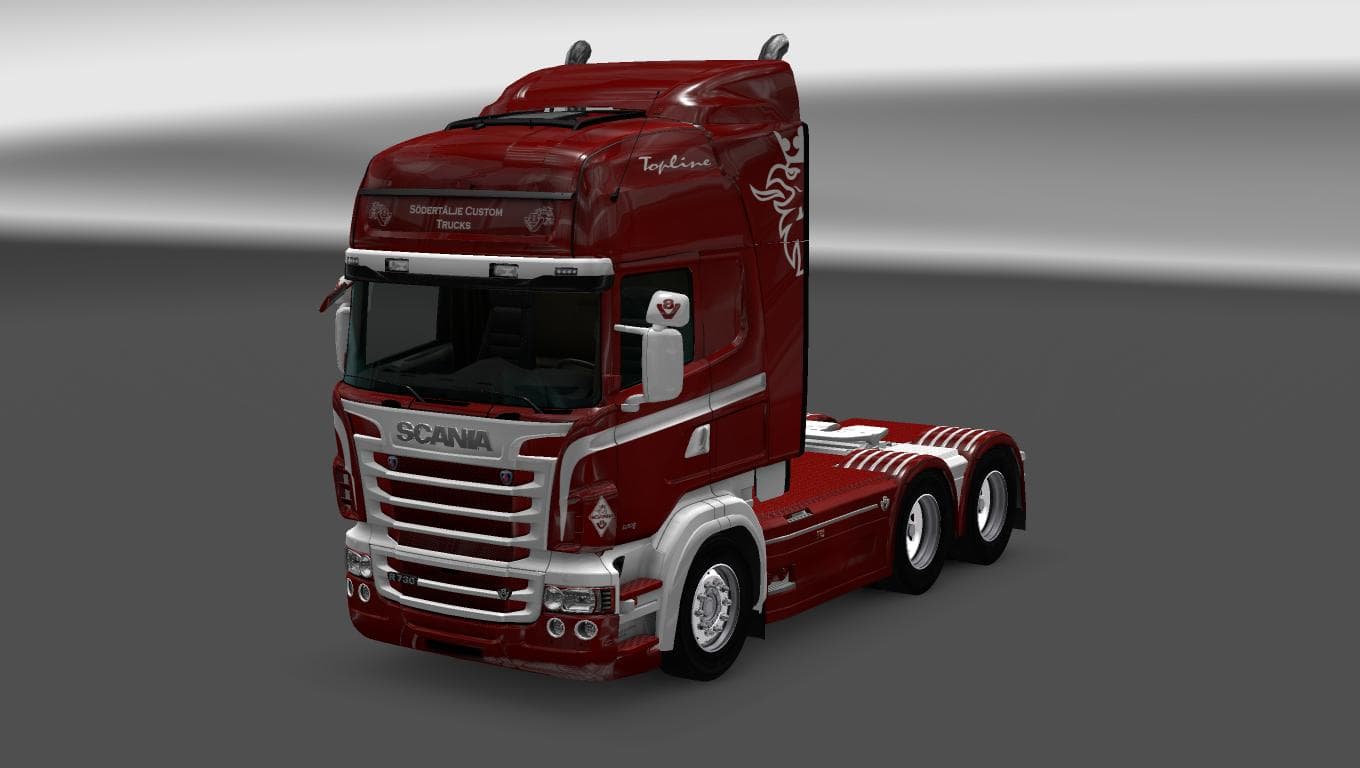
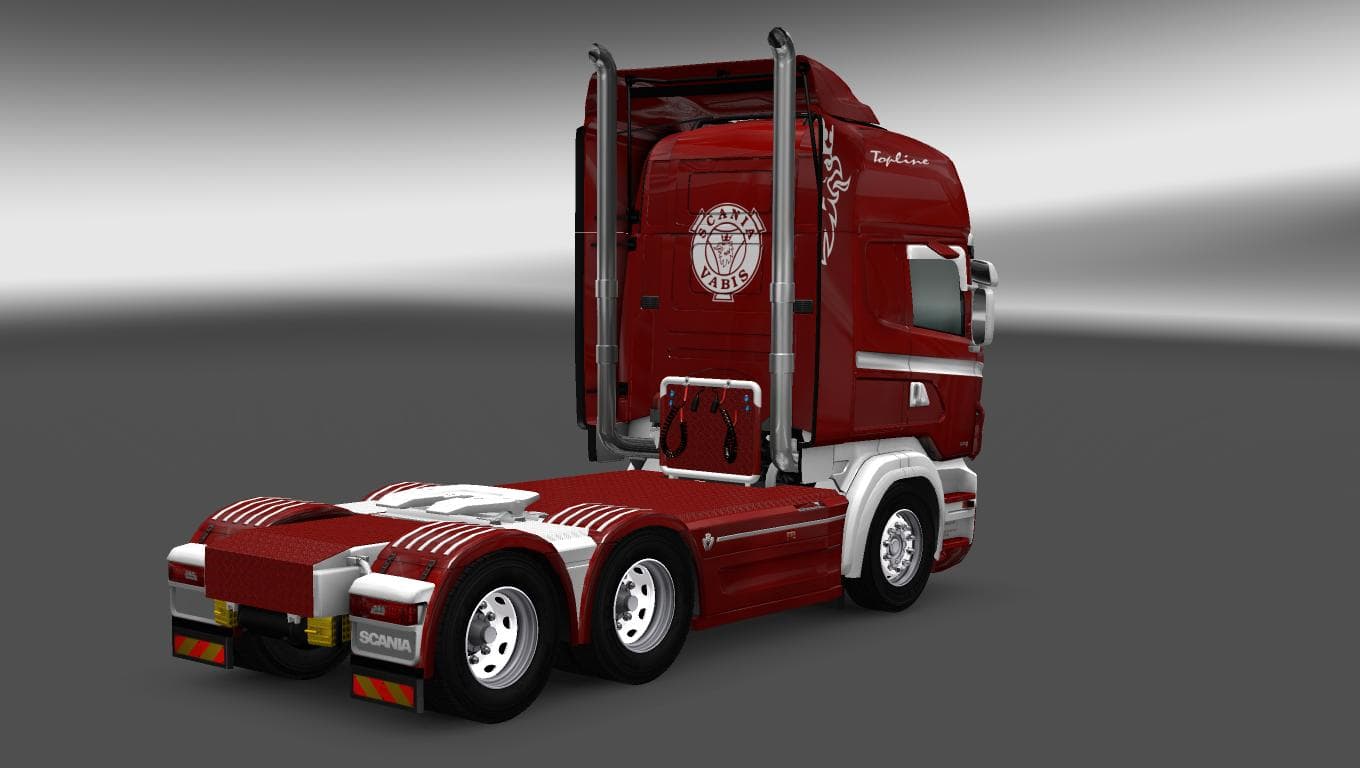
This mod is a skin for the Scania RS RJL truck in Euro Truck Simulator 2, specifically designed for version 1.22. Created by Euro Truck Simulator 2, the file si
The SCANIA RS RJL SÖDERTÄLJE SKIN is a paint job designed specifically for the Scania RS RJL truck in Euro Truck Simulator 2. It doesn't alter the truck's model or performance but changes its visual appearance, giving your vehicle a fresh look that reflects the style associated with Södertälje. Skins like this one are applied through the paint shop in-game and require having the matching base truck model installed to work properly.
Skin mods in ETS2 function by repainting existing trucks, trailers, or cabins without changing any underlying mechanics or dimensions. They're popular among players who want to customize their fleet without adding new models or affecting gameplay balance. This type of mod is usually lightweight and straightforward to install, often just placed into the mod folder and activated from the game's mod manager.
When adding skin mods such as this, it's important to load them after any mods that change the base truck model to avoid conflicts. Since this skin supports ETS2 version 1.22, it fits well within setups running that version but might not be compatible with newer game releases without updates. Combining multiple skins won't cause issues as long as they're for different vehicles or variants.
Players who enjoy personalizing their trucks visually will find this skin useful, especially if they prefer Scania RS RJL models and want to represent Södertälje's design aesthetics in their convoy. It suits those aiming for a cohesive look across their fleet or simply wanting a unique paint job that stands out on European roads.
Overall, this kind of skin is ideal for users looking to enhance immersion through visual detail without complicating their mod setup. It's an easy way to refresh your favorite truck with a distinct theme tied to Swedish trucking culture.
How to install
1. Download the .scs file. 2. Drop it into `Documents/Euro Truck Simulator 2/mod/`. 3. Enable in Mod Manager. 4. Apply the skin in the truck/trailer paint shop.
After the mod loads, save your game inside a safe area (parking lot or service) before deciding whether to keep it. If the game refuses to load with the mod enabled, check that all required DLCs are installed and that the supported ETS2 version chips on this page include your installed game patch.
Reviews
No ratings yetNo reviews yet — be the first to rate this mod.





