SCANIA RS RJL FAMILY 4EVER SKIN
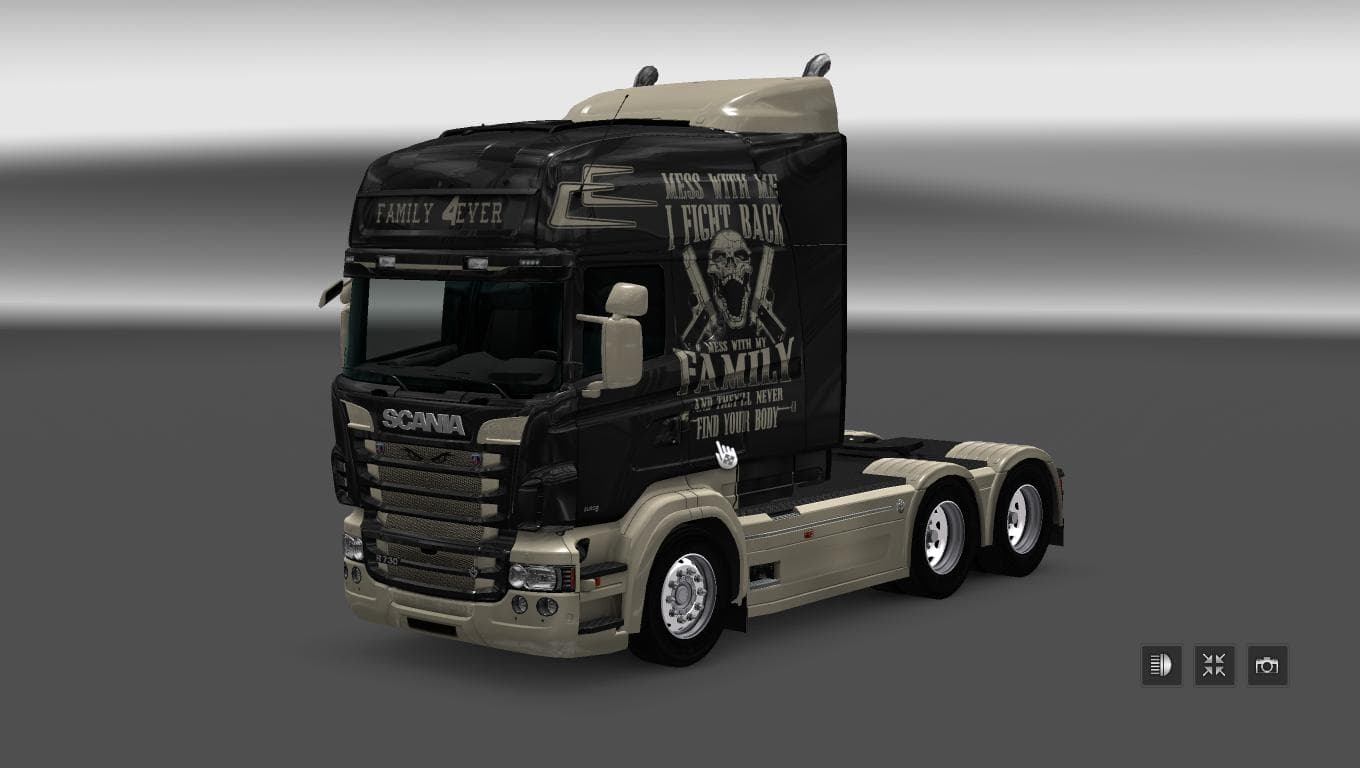
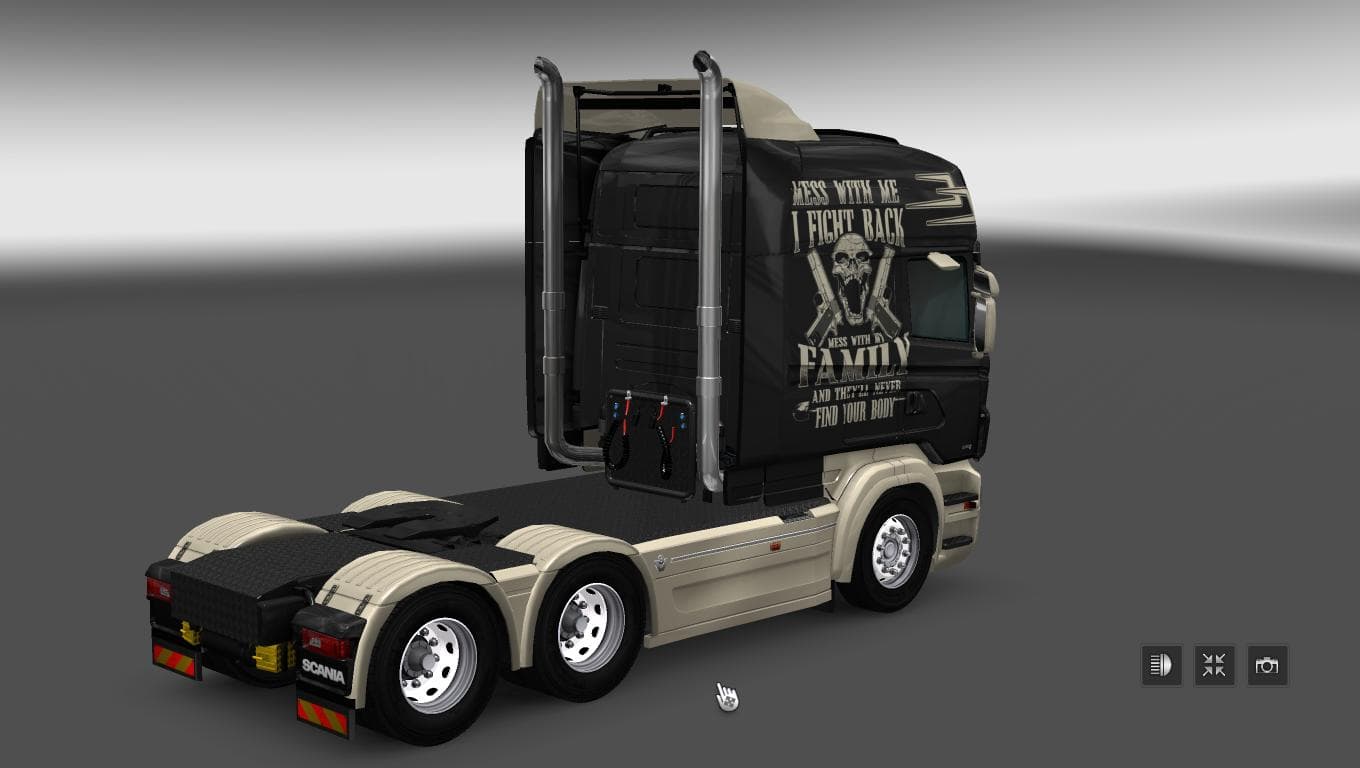
The SCANIA RS RJL FAMILY 4EVER SKIN is a skin mod for ETS2 version 1.22 created by Euro Truck Simulator 2. The mod features a Scania RS RJL Family 4ever skin de
The SCANIA RS RJL FAMILY 4EVER SKIN is a paint job designed specifically for the Scania RS RJL truck in Euro Truck Simulator 2. It doesn’t alter the truck’s model but gives it a fresh look by repainting the existing vehicle with unique graphics and colors. Skins like this one are applied directly in the game's paint shop, making it easy to customize your rig without needing extra vehicle mods.
Skin mods generally enhance your trucking experience by allowing you to personalize how trucks appear on the road. Since this mod targets a particular truck model, it requires the base Scania RS RJL to be installed first. Once added, it offers a new visual option that stands out from the default palettes available in ETS2 version 1.22, which this skin supports.
When incorporating skins into a modded setup, they usually sit near the top of your load order because they overwrite existing textures on the vehicle model. This means they should be loaded after any mods that change the truck’s shape or add extra parts to avoid conflicts. Because skins don’t affect gameplay mechanics, compatibility issues are minimal unless another skin targets the same truck with overlapping files.
This kind of mod is perfect for players who enjoy customizing their fleet's appearance and want their Scania RS RJL to carry a distinctive look on European roads. It fits well within themed setups where every detail, including paint jobs, reflects a specific style or group identity.
Although creator details and file size remain unknown, users can expect straightforward installation typical of skin mods: place the .scs file into the mod folder and activate it through ETS2’s mod manager. The focus here is purely aesthetic, providing an additional layer of personalization without altering driving dynamics or performance.
How to install
1. Download the .scs file. 2. Drop it into `Documents/Euro Truck Simulator 2/mod/`. 3. Enable in Mod Manager. 4. Apply the skin in the truck/trailer paint shop.
After the mod loads, save your game inside a safe area (parking lot or service) before deciding whether to keep it. If the game refuses to load with the mod enabled, check that all required DLCs are installed and that the supported ETS2 version chips on this page include your installed game patch.
Reviews
No ratings yetNo reviews yet — be the first to rate this mod.





